Work Tasks Setup
Overview
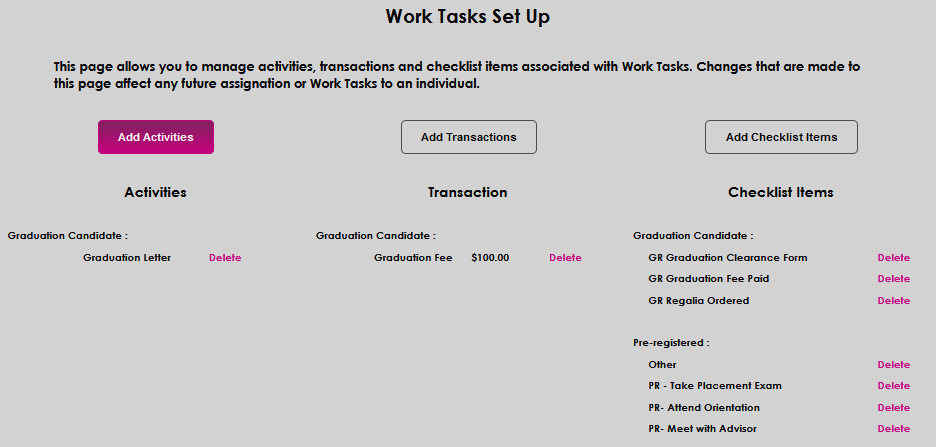
The Systems hub page Work Tasks Set Up is used to manage activities, transactions, and checklist items that will be assigned as work tasks. Activities, Transactions, and Checklist Items are created and managed on their corresponding pages and/or tables. Any changes or edits made to existing tasks on this page will affect the tasks that are currently assigned to users.
Setup
To add an activity, click Add Activities.
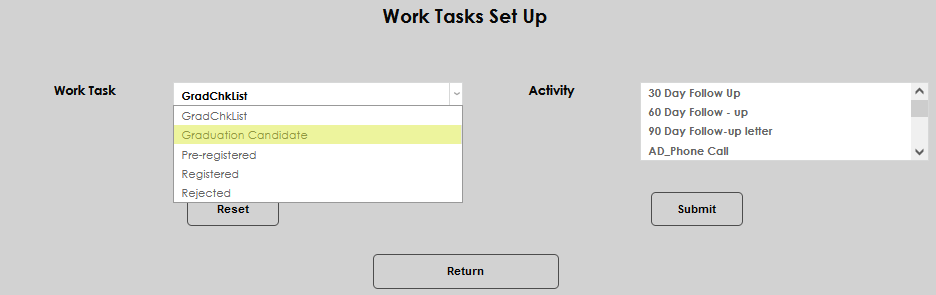
Select the Work Task to be managed from the drop-down menu. To appear in this menu, work tasks must be created in the Work Tasks Checklist table.
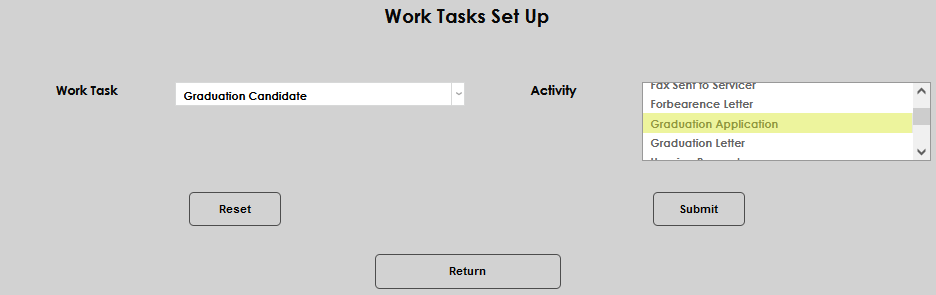
Select the Activity to associate with the chosen work task. To appear in this menu, an activity must be created on the Activities Systems menu page.
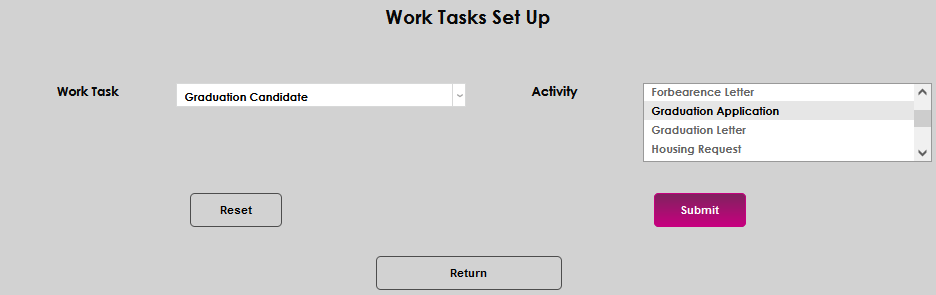
Click Submit to save the activity.
Transactions and Checklist Items are set up the same way as Activities, with the transactions requiring an additional entry of the amount that should be charged.