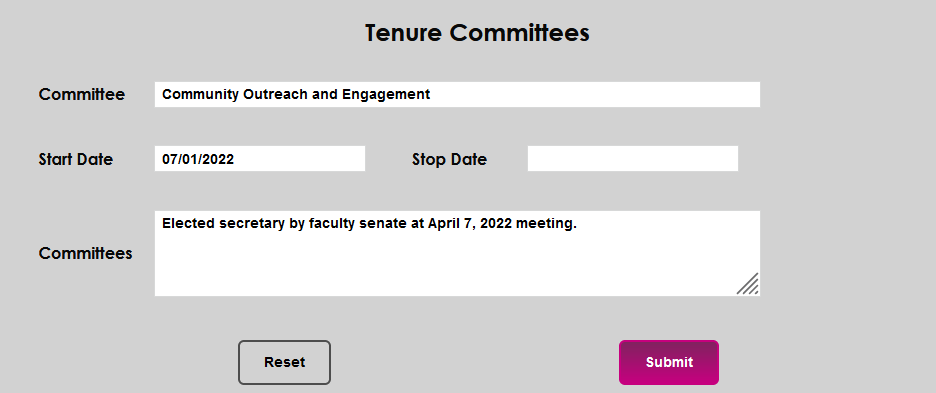
Tenure Committees
Overview
The Tenure Committees page in the Users hub provides the opportunity to record and maintain information about a faculty member's participation on tenure committees.
Click here for an overview of tenure pages.
Adding a Committee Association
Upon entering the page, any previously entered tenure committee activities will display. To enter a new tenure committee association, click Add.

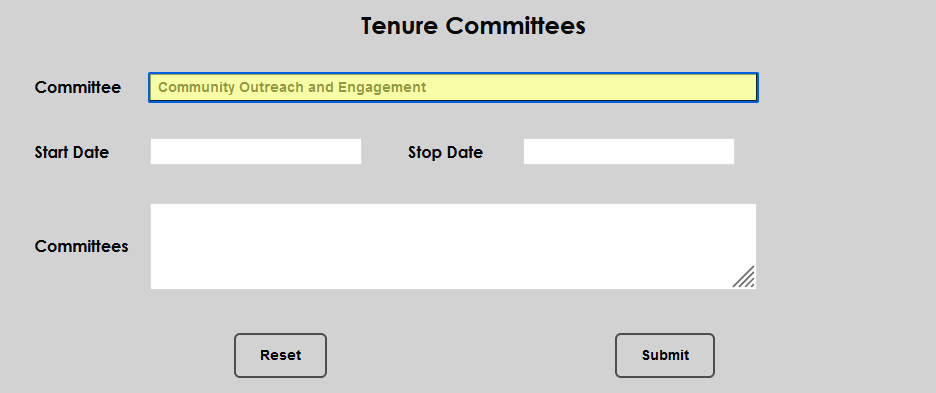
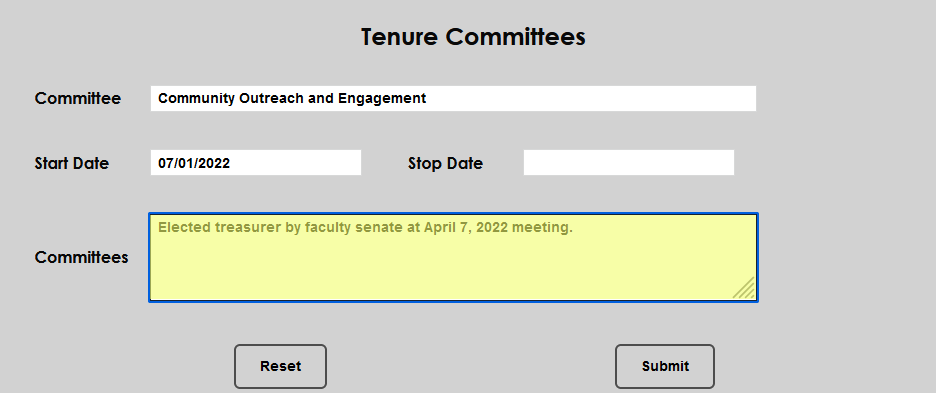
Enter the name of the committee association in the Committee field.
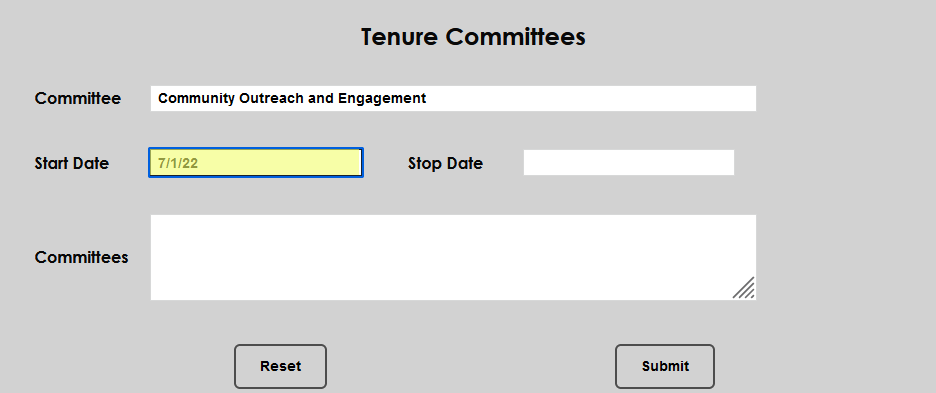
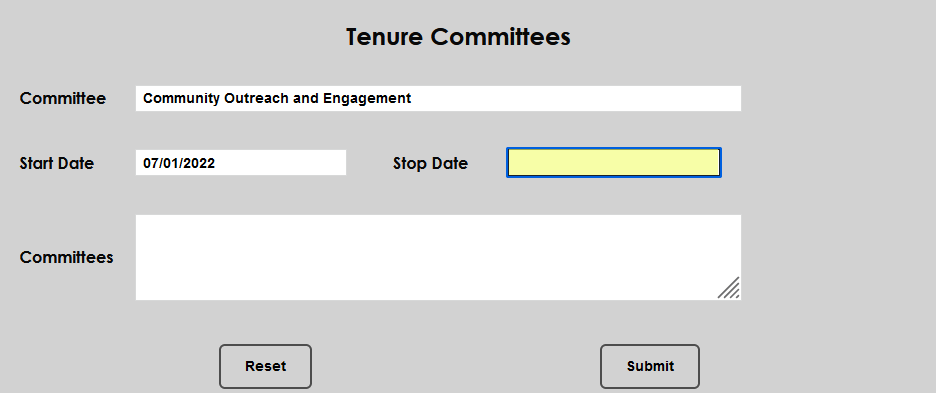
Enter the Start and Stop dates associated with the committee participation.
In the Committees field, enter any details associated with the committee service that should be recorded. Click Submit to save the entries.
Editing a Committee Association
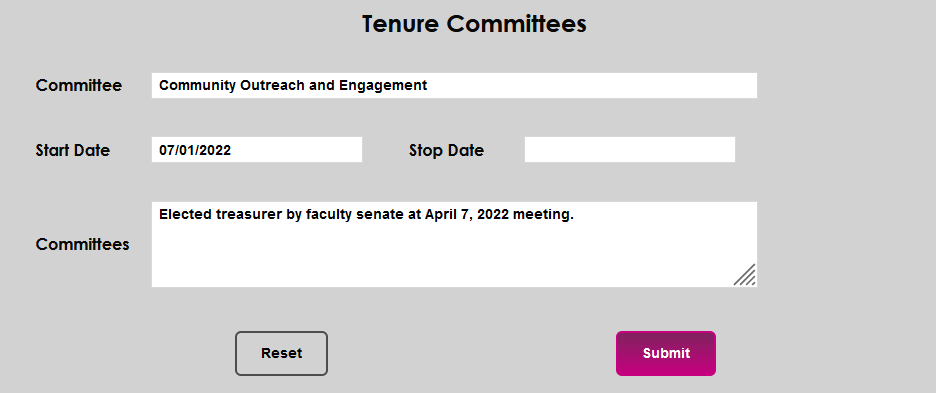
To edit an existing committee association, click the Committee Name or Start Date. Either will open the editing page and display the full details of the record.

Each of the displayed fields can be edited or updated. Make the desired change(s) and click Submit to save the entered data.