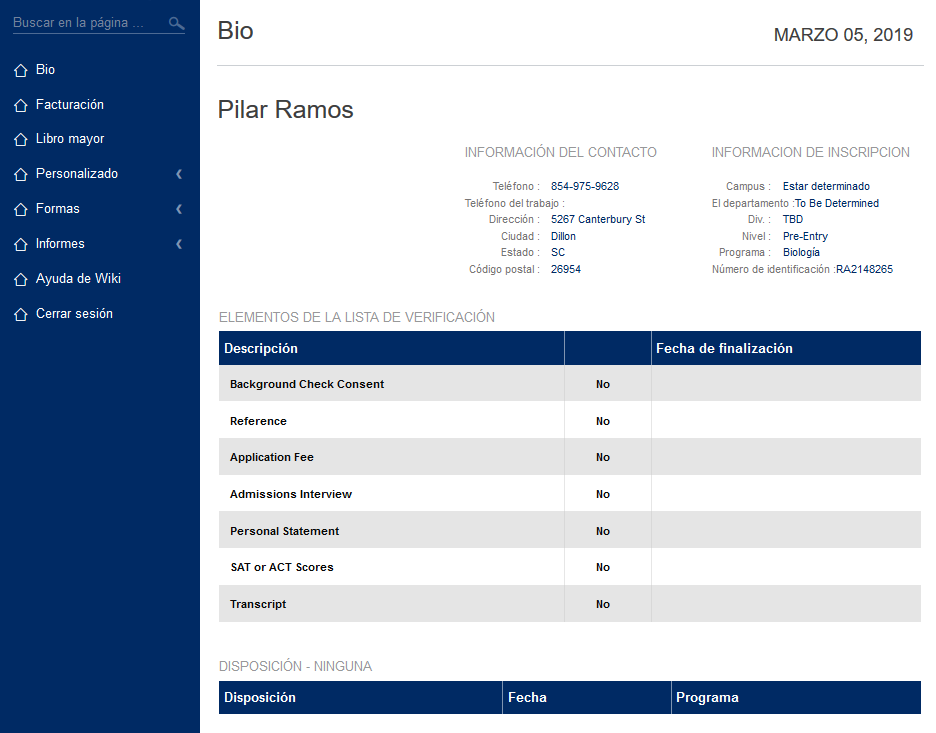
Applicants
Menus - Basic
All Jenzabar SONIS portals have the same basic menu areas. The school's administration determines which Jenzabar SONIS functions will be made available and which menus will have links. Therefore, a school's portal menus will vary in display and content from school to school.

Note
Applicant portal features can be turned on and off and edited using the Portal Menu Utility under the Systems hub.
Menus - Applicant Function Options
The image below shows some of the features available to users. Each school will decide what will be available and in which menus the links to a feature will appear.

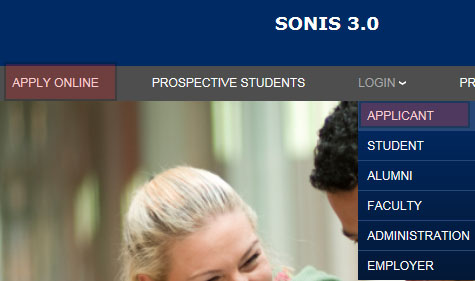
An applicant is someone who has applied to the member institution, has a module status of Applicant, and may have already received a SONIS User ID and PIN. An applicant accesses SONIS by clicking on the Applicant login link and entering their assigned User ID and PIN.
Multi-Language Support
Schools with Multi-Language Support turned on can offer translation of the Applicant page.