Jenzabar SONIS Version 3.5 Maximum Rows Portal Update
Overview
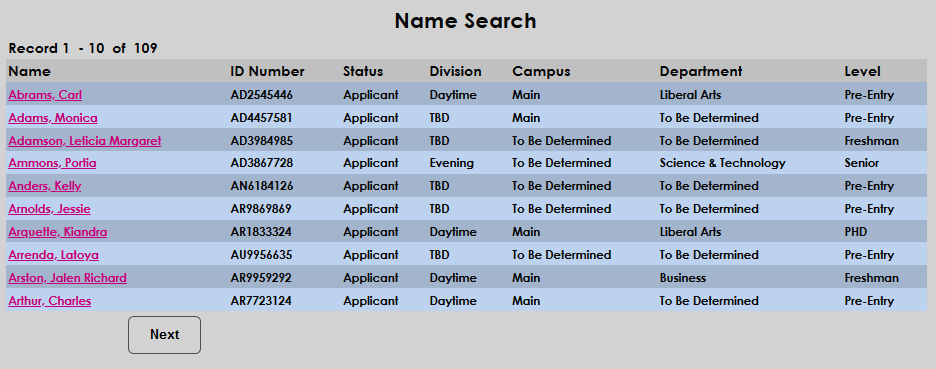
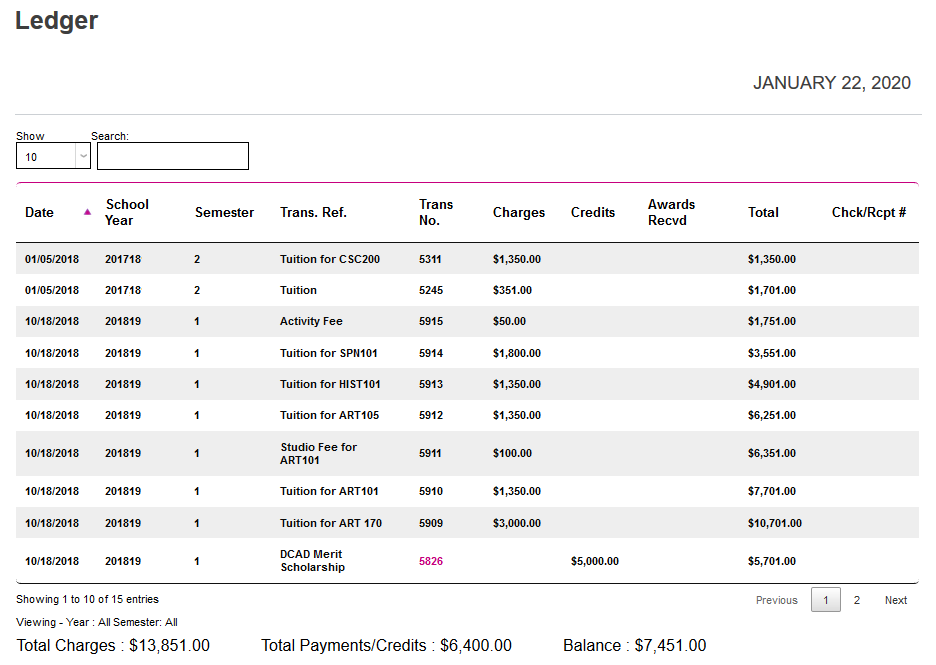
The Max. Rows Displayed (Search Results) option is located in the Web Options utility under the Systems menu. The option allows administrators to control how many rows of results are displayed in both the Administrator portal as well as the Student and Faculty portals.

Operation
By default, the maximum rows displayed is set at 30. To change this, scroll down to the Max. Rows Displayed (Search Results) field on the Web Options page and change the number.

Once the value has been altered and the page has been submitted, search results will only display the specified results.