Housing Incidents
Overview
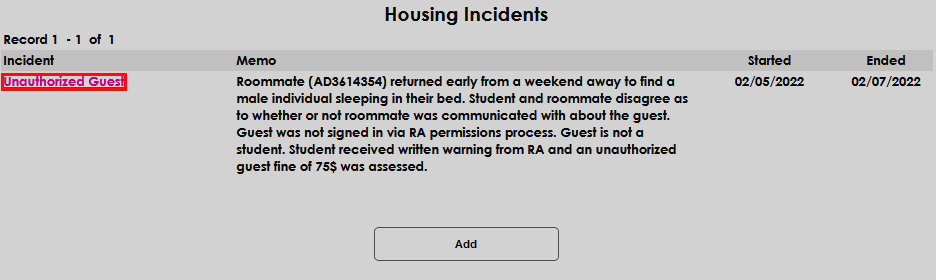
If a student has a housing challenge or event that should be recorded in Jenzabar SONIS for future referral, this can be done on the Housing Incidents Users hub page. Details such as the start and end date(s) of the situation, the school year or semester, and any pertinent information regarding the situation or resolution can be entered.
To learn more about the housing functions offered by SONIS, visit the Housing overview page.
Adding Incident Records
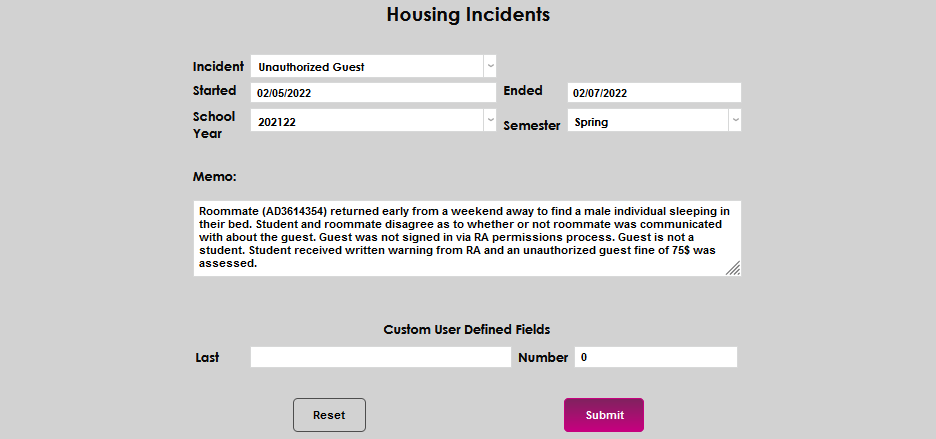
To make a record of a housing incident, enter the user's Housing Incidents page from the Users hub. Select Add to begin recording the details.

Select the appropriate Incident from the dropdown menu. If the needed incident type isn't listed, an administrator will need to add it to the Incident Type table.
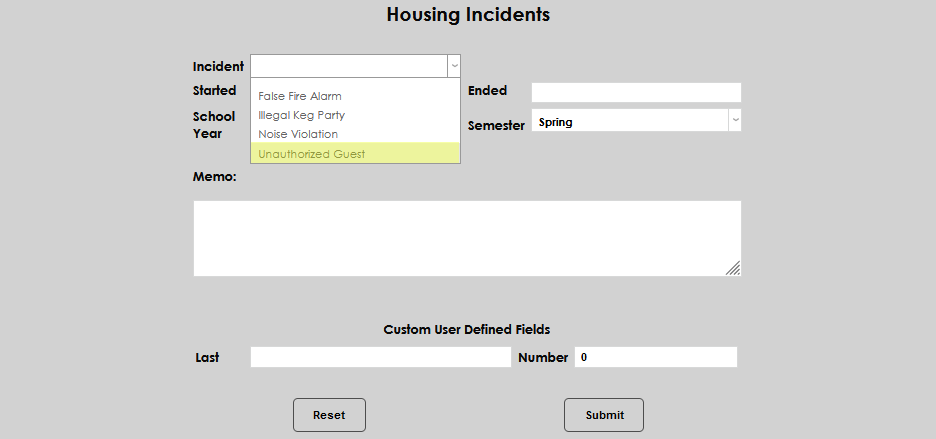
Enter the date the incident began in the Started field and the date it ceased in the Ended field. If the date the incident occurred is both the date it started and the date it ended, simply enter the same date in each field. If the incident occurred on multiple dates, select the date entry based upon institutional recording policies. Some institutions may require an individual date record for each occurrence of the incident type, necessitating multiple entries for the same incident type.
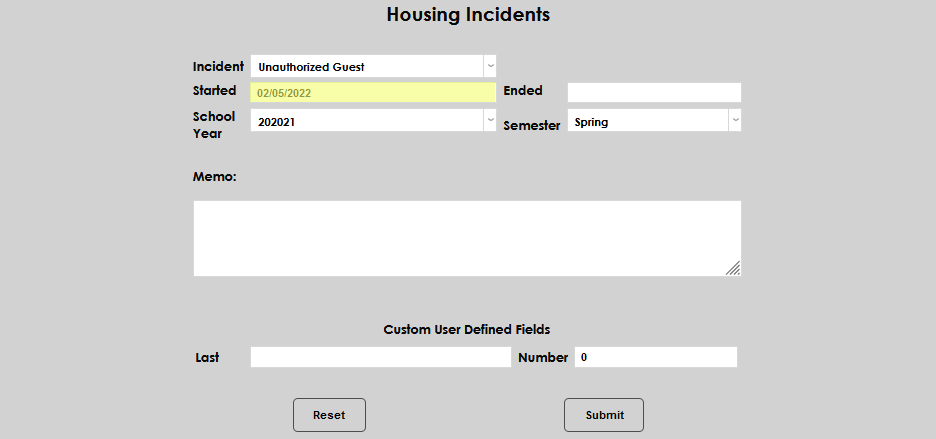
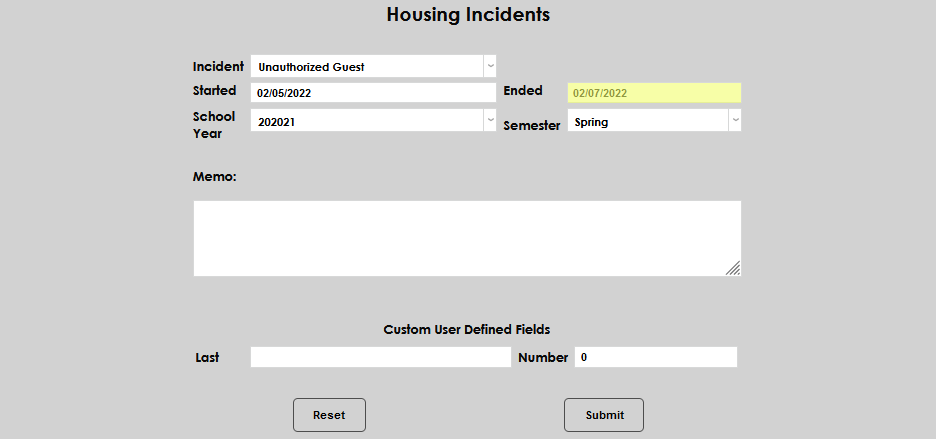
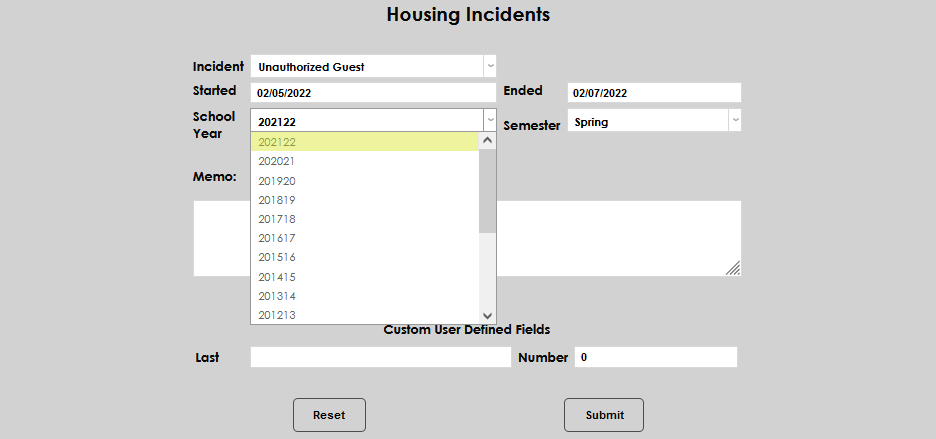
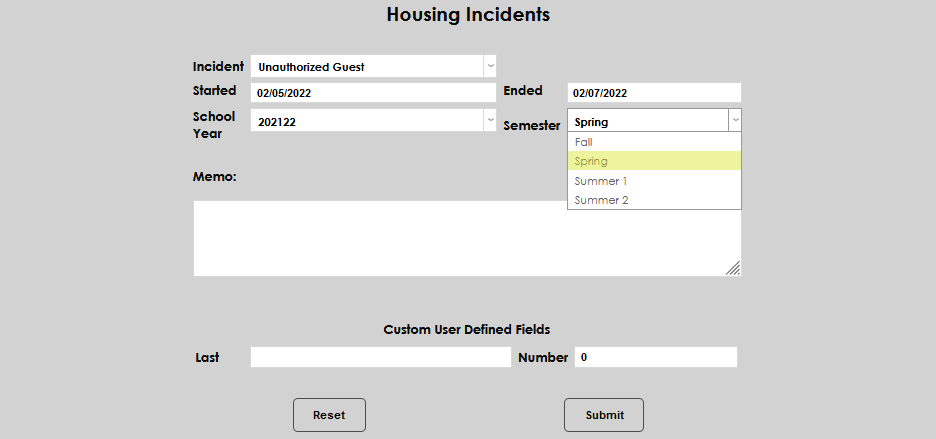
Select the School Year and Semester during which the incident occurred.
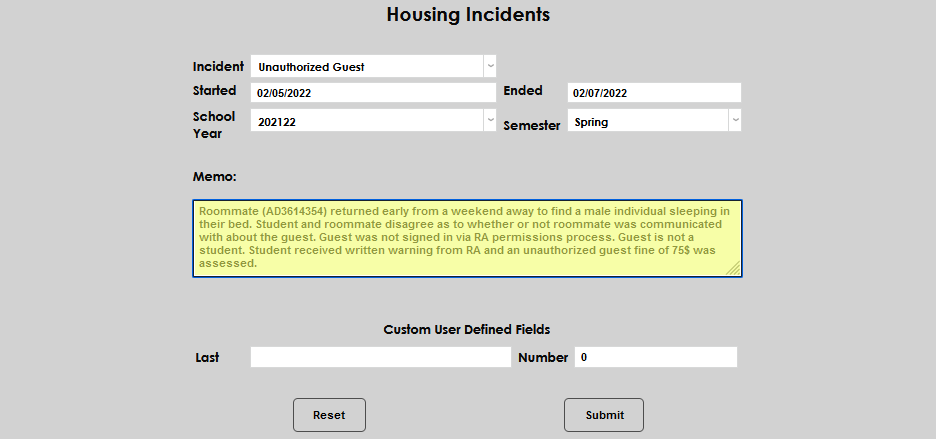
In the Memo field, enter any details regarding the incident that should become a part of the record. Click Submit to save the entered information.
Managing Existing Incident Records
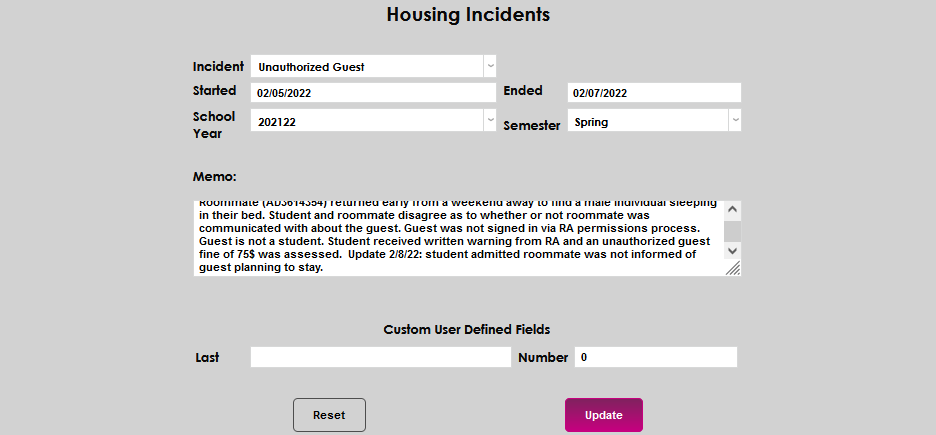
To edit an existing incident record, simply click the Incident name. All fields on the page are able to be edited. Make the desired update(s) and click Update to save the new information.