Time Drop Utility
Overview
The Set Events page in the Systems hub is used to schedule institutional events and book rooms for them to use. When creating a new event, the administrator must select both a Start Time and an End Time for the event.
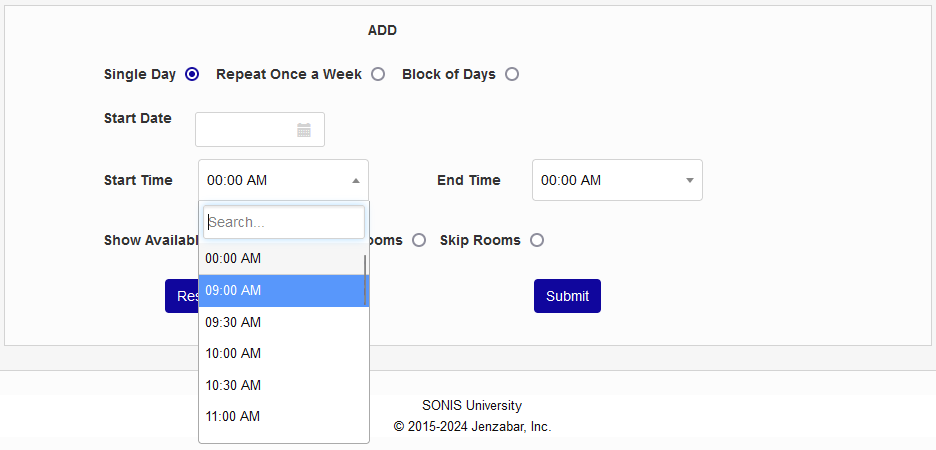
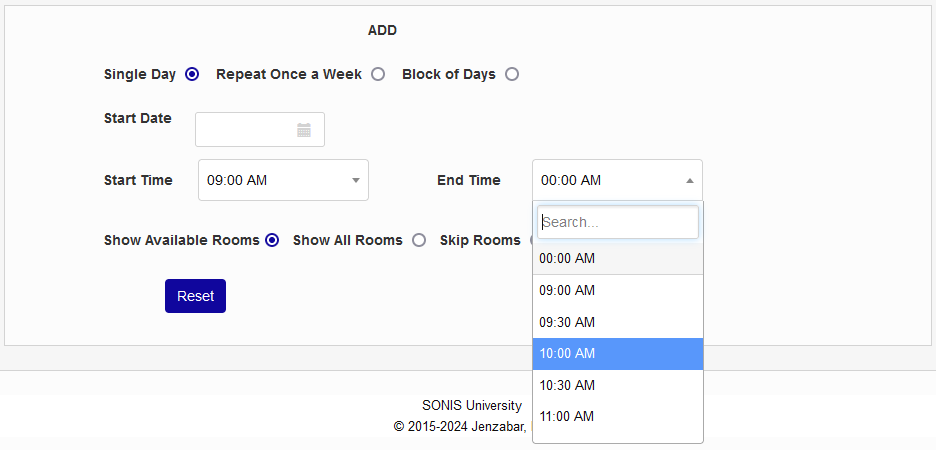
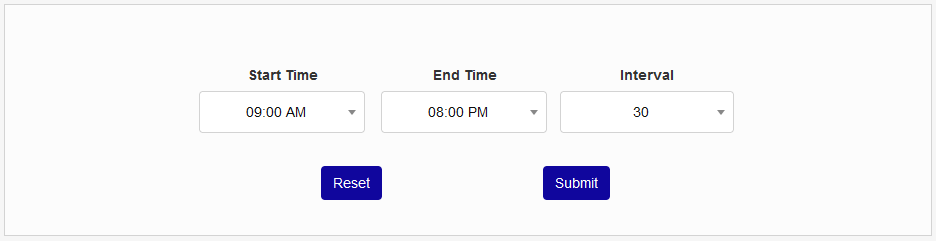
The Time Drop Utility, also under the Systems hub, controls which times appear in each of these two dropdown menus. The Start Time is the first time that will appear in the menus and the End Time is the last time that will appear. The Interval controls how many event times appear in a given day and how far apart they're spaced. The choices are 15, 30, or 60.
To set the Start Time and End Time menus to appear as it does in the image above, you would select a Star Time of 9:00 AM, an End Time of 8:00 PM, and an Interval of 30 minutes. Once the page has been submitted, the drop will be updated to show meeting times of of 9, 9:30, 10, 10:30, etc. until the final meeting time at 6 PM.
Tip
Keep in mind that the End Time is the final time when events can be scheduled and not when the final event of the day will end. So if all on-campus events must end by 8 PM and the event interval is 30 minutes, the End Time would need to be set to 7:30 to ensure that the final event of the day ended by 8.