MS Dynamics Refund Export
Overview
The MS Dynamics Refund Export is a simple Financials utility that creates an export file of transaction data. The file is saved in the designated batch folder where it can then be imported to the Microsoft Dynamics accounting software. This export contains different information than the standard Post to Accounting export. Post to Accounting exports are available for MS Dynamics in both CSV and tab-delimited formats.
Exported Fields
The following fields are included in the export file. The address information comes from the user's preferred address. Click here to download a sample file.
MS Dynamics Field | SONIS Field |
NAME | First Name + Last Name |
FIRST_NAME | First Name |
MIDDLE_NAME | Middle Initial |
LAST_NAME | Last Name |
SONIS_ID | SONIS ID |
AMOUNT | Transaction Amount |
ADDRESS_LINE_1 | Address 1 |
ADDRESS_LINE_1 | Address 2 |
CITY | City |
STATE | State |
ZIP_CODE | Zip Code |
COUNTRY | Country |
ENTRY_DATE | Transaction Date |
T-Code Setup
The MS Dynamics Refund Export is designed to only export refund transactions. In order for transactions to be designated as refund transactions, the transaction code being used must have the Check Refund box checked.
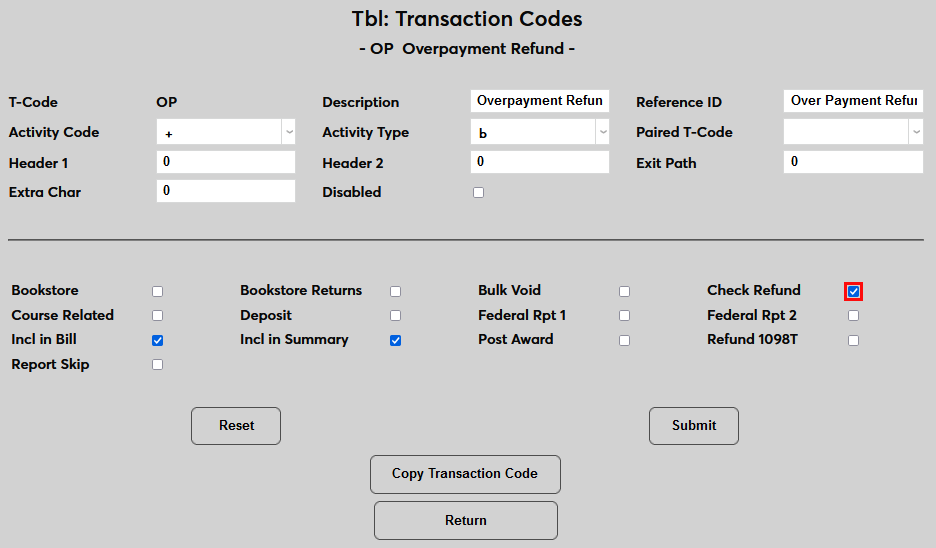
Transaction codes without this designation will be unavailable in the export.
Export Process
To create an MS Dynamics export file, navigate to MS Dynamics Refund Export under the Financials menu. Select a Transaction Code or codes to include in the file. As noted above, only T-codes designated as Check Refund are included.
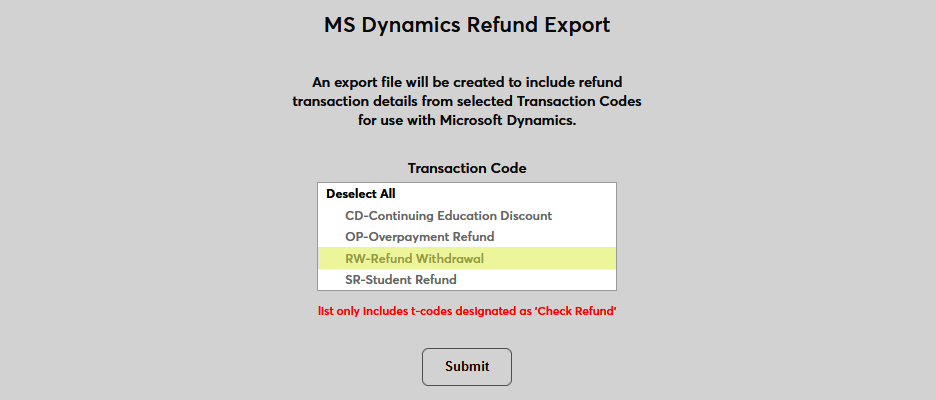
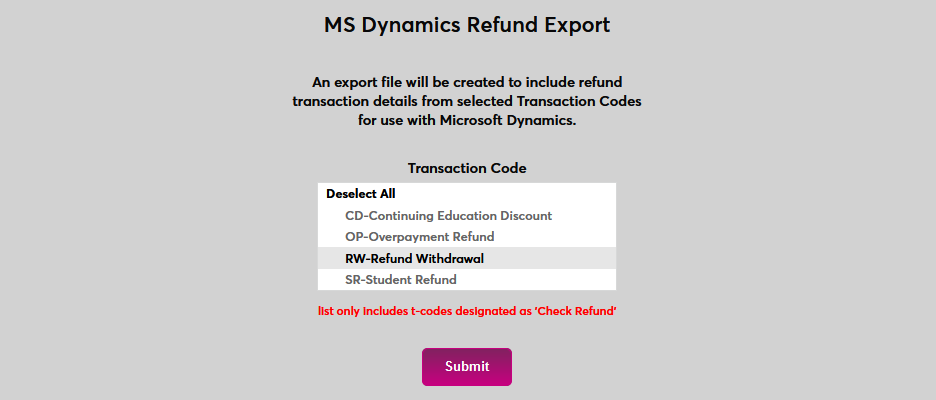
Click Submit to create the file.
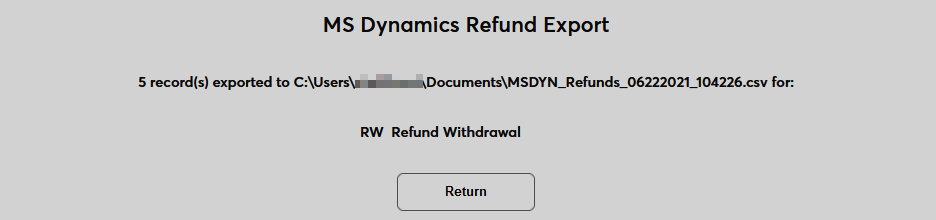
The following page lists the location of the file.
If no transactions have been made under the selected transaction code(s), a No records found to export message will display. No file will be created.
