Import Numeric Grades
Overview
Jenzabar SONIS provides users the ability to import final numeric grades, with an associated letter grade, using the Systems hub Import Numeric Grades function. This process works almost identically as the Import Final Grades process. Each row in the spreadsheet must contain the ID of the course section, the ID of the student, a numeric grade, and a letter grade. Logic is included to verify that the selected file is an Excel file with either an .xls or .csv file extension. Selecting a non-Excel file will result in an error notification.
During import, the file is reviewed to ensure the values in the columns of the header row are the required values. If one or more of the columns do not include the appropriate header value a message is displayed indicating which column header should be corrected. If the selected Excel file contains the appropriate column headers the rows will be reviewed to ensure they contain valid values in each column. Grades should only be imported into student course records that do not have an official grade. If there is an existing grade it will be overwritten by the import process.
Click here to download an .xls sample file or here to download a .csv sample file.
Importing Final Numeric Grades
Enter the Import Numeric Grades utility from the Systems hub. The import can be in either Excel .xls or .csv format. Both require the same data in the same column order, but the .csv does not require a header row. The process is the same, regardless of file type chosen.
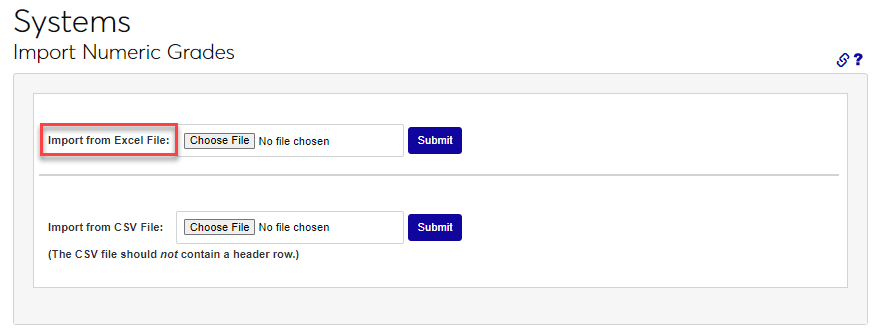
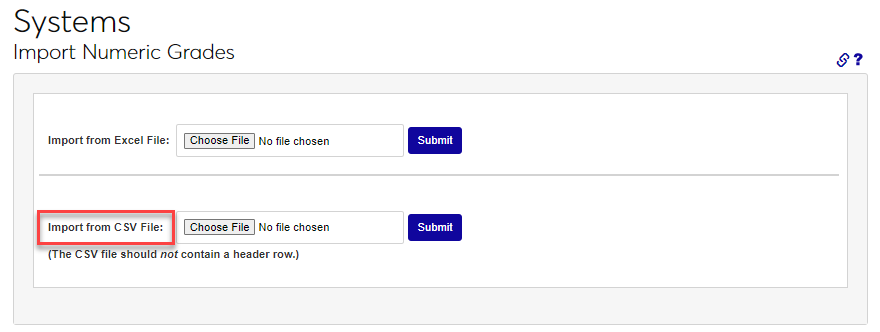
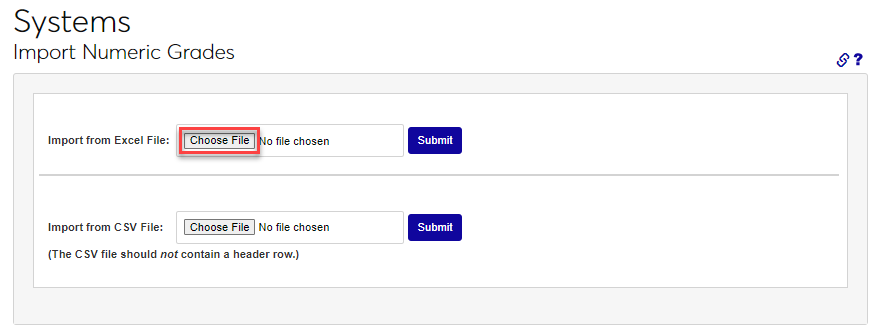
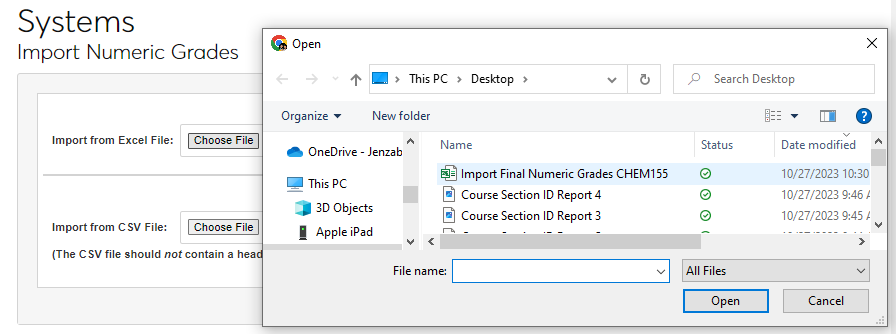
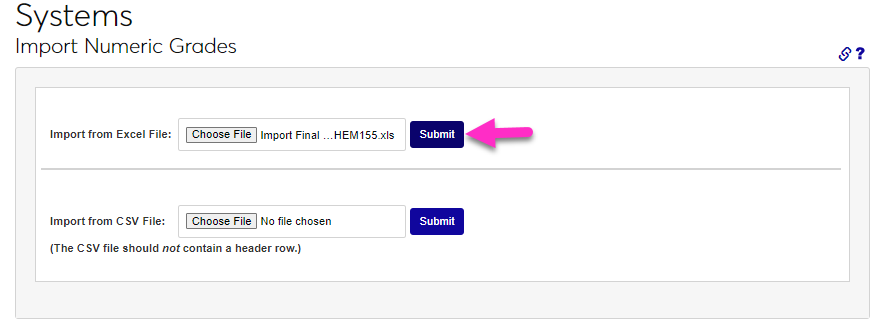
Click the desired file format type Choose File button and use the file picker to select the needed file. Click the Submit button.
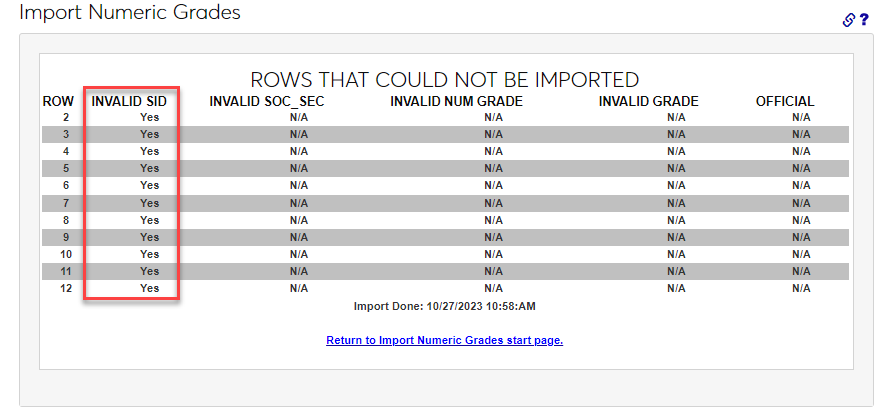
If any rows have data that cannot be processed, an error message will display with the associated issue. In this example, the Course Section ID is not correct. After correcting the error(s) in the file, repeat the import steps. When a file is successfully imported, a confirmation message will display with the number of successful updates made.

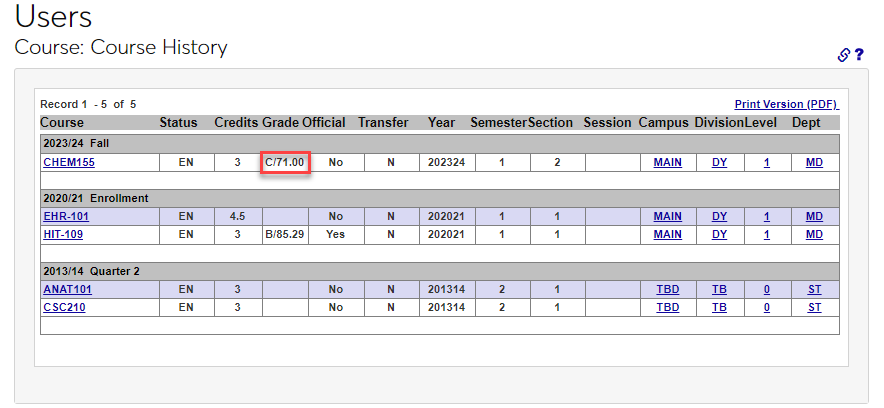
After importing, the numeric and letter grades will display in grade display locations, such as the Users hub Course History Summary.