Printable Pages
Overview
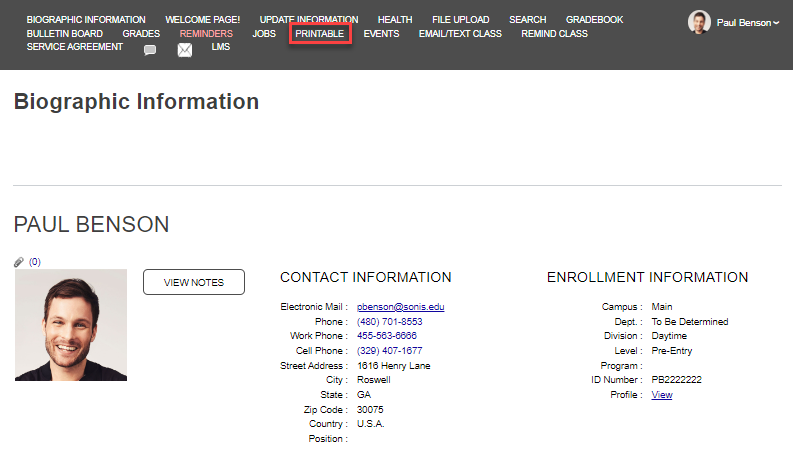
The Printable option allows any page within the Faculty Portal to be printed. Unlike the other options within the General menu grouping, it cannot be added to the left menu display.
Using Printable
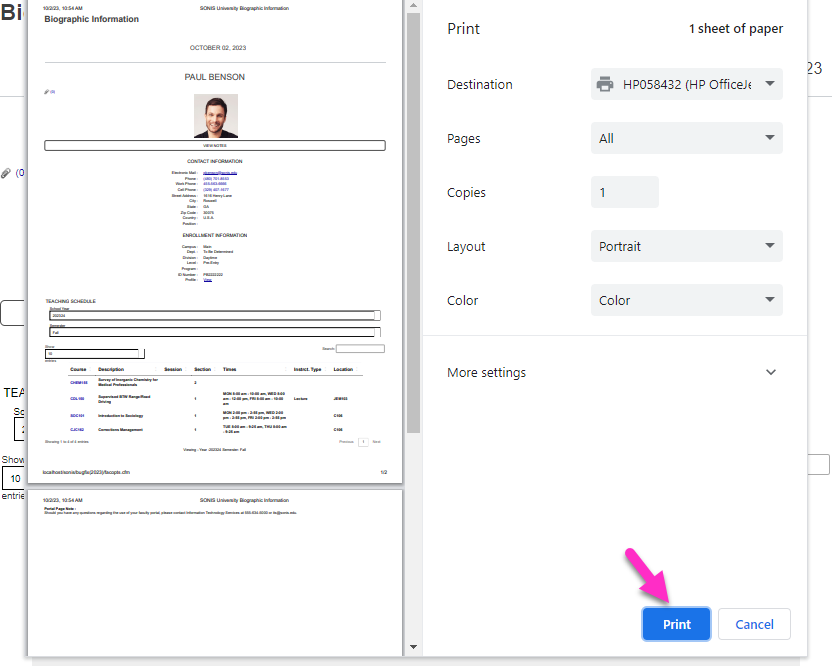
When the Printable option is clicked, a print version of whichever page the user is viewing displays in a pop-up window for printing. Confirm the print settings and click Print to print the page.