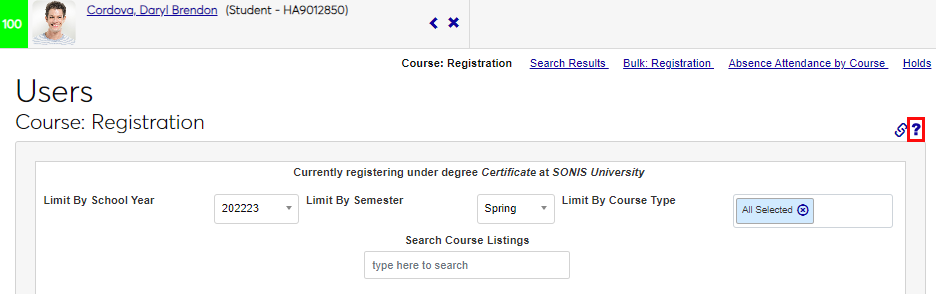
Page Identification & Links
Overview
As part of the Jenzabar SONIS redesign for the 2023 release, cleaner and clearer page titles and links were added. The Page Identification and Page Links areas were changed to allow administrators to quickly see which page and hub they are viewing and provide improved page-specific links, thereby improving workflow.
Page Identification
The updated Page Identification area appears at the top of every page within SONIS.
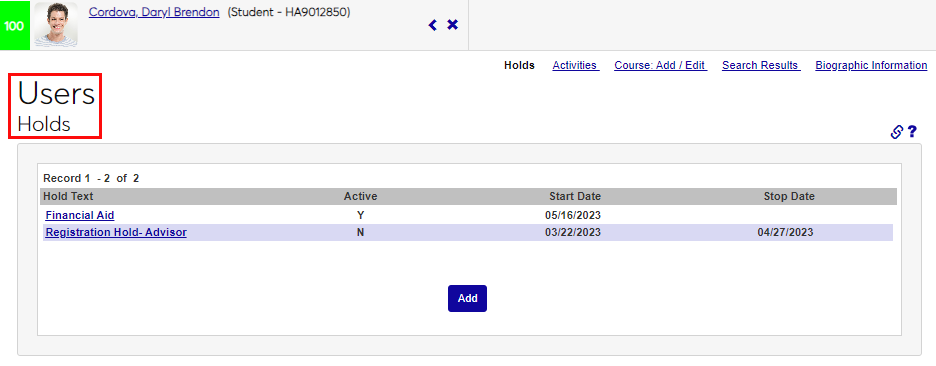
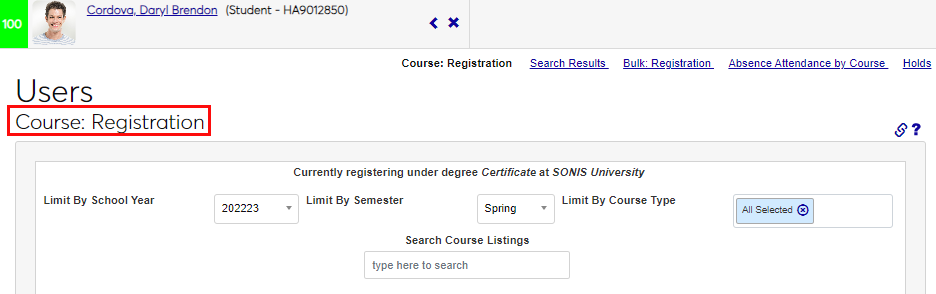
If the page is part of a Hub, the hub name is displayed above the page name.
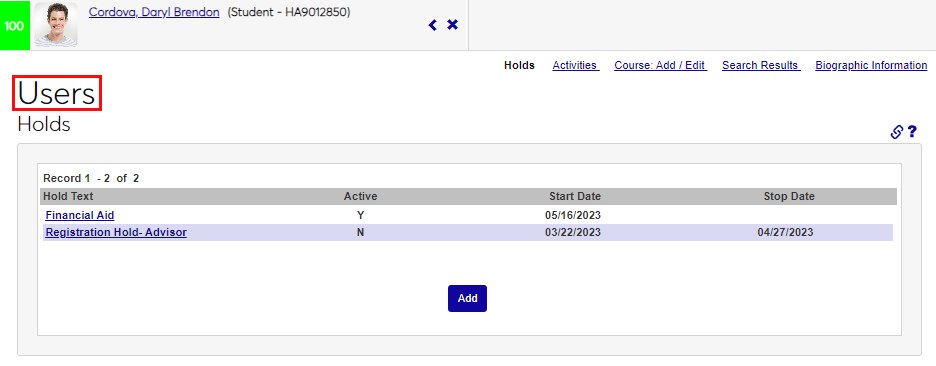
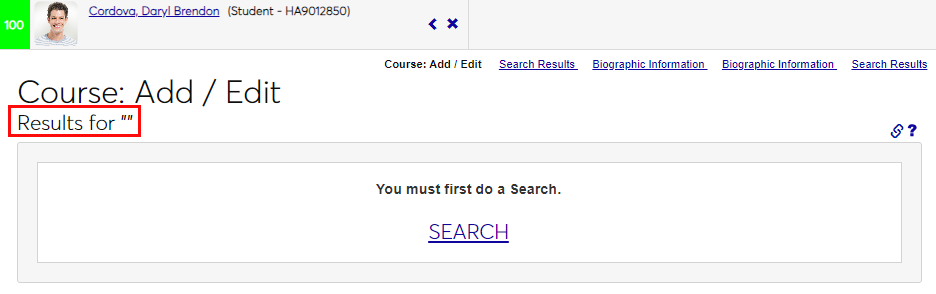
If the page is not part of a hub area, for example a utility like Course Add/Edit, the page name displays where the hub name would.
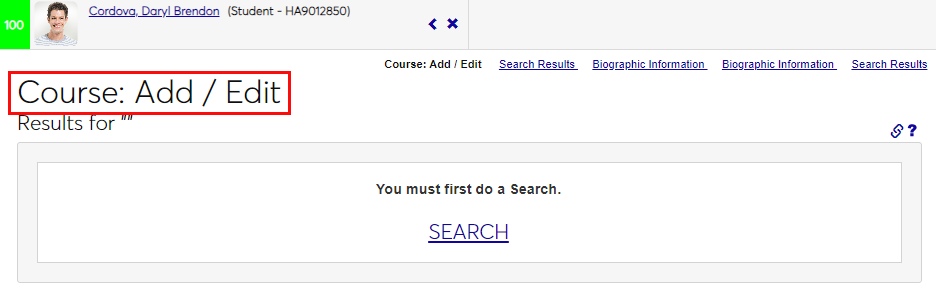
If a hub name is displayed, the page name displays below it. If the page name displays instead of a hub area name, Results for "..." displays below the page name.
Page Links
If the SONIS member institution has enabled emailing other administrators from within SONIS (known as Deep Linking), the administrator will see a chain icon. When the icon is clicked, the Deep Linking utility will display.
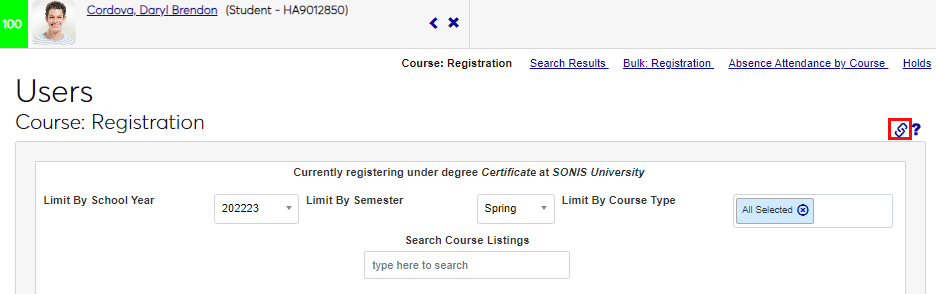
A ? (question mark) icon appears to the right side of the page, just about the page content. Clicking the icon will load the Help page associated with this page of the system in a new window.