Courses by Semester Utility
Overview
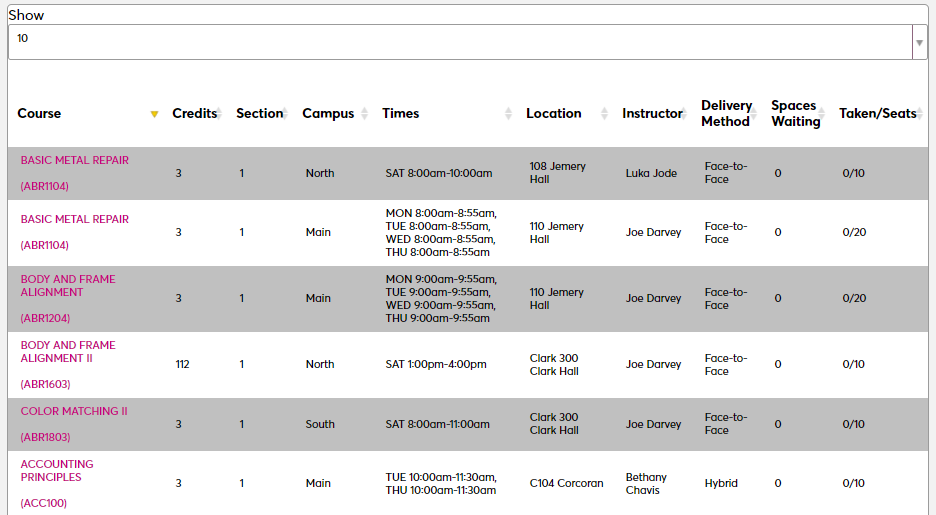
The Courses by Semester Utility is a Systems hub page that allows administrators to change the appearance and functionality of the Courses by Semester listing. Courses by Semester is an external page that lists currently offered courses and can be accessed without logging in to Jenzabar SONIS. The Courses by Semester Utility offers clients the option to toggle parts of the page on and off and to change their order of appearance. It's strongly recommended that clients test these options first before altering them in a production server as they go live immediately when the page is saved.
Search Options
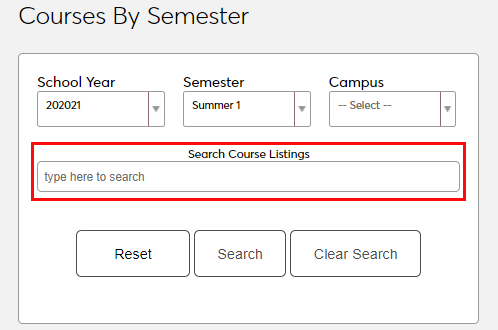
To make changes to the Courses by Semester page, navigate to the Courses by Semester Utility.. The first two options relate to parts of the Search/Filter box that appears at the top of the page. Check the Remove Campus box to remove the option for users to select a campus. Institutions with only one campus should, of course, check this option.
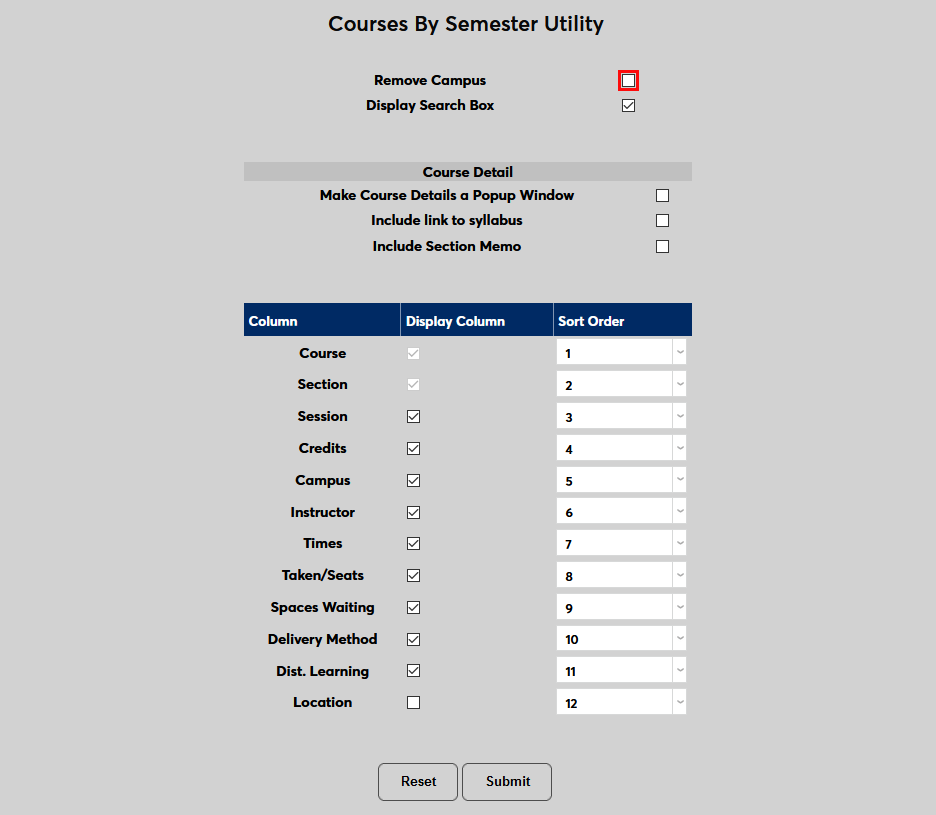
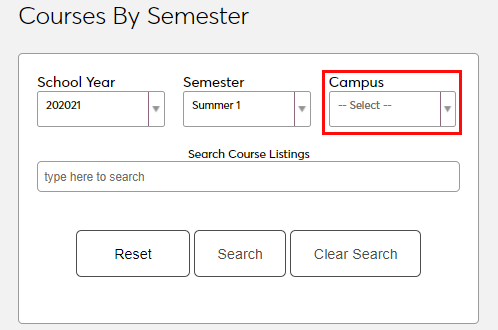
The next option allows administrators to remove the search box entirely and leave only the filters. Uncheck Display Search Box to remove this feature from the page.

Course Detail Options
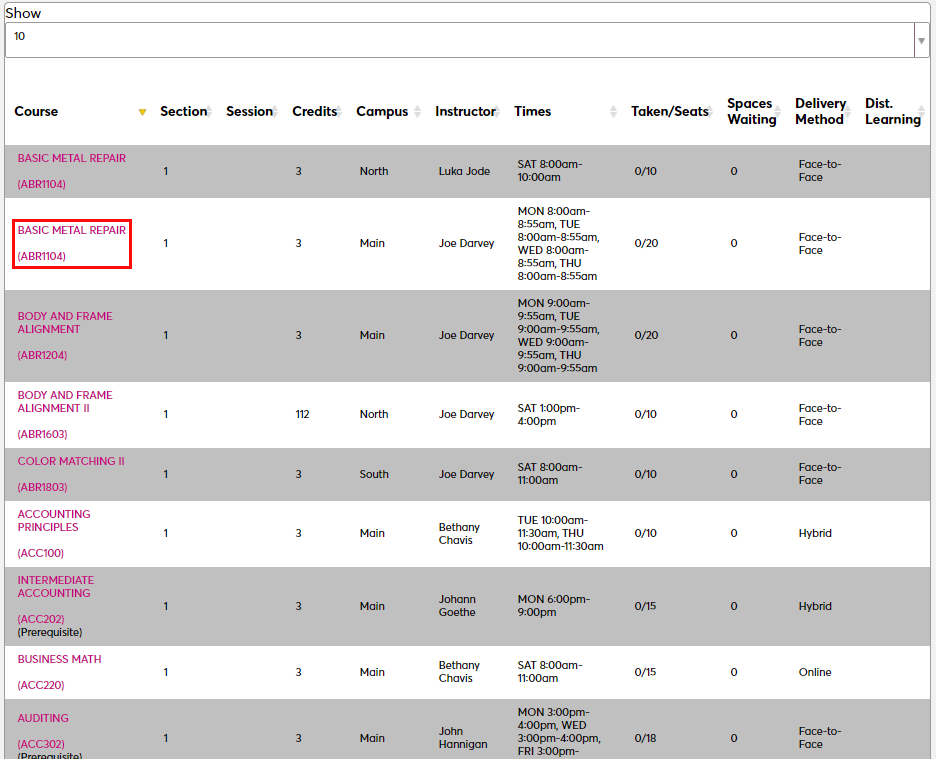
The next set of options control how users access the details when they click on a course. By default, when a user clicks on a course, the course details display on a new page.
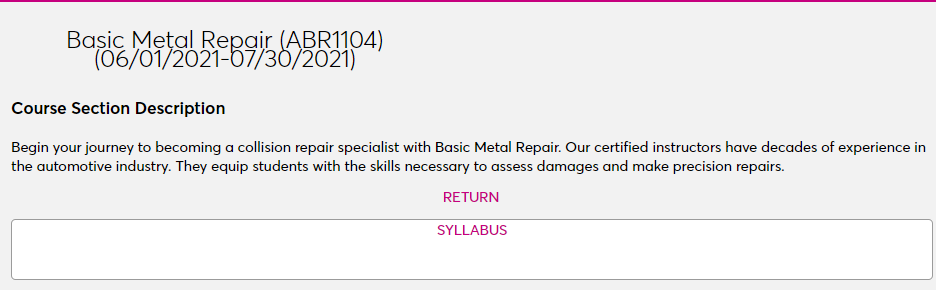
If the Course Details as a Popup Window box is checked, this page will open in a pop-up window on top of the existing page rather than directing the user to another page.

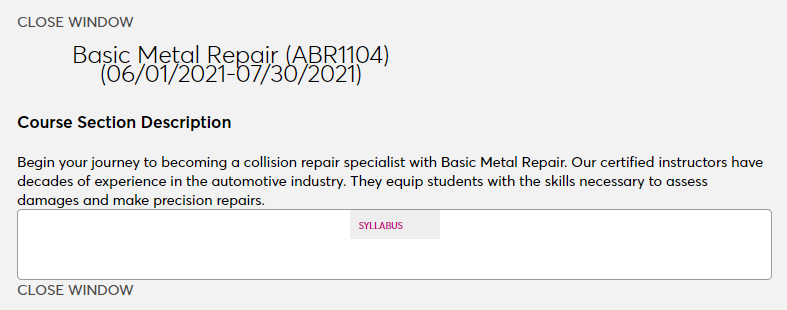
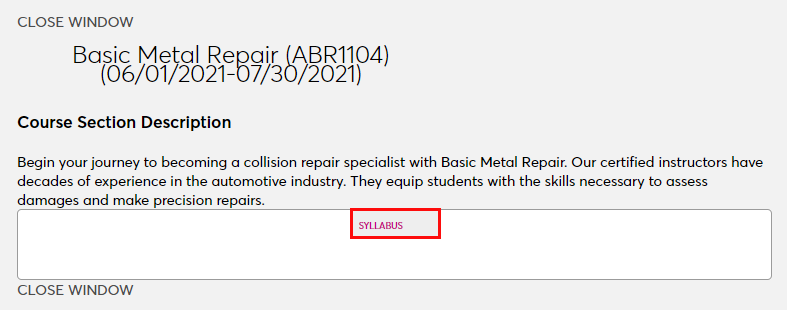
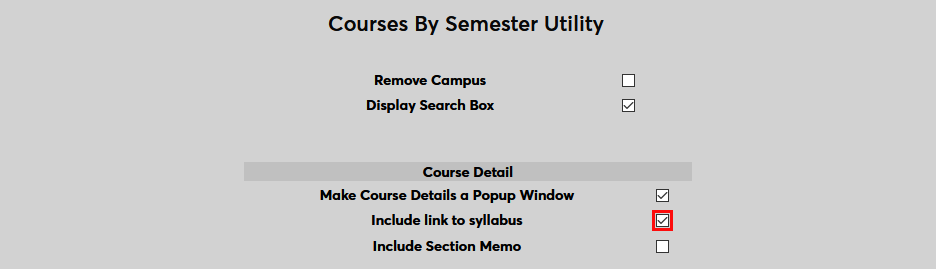
The next option controls whether a link to the course syllabus is included on the details page or not. Administrators can upload a course syllabus from the Course Section: Edit page. If no syllabus has been uploaded, no link will appear. But if a syllabus is available and this option has been activated, a link will appear on the details page, allowing users to download a copy of the syllabus.
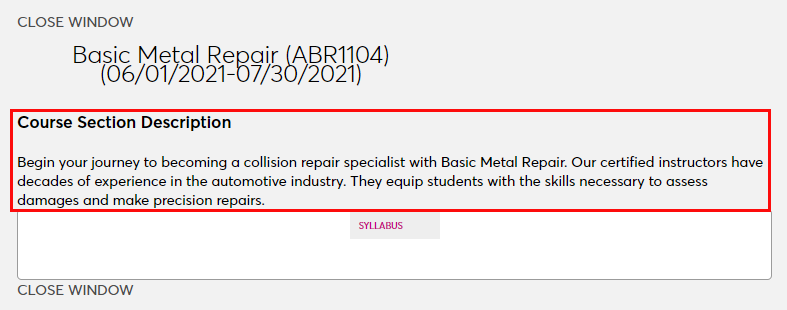
The final course details page option is the option to Include Course Section Memo. The course section memo is another optional feature on the Course Section: Edit page. It's a way to provide a brief description of the course and what it will cover. If a course does not have a memo, no blank space or placeholder text will appear.

Column Options
The final set of options allow administrators to control the columns that appear on the page when courses are listed.
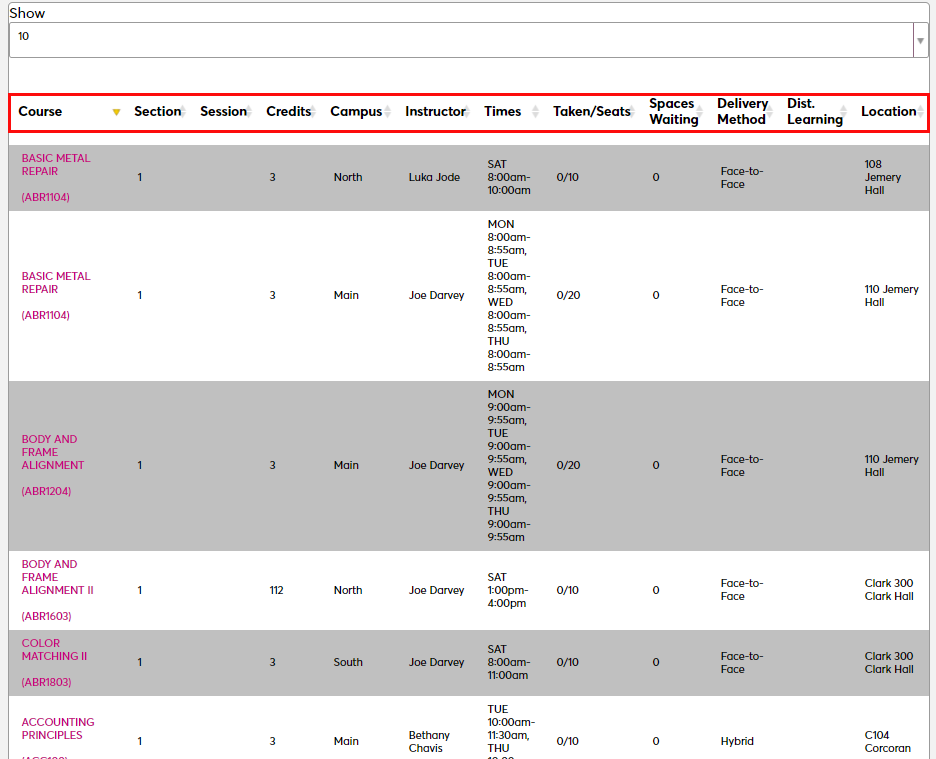
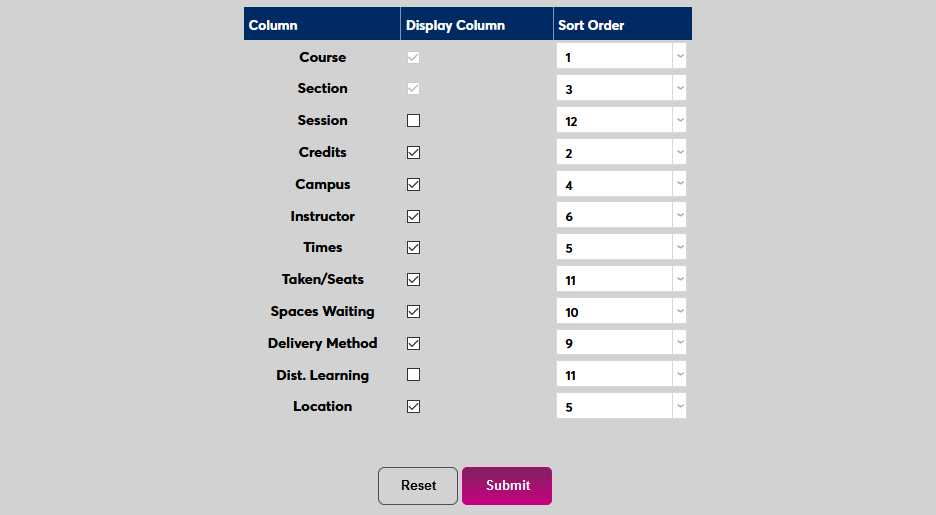
Check or uncheck the Display Column boxes to add or remove columns from the page. Note that Course and Section cannot be removed from the page as they are essential to the listings.
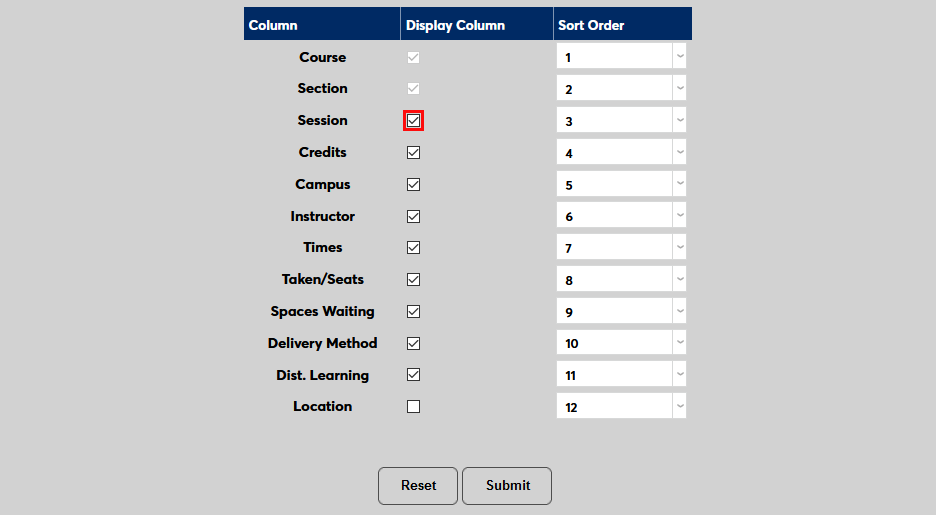
Administrators can also change the Sort Order, which sets the order in which the columns display on the page.
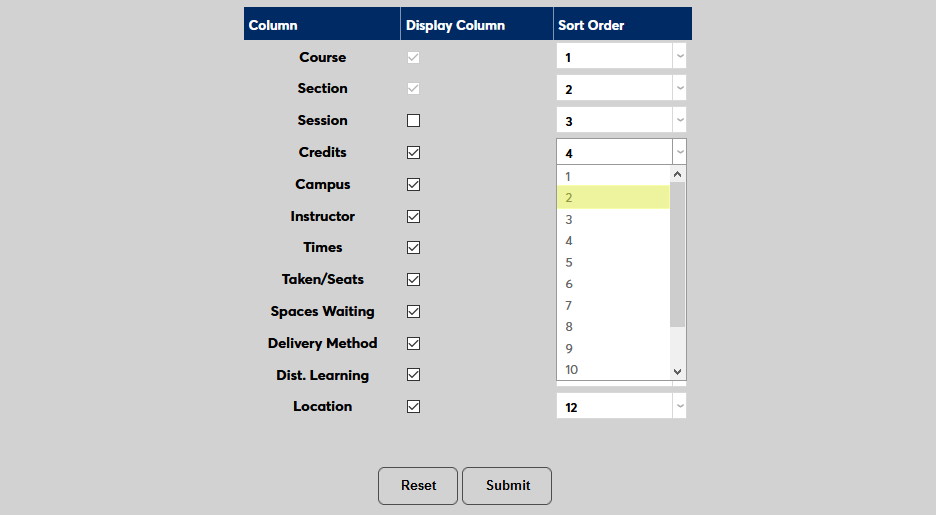
Click Submit to save the changes. As previously noted, all changes will go live to the site immediately.