CMC Merge Utility
Overview
If a CMC was created in duplicate, has been renamed, or will continue as a new program, it can be merged with another CMC using the CMC Merge Utility available in the Systems hub.
For more information on CMCs, visit the Career Major Competencies page.
Use
To merge Career Major Competencies (CMCs) together, enter the CMC Merge Utility page from the Systems hub. All current CMCs will display in a selectable column, with the details displayed across in the following order:
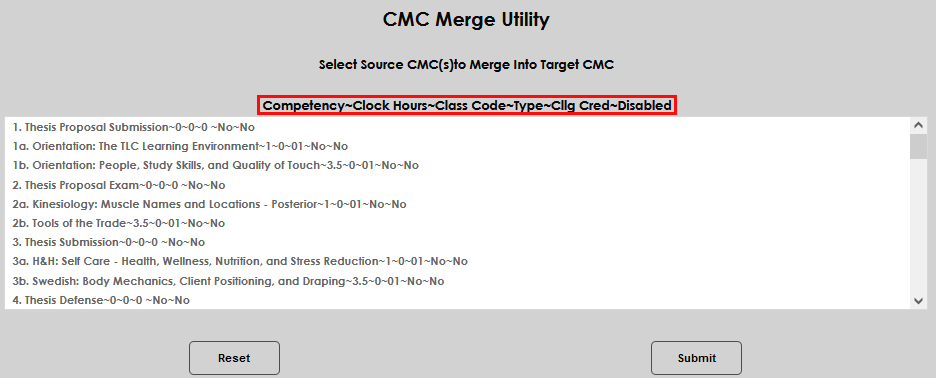
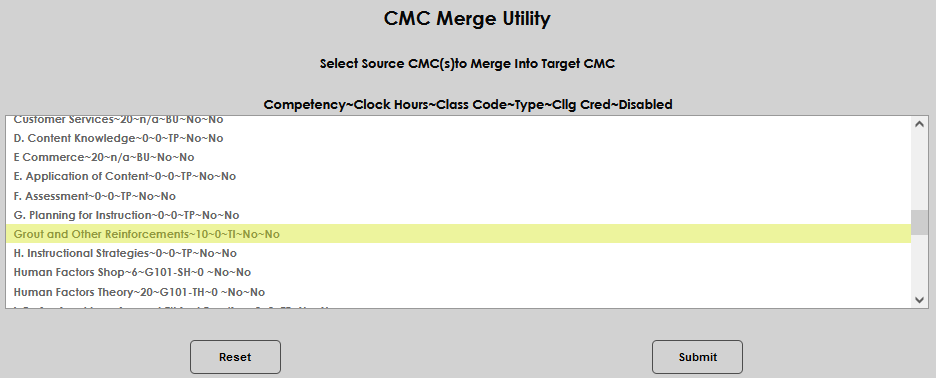
Select the source CMC by clicking on it. The source is the CMC that will be merged into the target CMC and become part of the target CMC. Click Submit to move to the next page and select the target CMC.
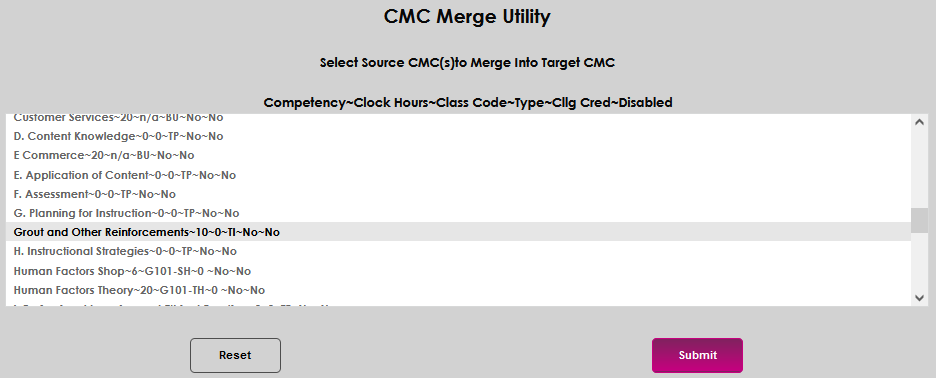
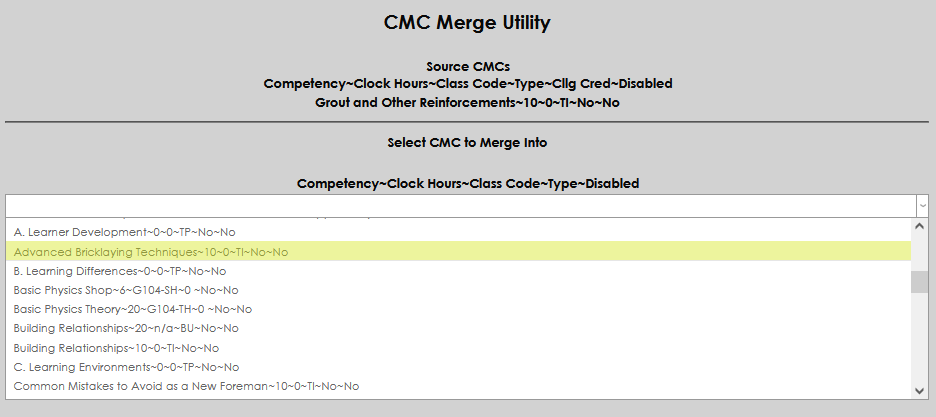
On the following page, select the CMC to merge to, or target CMC, using the dropdown menu.
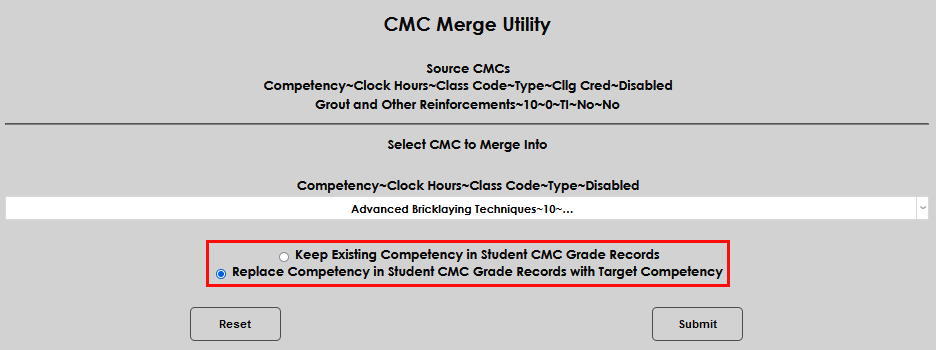
Select either the option to Keep Existing Competency in Student CMC Grade Records or to Replace Competency in Student CMC Grade Records with Target Competency. Selecting the first option will leave the source CMC on any student's record where it already exists. Selecting the second option will replace any source CMCs on student records with the target CMC. Click Submit to begin the merge.
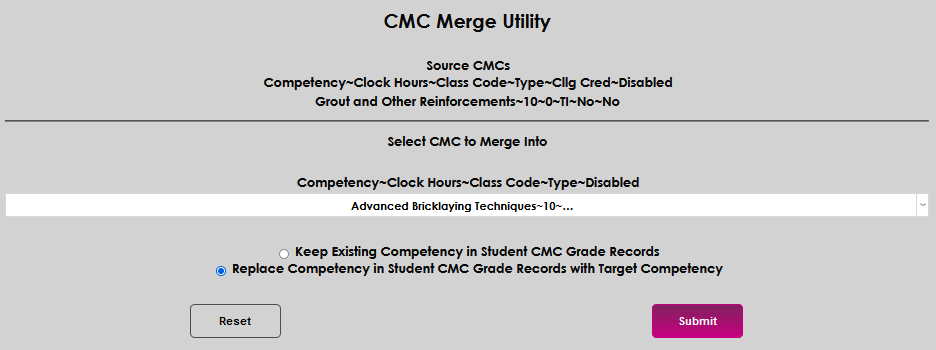
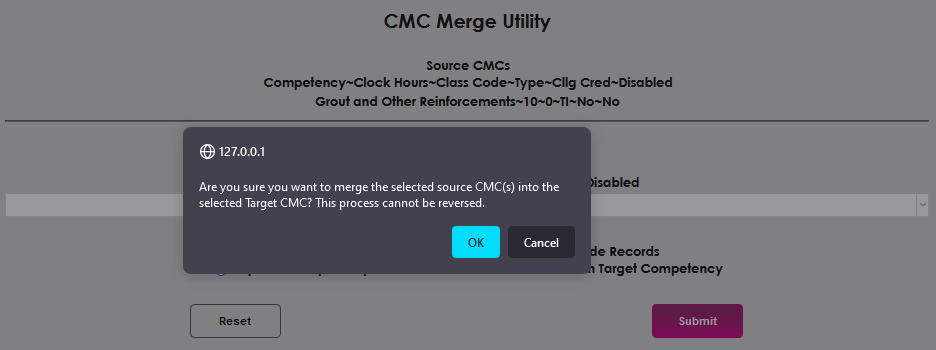
The opportunity to confirm the update will be displayed. Click OK to complete the merge; Cancel to discard the merge.