Jenzabar SONIS Version 3.8 Security Updates
Overview
Version 3.8 of Jenzabar SONIS delivers a number of enhancements designed to improve the overall security and stability of SONIS and its accompanying portals. These updates are not visible to users or administrators and are detailed, below.
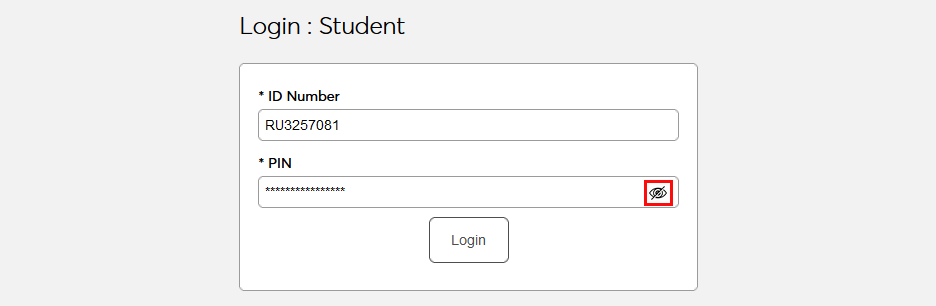
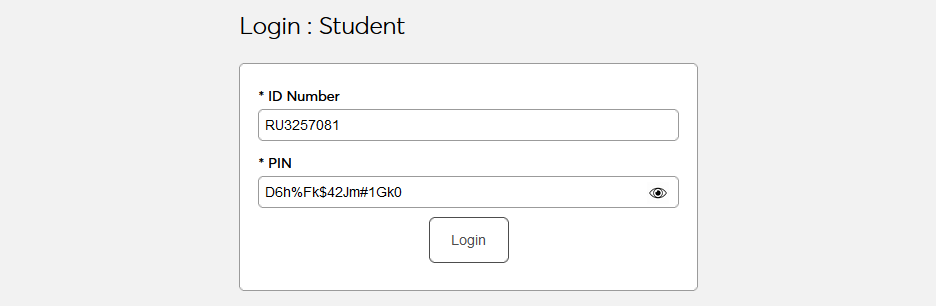
Additionally, institutions now have the option to allow users to unmask their password when logging in.
Global Security Improvement
A critical issue was discovered that allowed formula injections in form fields. A global include was created that will check all form fields for formulas prior to executing any commands, ensuring that malicious URLs could not be injected via script commands.
Security Improvement in Batch Creation
A 2016 third-party integration script was creating a file of student data in the main/common folder instead of the main/batch folder. The script was created to identify any files that should not be in the main/common file and remove them. This script is provided in the 3.8 release.
Security Improvement in User Photo Access
A third-party security review found instances of direct linking to photo files within SONIS. All photo locations were reviewed to ensure no direct linking occurred. Although the UUID Photo File Names feature was already in existence, the save and display processes were updated to ensure the name of photo files are always changed to a UUID value and will be saved going forward with a UUID value. Images will now be rendered using a temporary URL image path that expires after 5 minutes.
View Password Option
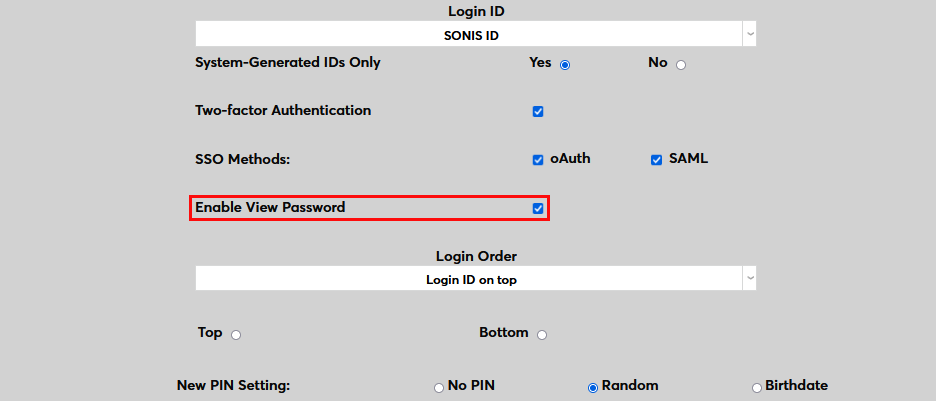
At the top of the Web Options page are a number of login options, including the option to Enable View Password. Check this box to turn the view password feature on for all portals.
By default, each user's password will appear as masked, but they can now click the eye button in the password field to view what they've typed.