Breadcrumbs Report
Overview
The User Breadcrumbs Report function is designed to allow institutions to track the SONIS use patterns of their administrators. It's only usable for institutions that have been using the Breadcrumbs shortcut device. Otherwise, the report will have no data to draw from. This data can and should be cleaned out periodically using the NMTRACK Delete Task. To access the report, select User Breadcrumbs from the Reports menu.
Building Report
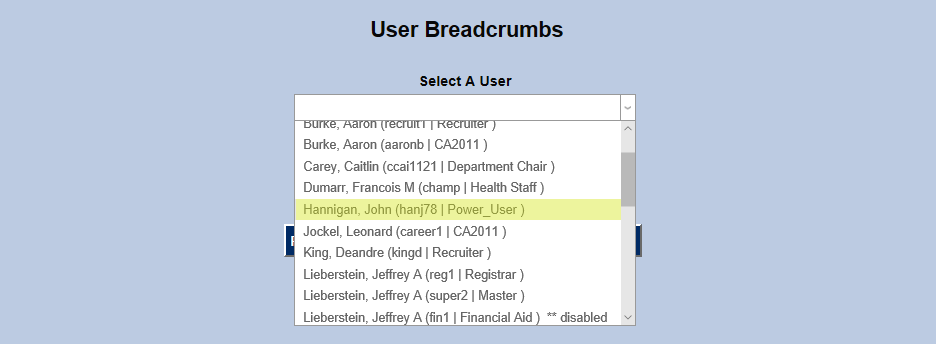
To begin, click on the name of a user in the Select a User dropdown menu. This menu only includes staff and faculty members who have administration logins. To create new logins of this type, visit the User Security utility under the Names menu.
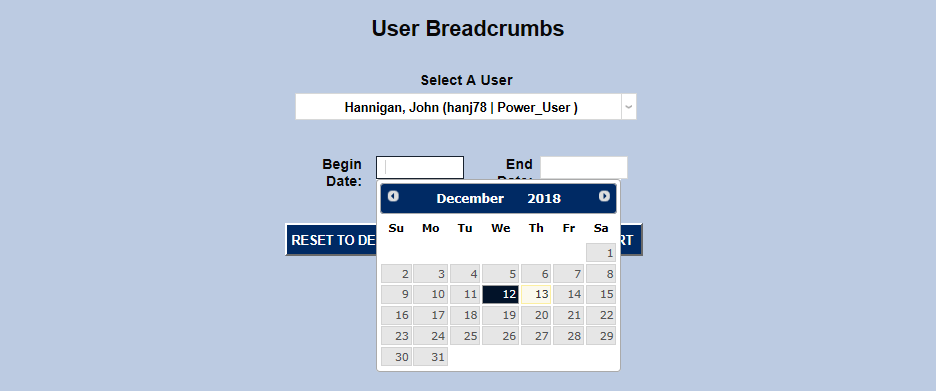
Select both a Begin Date and an End Date. These dates can be as short as a single day to show specific activity or a larger range to provide a pattern.
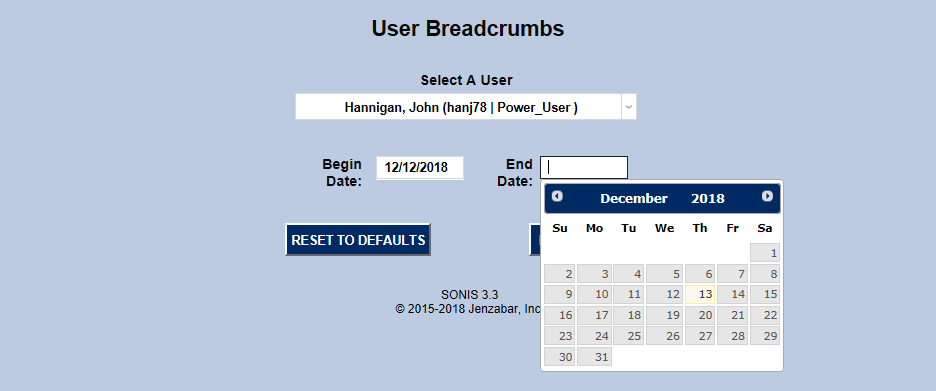
Once the dates have been selected, click Build Report to continue.

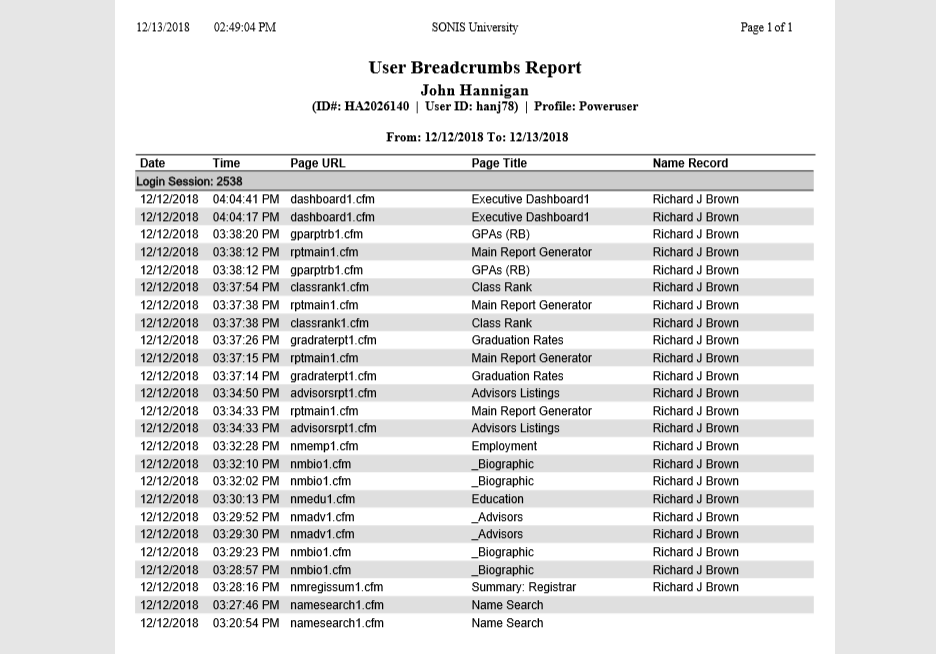
On the following page, click Preview Report. The report will open in a new window.

If the selected user has no activity during the selected time period, a notification saying "No records match your criteria." will appear.