Courses By Semester
Overview
The Courses by Semester page allows students and prospective students to view the courses that an institution is offering without the need to log in to the Jenzabar SONIS system. To access the page from the SONIS homepage, hover over Courses and click Courses by Semester.

For administrators who want to alter the way the page looks and behaves by default, visit the Courses by Semester Utility.
Searching the Listing
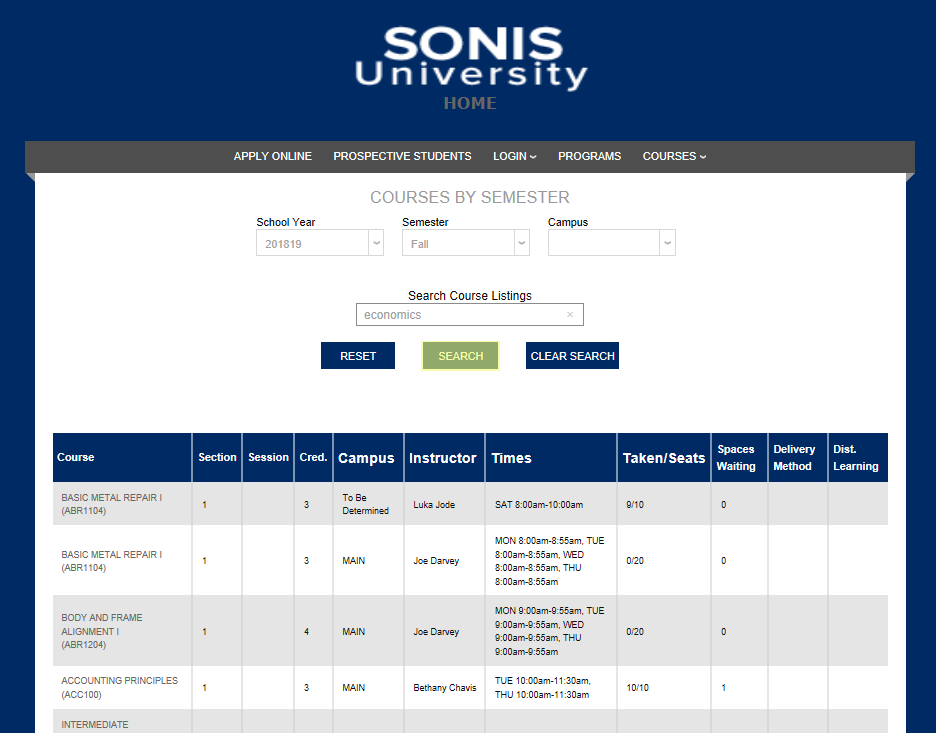
By default, the Courses by Semester page displays the course name, section, session (if applicable), credit hours, campus, instructor, times, seats (available and taken), spaces waiting, delivery method, and if it's a distance learning course or not.
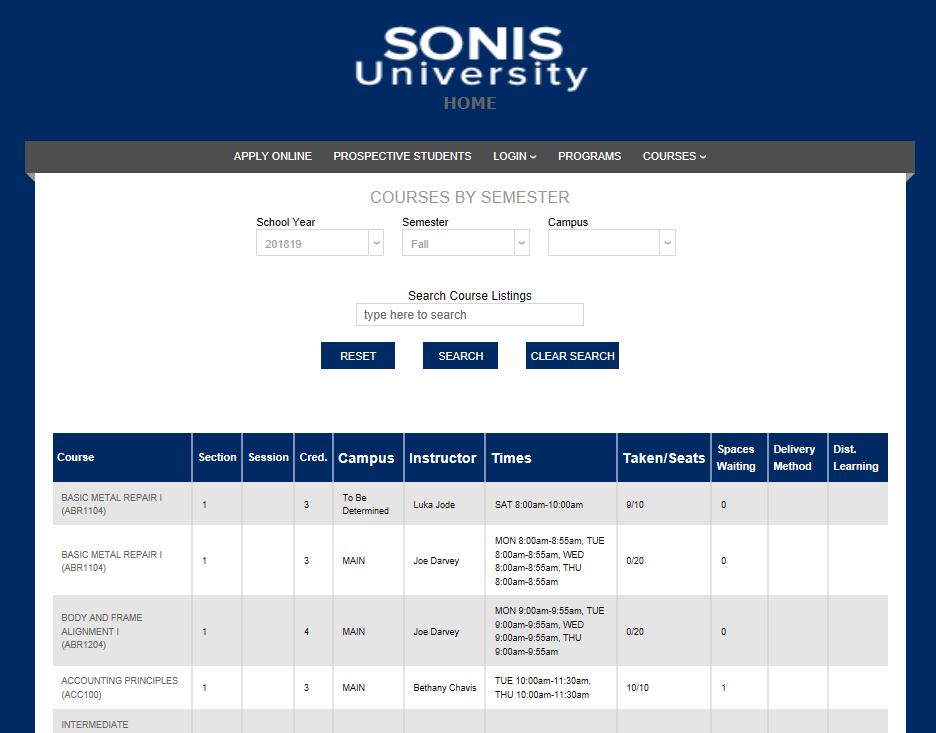
If the search box option has been turned on in Web Options, the page will also offer the ability to narrow down the list by School Year, Semester, and Campus.
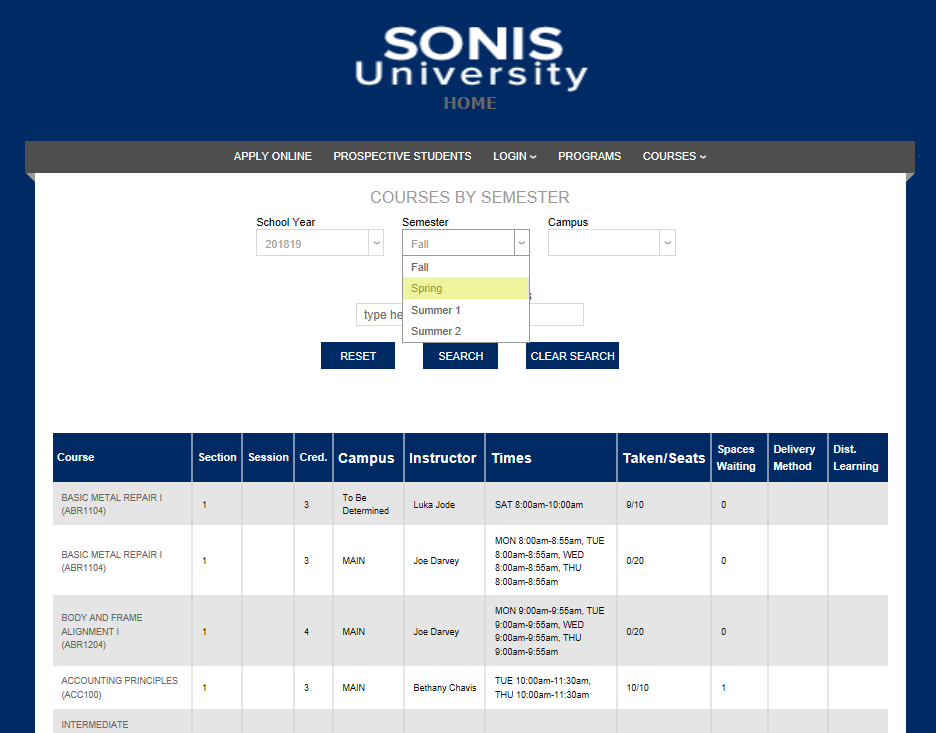
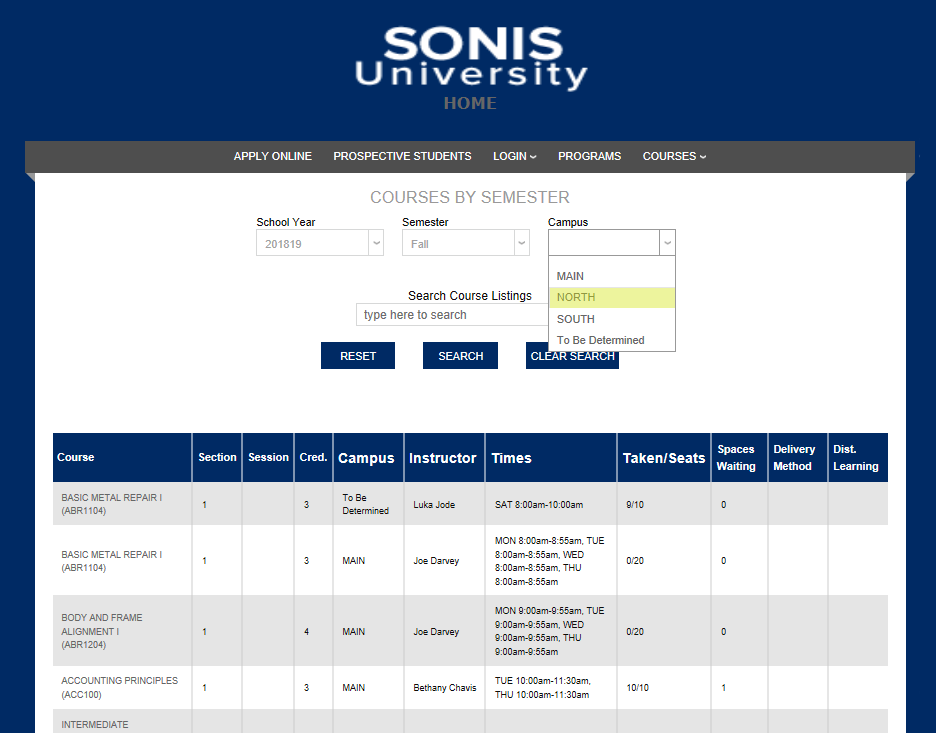
As each selection is made from one of the dropdown menus, the list updates to show only classes that fit the selected criteria.
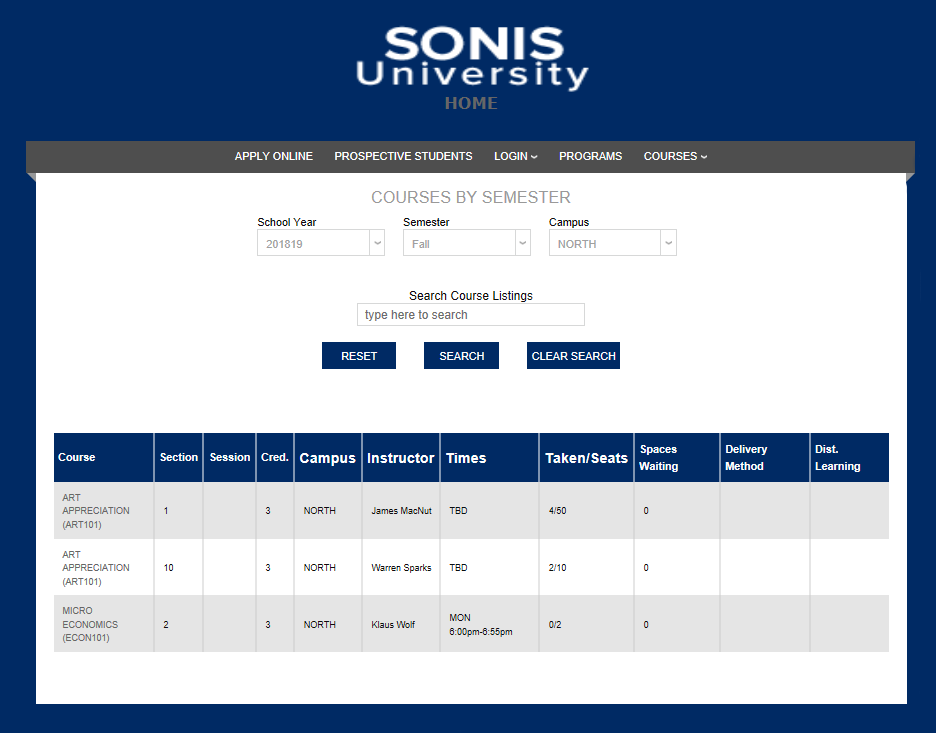
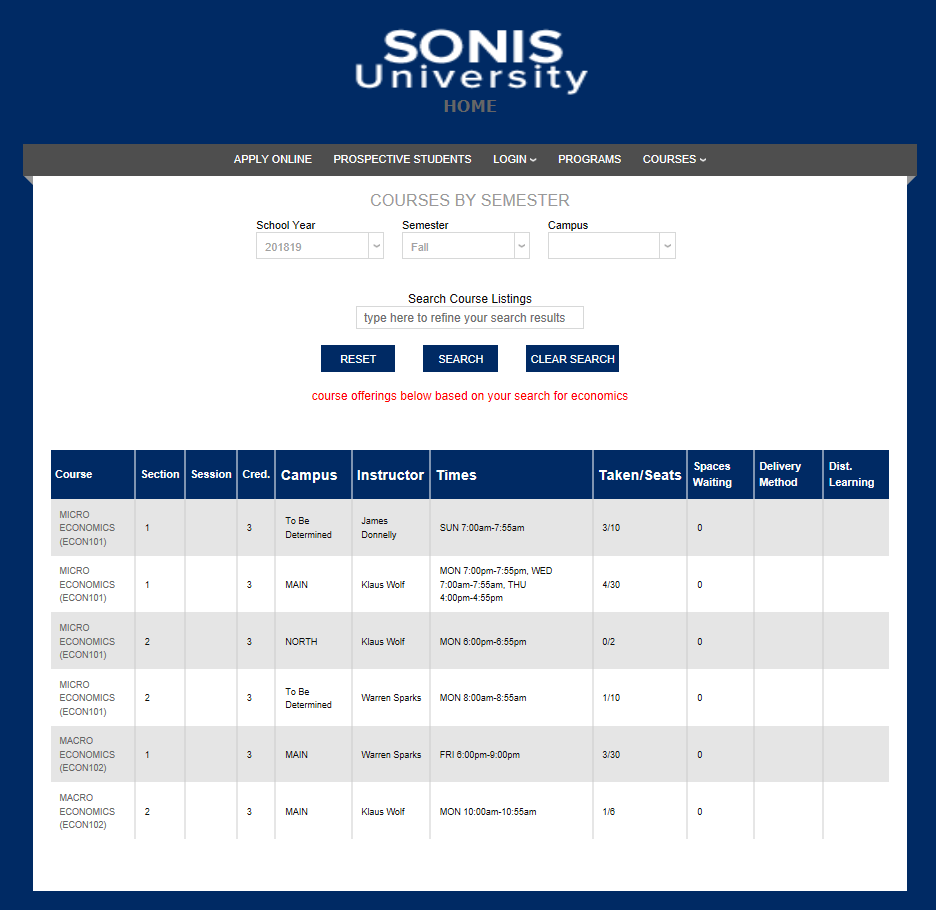
Alternately, students can search for classes by typing a search term into the Search Course Listings box and clicking Search.