User Portal Access
Overview
The User Portal Access utility is a Jenzabar SONIS function that allows administrators to view a SONIS portal as a specific student or user without leaving their own account. This utility is useful both for troubleshooting and for accessing information associated with a user more quickly than it might be accessed otherwise.
Note
All User Security permissions apply to
For an overview on setting up and customizing SONIS portals and login pages, click here to view the Portal Management in SONIS e-book from Jenzabar Learning & Development.
Using Portal
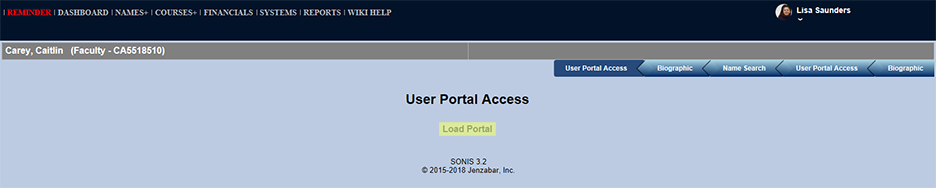
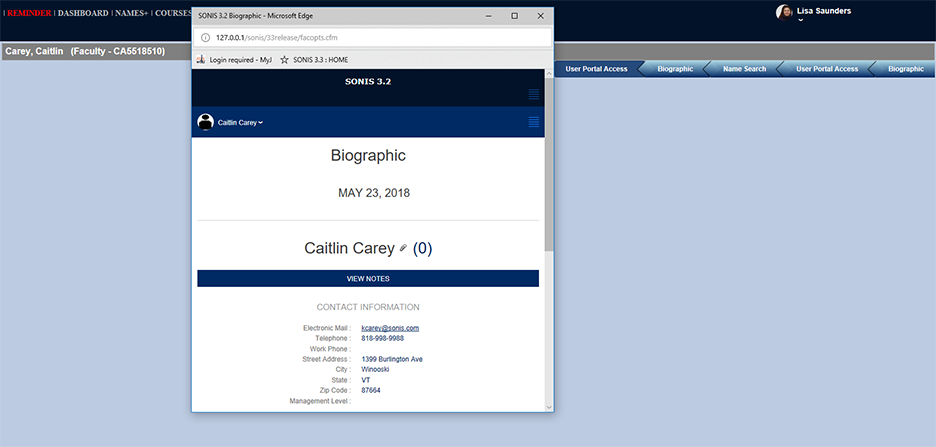
To access Portal View, first navigate to a specific user's information by using the search function under the Users hub. Once a specific user has been selected, the User Portal Access utility will appear in the left-nav. Open up the utility and then click the text that says Load Portal. Doing so will open a new window with the selected user's portal. This portal can be navigated just as the user would navigate their own page. Closing the portal window or clicking back on the administrator's Jenzabar SONIS portal window will end the User Portal Access session.