Groups
Overview
At various times, it may be appropriate to associate a Jenzabar SONIS user with an institutional group. A method of doing so is provided by the Users hub page Groups. The member institution may define desired groups and administrators can assign users to the groups, disable their association with the group, and add a memo recording any associated details. Groups are created using the Groups table in Table Maintenance under the Systems menu.
Adding Groups
Member institutions define desired groups using the Groups Table and they are assigned to a user by entering the Groups page and selecting Add.

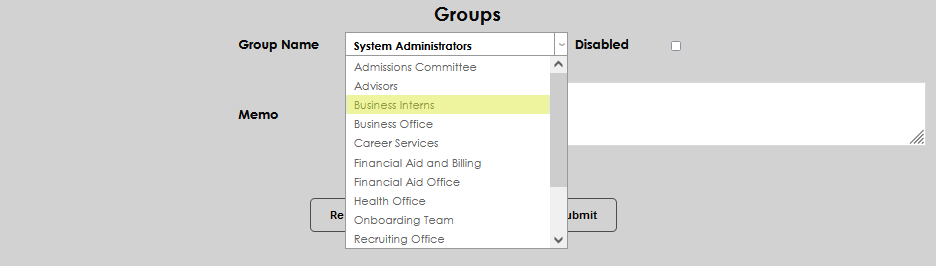
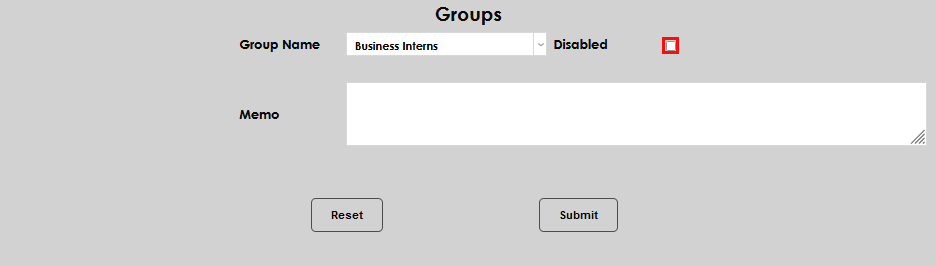
Select the desired group from the Group Name dropdown menu. The group assignment will become active upon submitting the entry, so leave the Disabled box empty.
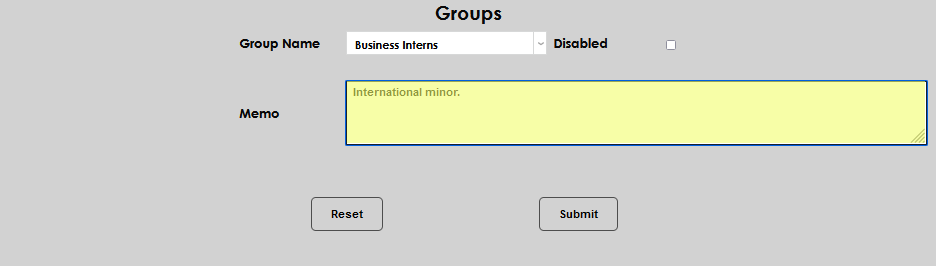
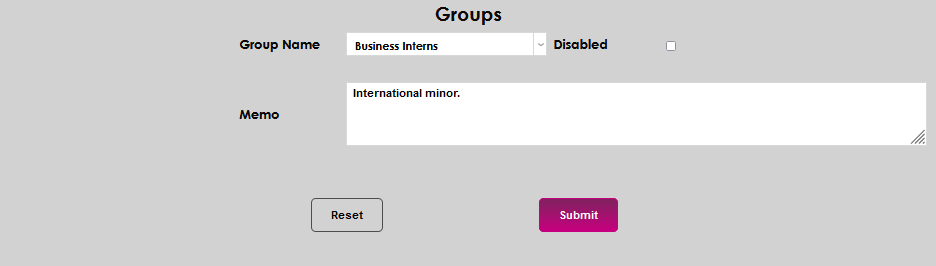
Enter any helpful details about this group assignment in the Memo field. Click Submit to save the entered information.
Editing/Disabling Group Assignment
To change or disable a group assignment, click on the Group Name. Make the desired edit, or click the Disable box to deactivate the group assignment.

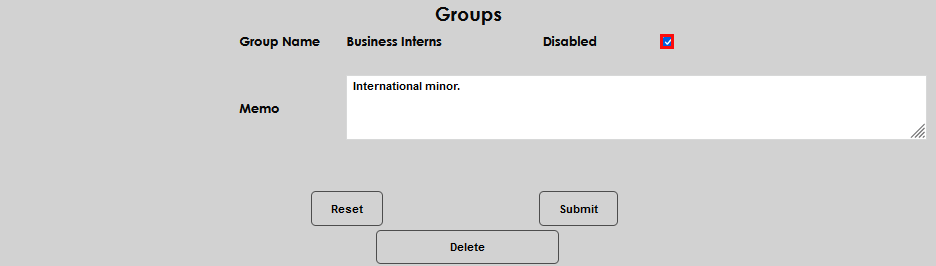
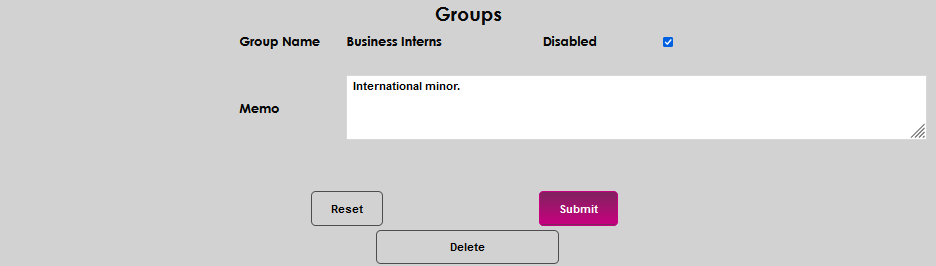
Save the changes by clicking Submit.
Using Groups with Reminders
If the Groups will be used in SONIS Reminders ensure that the Reminders Group setting is set to 1 in the Groups Table.