Housing Post Related Charges
Overview
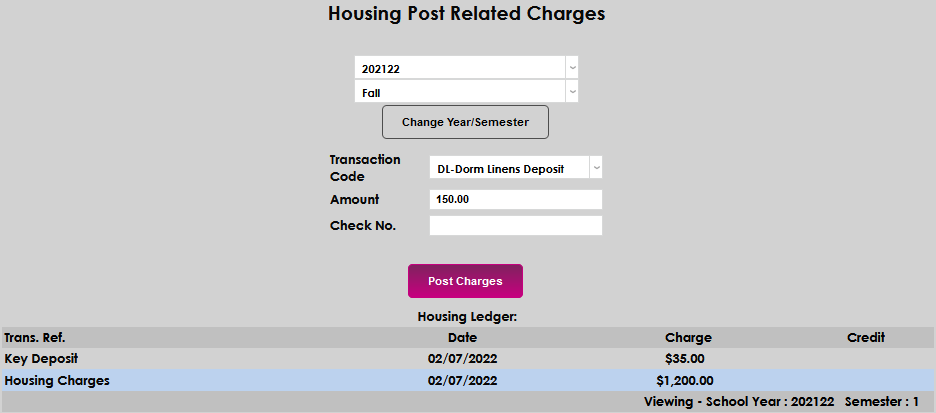
Some Jenzabar SONIS member institutions have charges associated with on-campus or institutional housing, such as fees specific to a given housing building, key deposits, and meal plan charges. These, as well as the charges for housing, can be entered on the Housing Post Related Charges Users hub page. Charges can be assigned to a particular year and semester, and amounts and check numbers can be entered. The page also displays a ledger of the posted charges and any associated credits.
To learn more about the housing functions offered by SONIS, visit the Housing overview page.
Posting Charges
To post charges associated with residing in campus housing, enter the Users hub and select the Housing Post Related Charges page. When the page opens, the year and semester will populate with the current year and term. To change these, simply select the desired year and semester from the dropdowns and click Change Year/Semester.


When the year and/or semester are changed, any existing charges that are associated with the selected time periods will populate in the Housing Ledger at the bottom of the screen. Confirm that the charge that needs to be posted isn't on the ledger before proceeding with entering the Transaction Code.
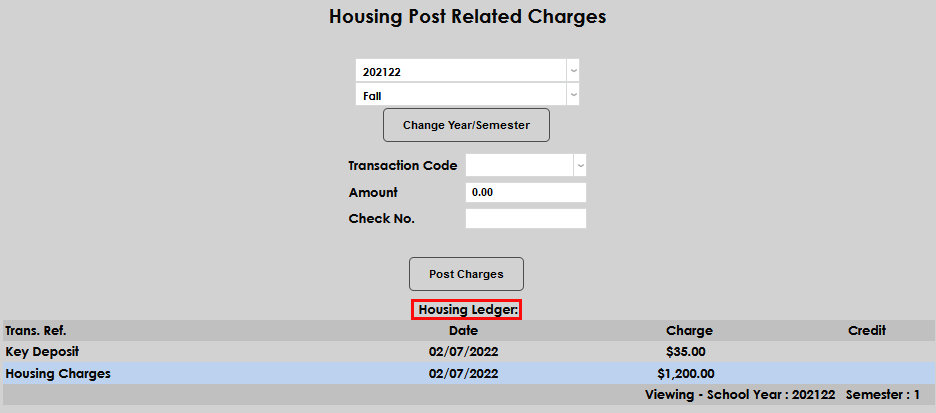
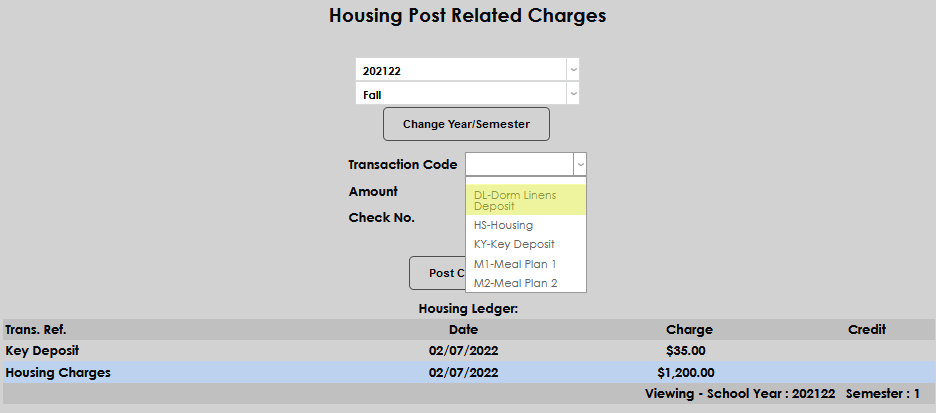
Select the desired Transaction Code from the dropdown and enter the dollar amount in the Amount field. If the desired transaction code isn't available, an administrator must enter it on the Transaction Codes page in the Systems hub.
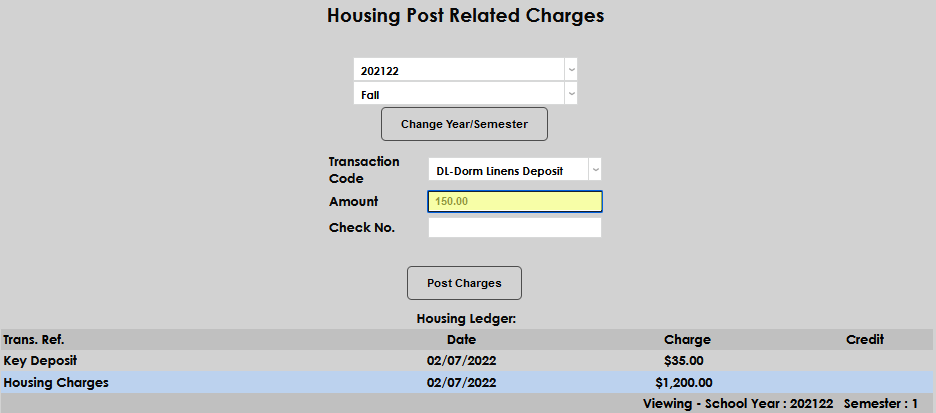
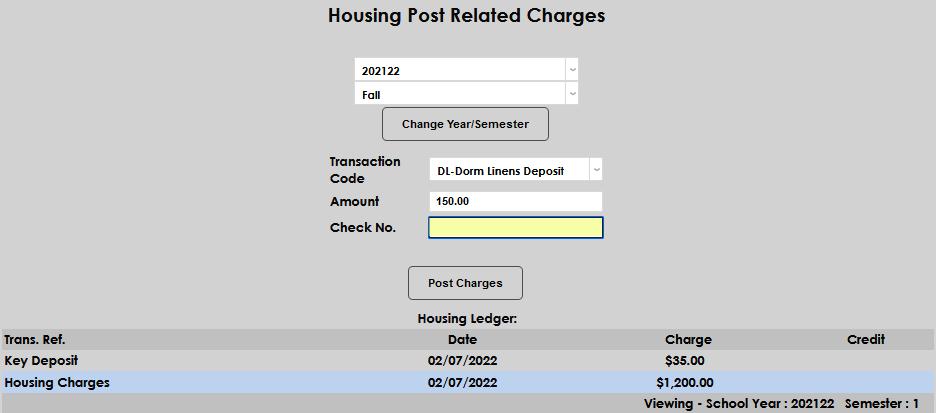
If payment by check has been received for this charge already, enter the Check No.. Click Post Charges to add the charge to the ledger.
If charges were posted incorrectly, they must be adjusted on the user's ledger.