Batch Folder Valid Emails
Overview
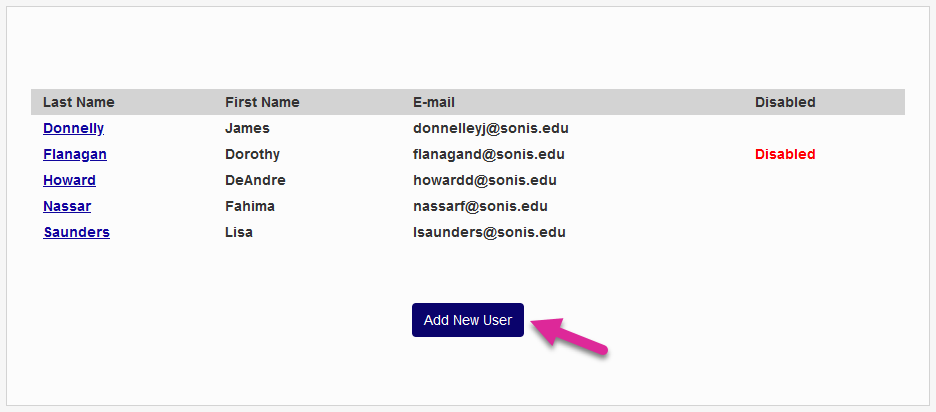
To use the Batch Folder File Retrieval system, your email address must first be added to the Batch Folder Valid Emails table located in the Systems hub. Users who are not listed in this utility will not be able to archive, delete, or send any files.
Adding New Users
To give a user access, click Add New User.
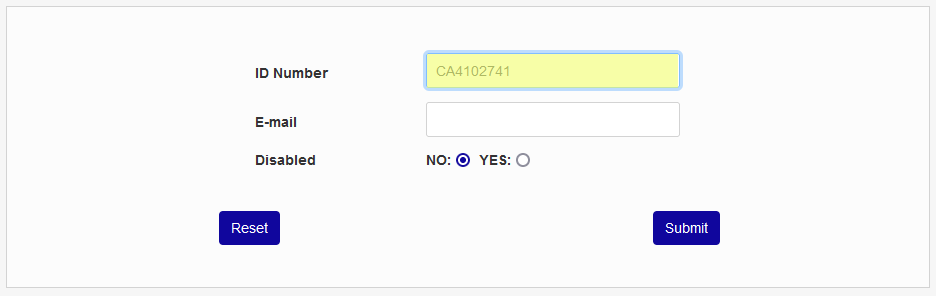
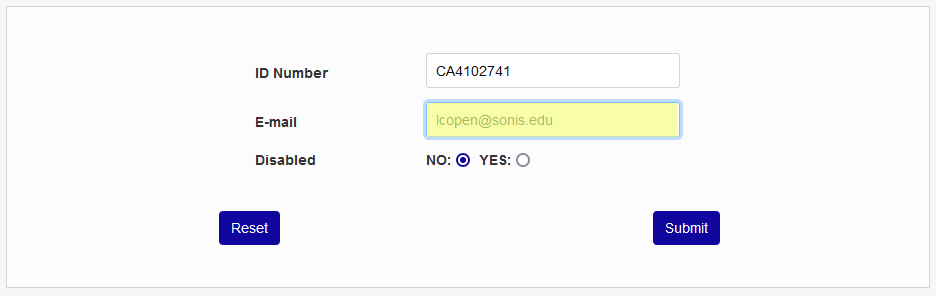
On the following page, enter the user's SONIS ID Number and their Email address. The email must be listed in the user's primary Address record.
Ensure that the No radio button is selected so the account access will not be Disabled. You can disable access later if a user will no longer be using the Batch Folder File Retrieval utility.
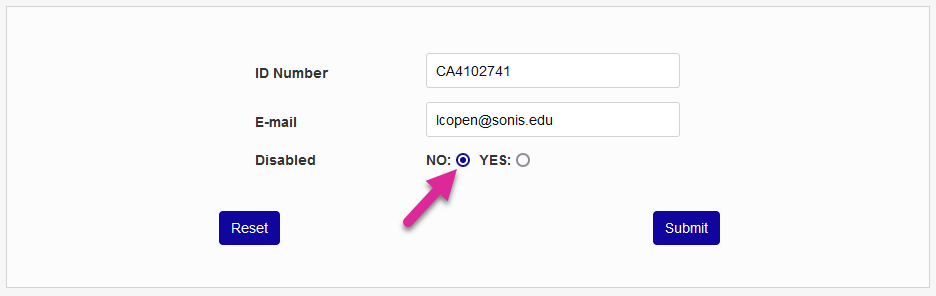
Click Submit to complete the process.