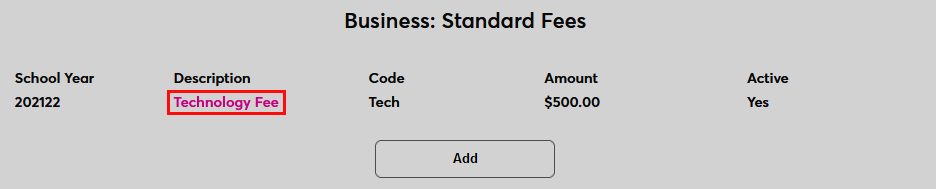
Standard Fees
Overview
Standard Fees are fees for student services that are charged to every active student regardless of their module status, affiliation, etc. They are created on a yearly basis and apply to every student who takes a course during that school year. They allow schools to recoup the cost of student services and other amenities with a separate fee that can be changed each year as costs increase or decrease without making frequent changes to tuition costs.
Visit the Fees page for an overview of the types of fees that Jenzabar SONIS offers.
Creating Fees
To create standard fees navigate to the Standard Fees page in the Systems hub and click Add to begin.

On the following page, select a School Year for the fee. The fee will be charged to any student who registers for a class during the selected school year.
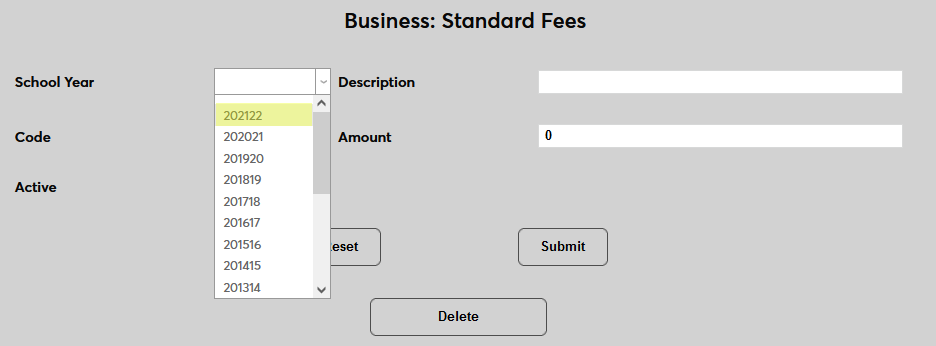
Next, create a Description for the fee that will tell other administrators what the fee is for. This description will also appear on student billing. The field has a 35-character limit.
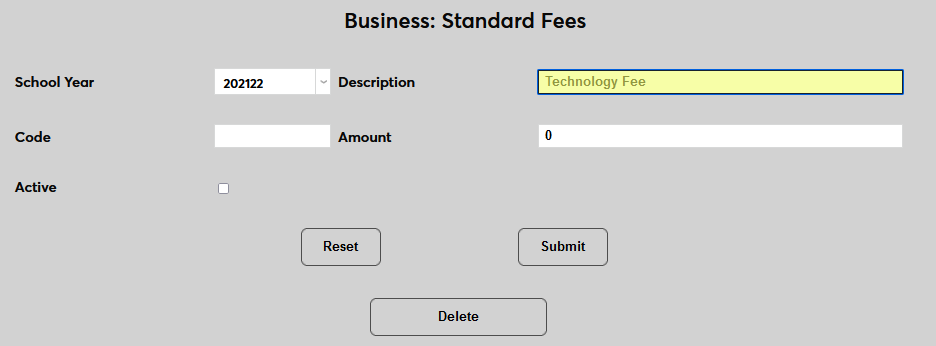
Create a Code for the fee. This code is generally a shortened version of the description. The code will be used to identify the fee in some reports and some other parts of the SONIS system. This field has an 8-character limit.
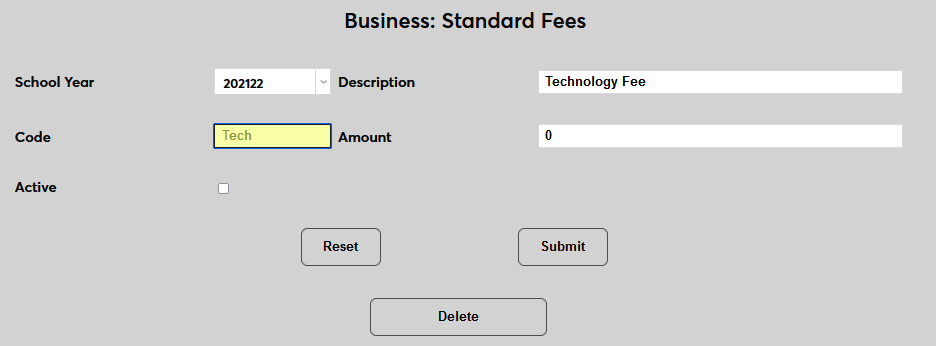
Enter an Amount for the fee. All active students in the selected year will be charged this amount.
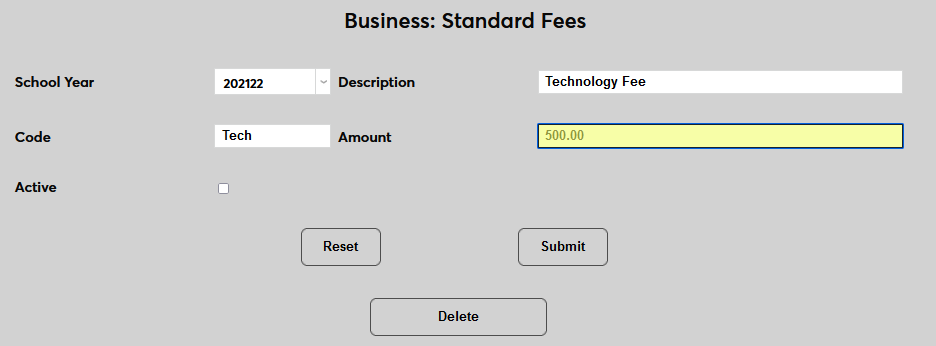
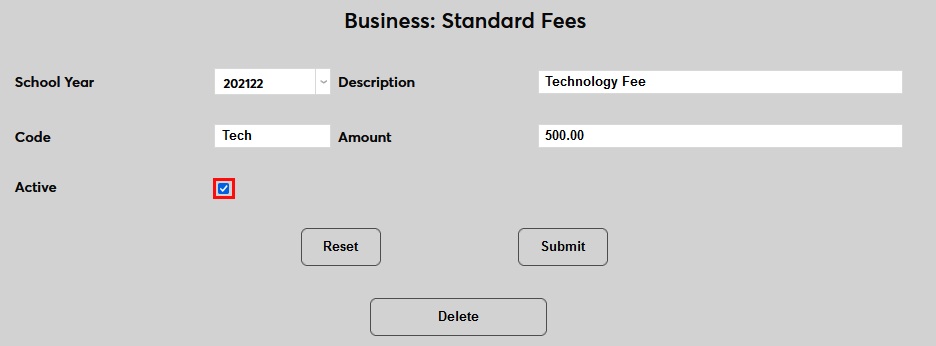
Check the Active box to make the fee active immediately or leave it unchecked to simply create the fee for later activation. Once the active box is checked and the fee is saved, all students will be charged the fee when registering for courses.
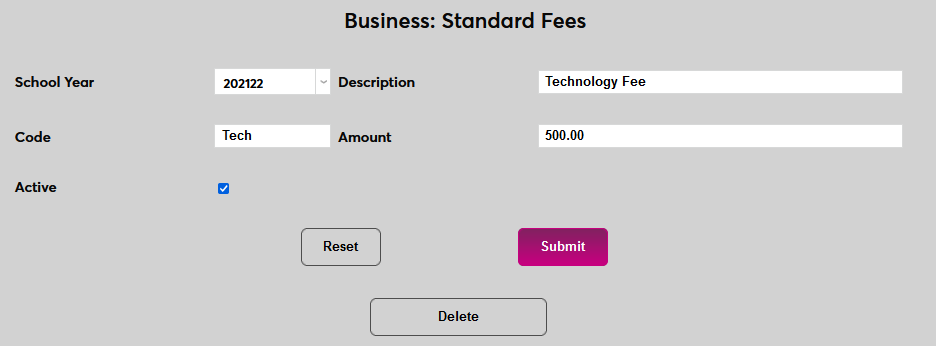
Click Submit to save the changes and create the fee.
Once a fee has been created, click on the Description of the fee to make changes.