Cohort
Overview
A cohort, or group of students that enter a program together and remain together throughout its duration, can be defined and managed in the Systems hub page, Table: Cohort. A code, start and end date, anticipated graduation date, campus, program code, and a note can each entered. Information about each cohort and the students associated with it can be viewed using the Cohort Report.
Adding/Editing Cohorts
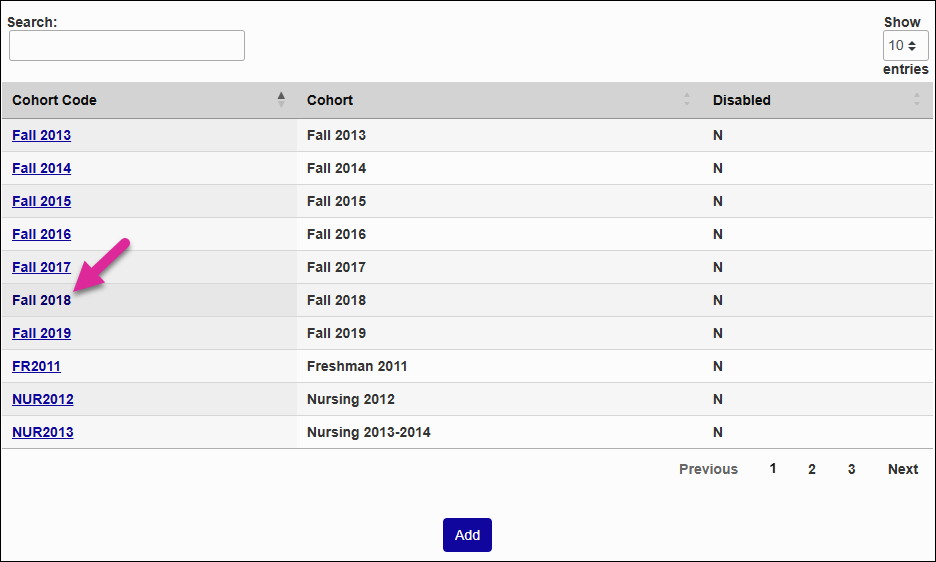
Your existing cohorts are listed on the Cohorts landing page in a table. You can sort each column in ascending or descending order using the up and down arrows in the header row. There's a Search box you can use to locate a specific T-code that narrows down the list as you type. Use the Show menu to control how many rows display per page and the Previous, Next, and number links to navigate between pages.
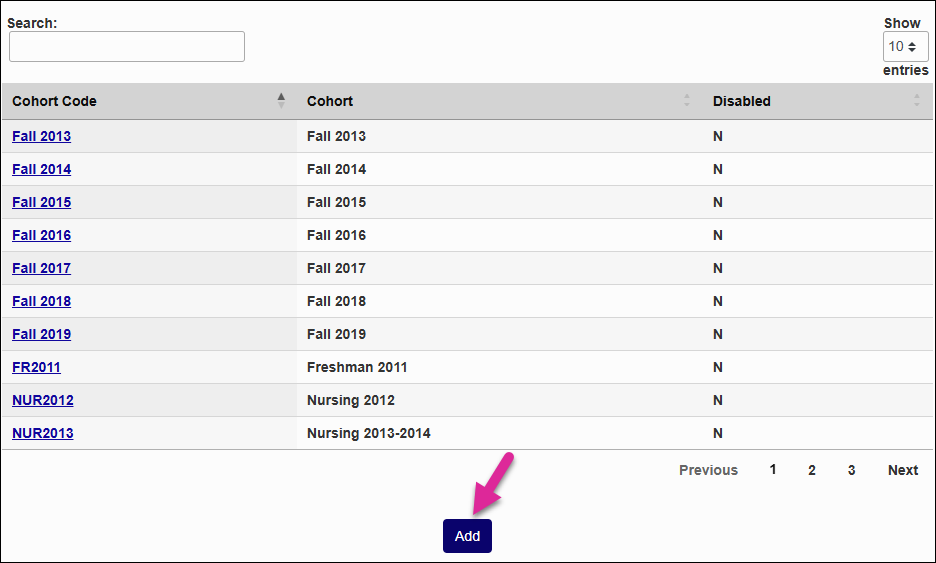
Either click on an existing Cohort Code to make changes or click Add to create a new cohort.
If you're creating a new cohort, begin by creating a brief Cohort Code. This field has a 10-character limit and will be used to identify the cohort in this table. Once you've set this value, it cannot be changed.
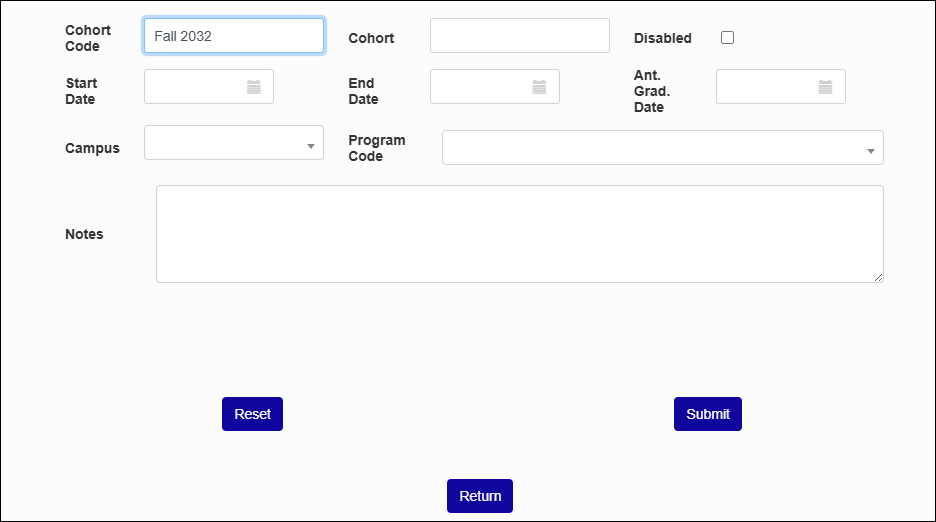
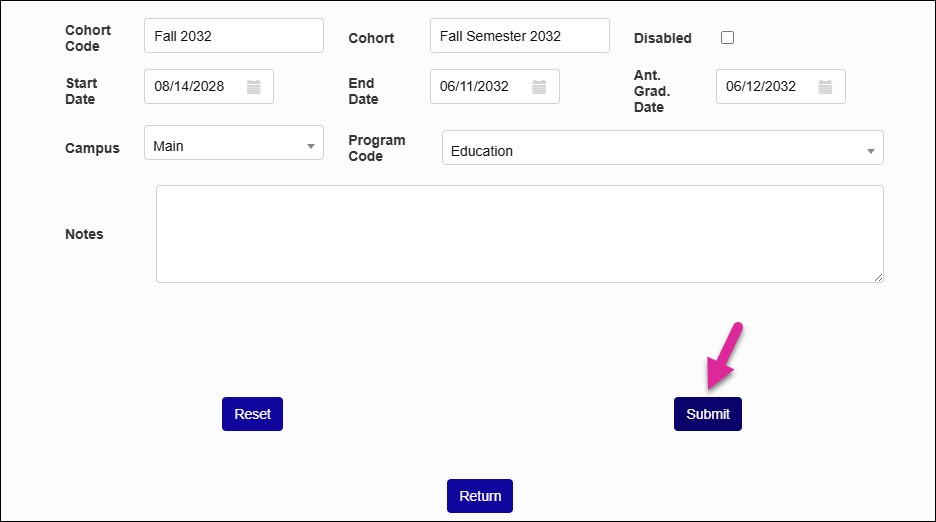
Give the cohort a name using the Cohort field. This is the text that will display in drop-down menus when assigning cohorts. The field has a 40-character limit, so you can be a bit more descriptive if you need to be.
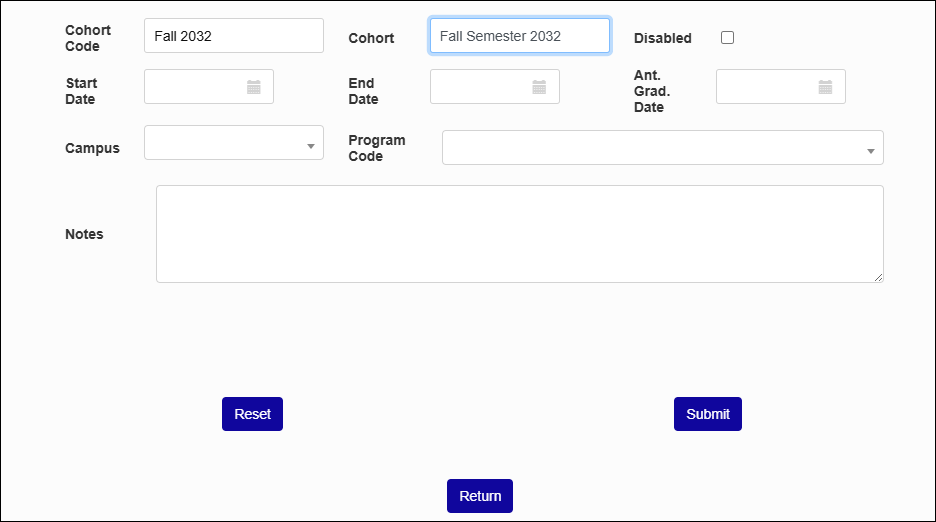
Check the Disabled box if you want to prevent this cohort from being shown as a selectable option. This is typically used for old cohorts that are not longer applicable to current students or cohorts that are no longer used for some other reason.
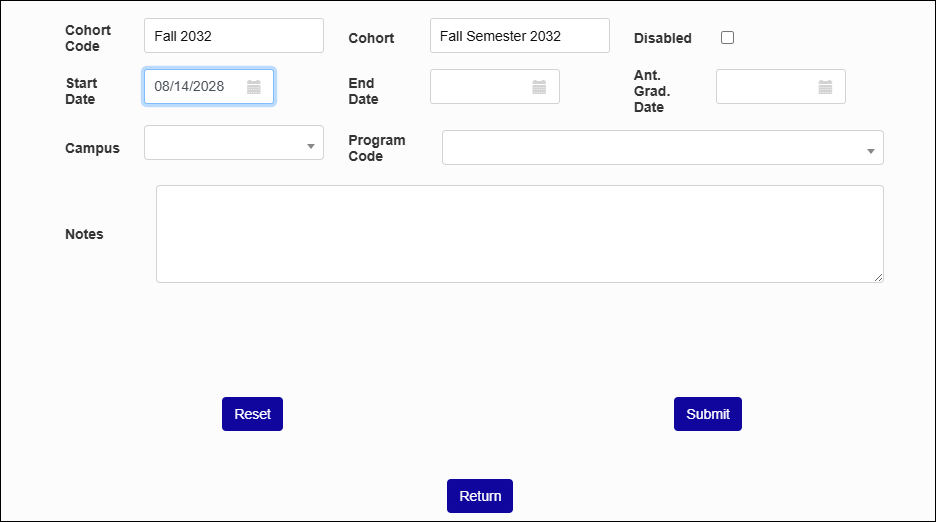
Enter an optional Start Date and an End Date for the cohort. These are the dates when students in this cohort are expected to begin and end their time at your school.
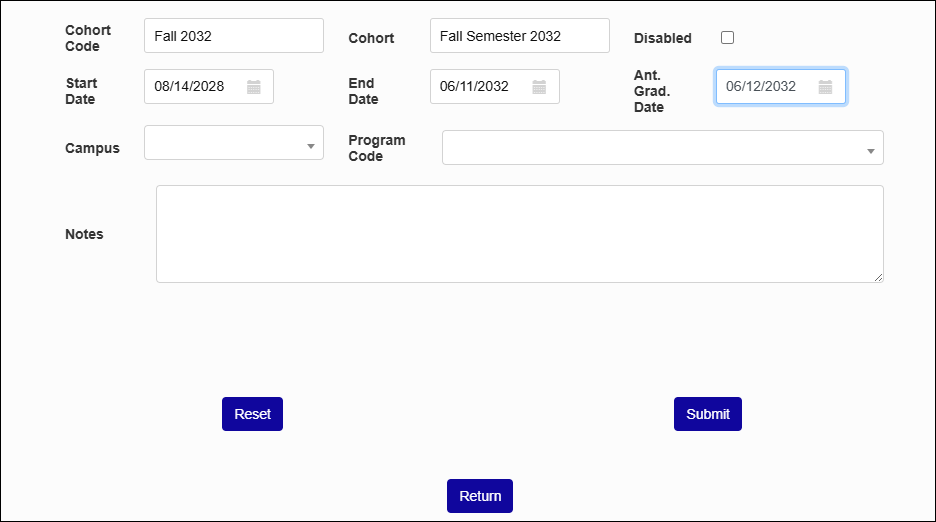
You can also enter an Anticipated Graduation Date for this cohort. This is the date that the students in this cohort are expected to graduate.
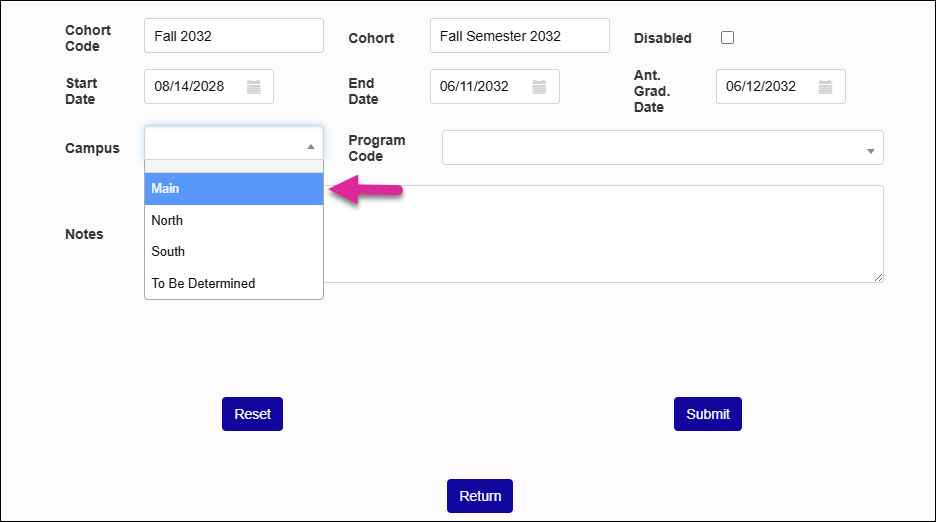
While many cohorts apply to a wide range of students throughout a school, you may need to create a cohort that is tied to a particular Campus or Program Code. If you're creating a cohort for one of these specific groups, select a value from one or both of the fields.
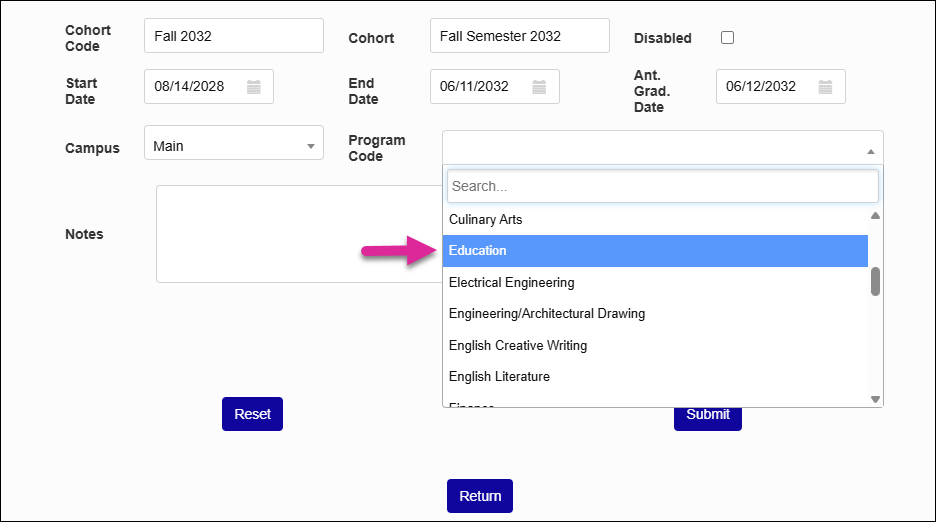
The Notes field is a place where you can leave additional instructions or clarifications about the cohort. Cohort notes are only accessible on this page and do not output anywhere else in the system.
Click Submit to create the cohort.