Bulk Holds by List
Overview
The Holds by List utility, available in the Systems hub, allows groups of students to be assigned a hold based on a list that they belong to. To learn more about how to create and edit lists, visit the Lists Management Utility article. To learn more about using holds, visit the Holds page.
Using the Utility
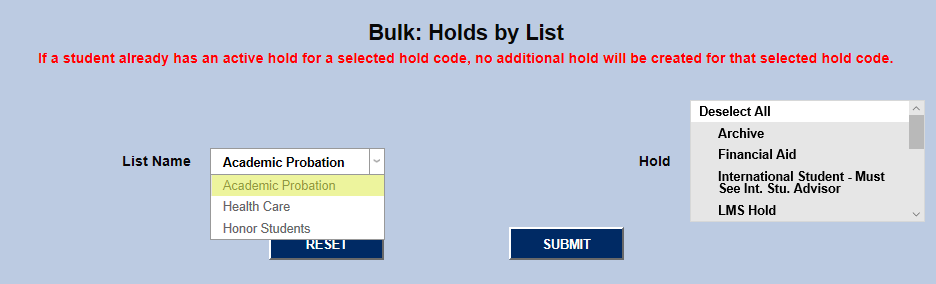
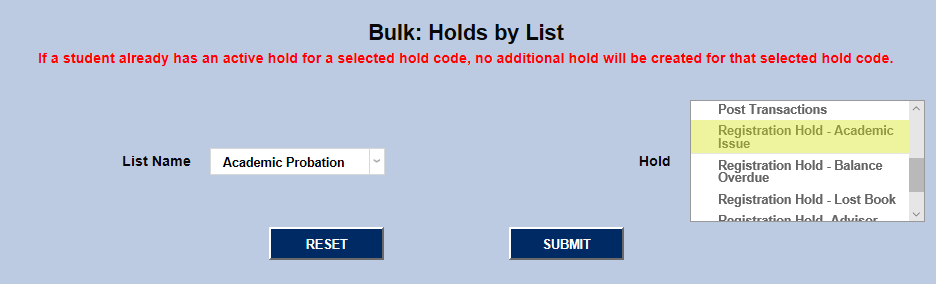
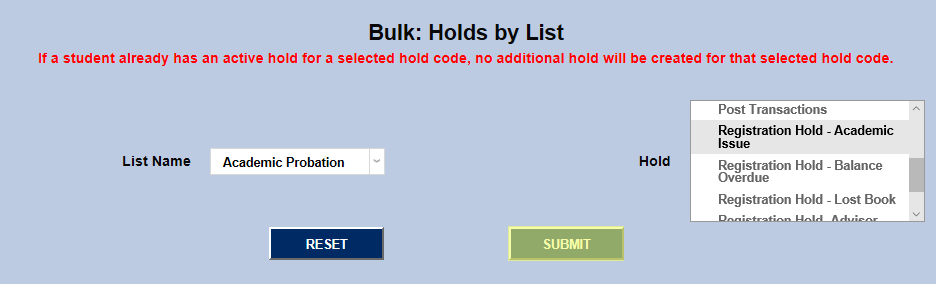
To assign holds, select a list from the List Name dropdown, select a hold from the Hold menu, and click Submit. If a student already has an active hold for a selected hold code, no additional hold will be created for that selected hold code.