Authenticated User Card
Overview
The Authenticated User Card area of the page is customized to the user that is logged in and their assigned role for the application. Utilities and portals associated with the user's role are available from the dropdown, regardless of portal or page hub areas.
User Card
The user card appears in the top right of every page and displays information and settings that are associated with the user that is currently logged in and authenticated. The information sections that display are the same for every user, but the data contained within will be personalized to the user.
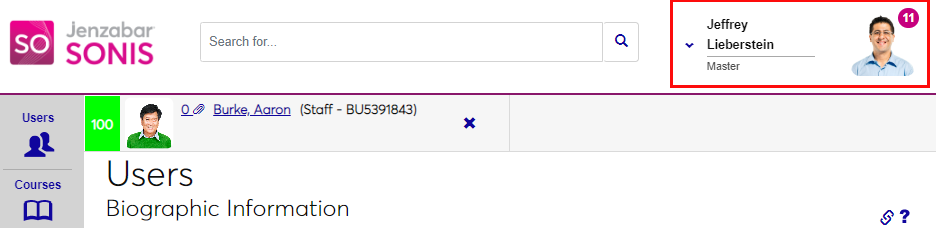
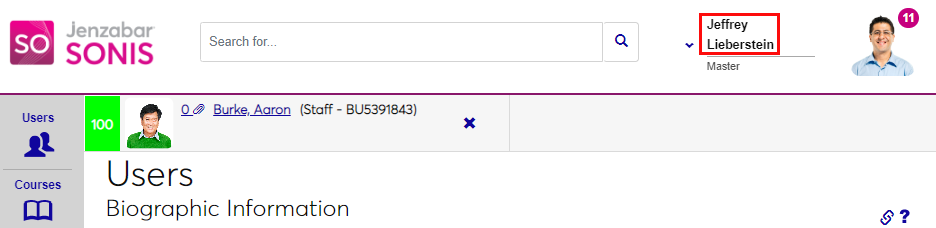
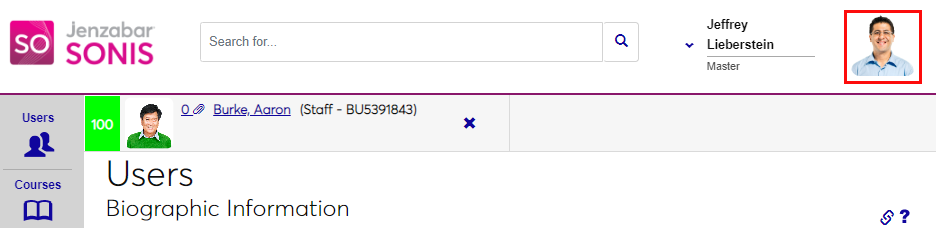
The user's name is displayed in First Last format. The current photo as stored in Biographic Photo Upload displays, if available. If the user does not have a photo within SONIS, a silhouette placeholder image will display.
Next to the profile photo is a notification badge. This badge displays a sum of the number of reminders and/or messages sent to the user that are in an Unread status. The user can click the badge to access the reminders. If there are no unread messages, no badge displays.
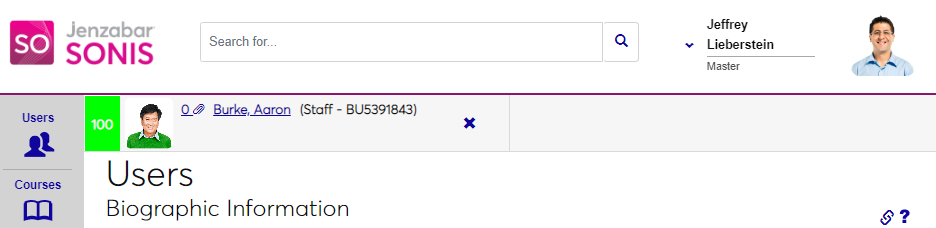
The role the user is logged in as displays below the user's name.
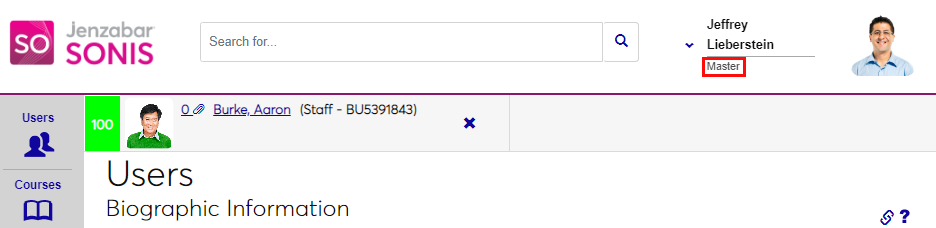
Dropdown Menu
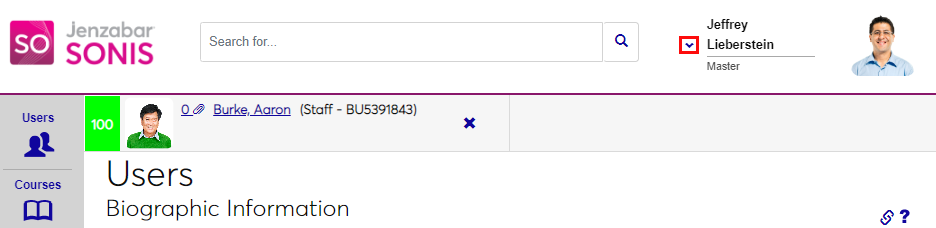
Clicking the down arrow opens a menu that is personalized to the user.
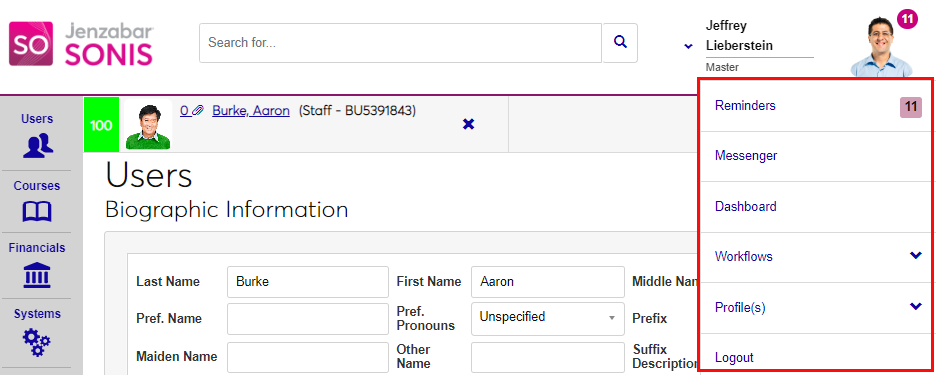
The menu contains links of various purposes, as described below.
• Reminders: This links to the user's Reminders/Activities page.
• Messenger: This links to the user's SONIS Messenger page.
• Dashboard: Links to the user's Dashboard. If the user does not have a dashboard enabled for the logged in profile, the Dashboard link will not display.
• Workflows: If the institution has enabled Workflows, this link will display and show up to 5 Workflows, as well as the ability to set up ad hoc Workflows. If Workflows are not enabled at the institution, the link will not display.
• Profile(s): If the institution has enabled Profile Switch and the user has more than one profile, this link will display and allow the user to switch between their profiles.
• Print: If the institution has enabled Administration Printing, this link displays and allows the user to print the displayed content of a page.
•Logout: Allows the user to logout of the portal in one click.