Health
Overview
The Health page, available in the Users menu, provides the ability to record the status of health activities for users. Health Immunizations is used to create health record items that will display on the Health menu. Administrators update the values, as appropriate. Once immunization or health items have been created and recorded at the user level, institutions can set up an Immunization Expiration Notifier that will alert users when their immunizations or health items are expiring.
Maintaining Health Records
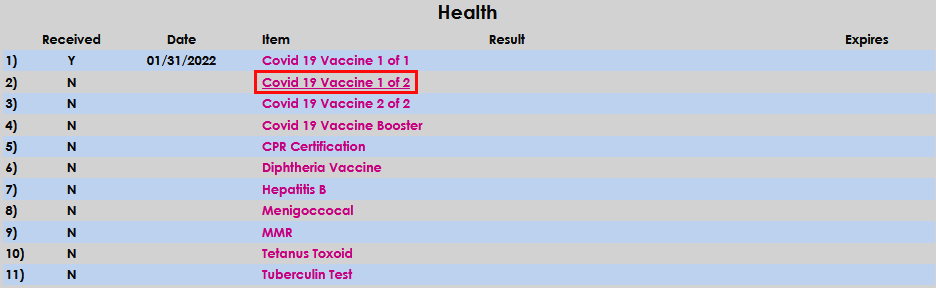
All Items added on the Health Immunizations table display on the Health page. If a needed item is not displayed, it must be added on the table by an administrator.
To satisfy or record receipt of proof of completion of a health item, click the name of the item.
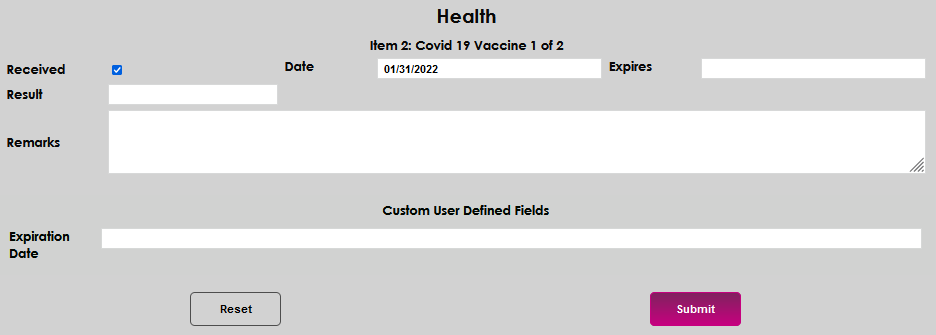
Indicate that the item was completed by checking the Received box. The date will automatically fill and can be edited simply by clicking in the Date field and typing in the appropriate date.

Enter an expiration date for the item in the Expires field, and the outcome of the item in the Results field, if appropriate. For example, if this item were a yearly tuberculosis screening the expiration date would be one year from the date the test was taken and the result would be the positive or negative result of the screening.


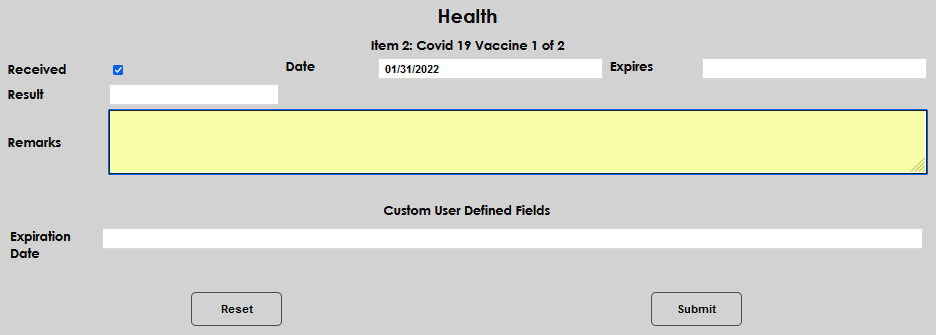
Enter any other details in the Remarks field. Submit to save the entered information.