Holds Status Indications
Overview
The Systems hub utility, Holds: Status Indications, provides administrators the ability to assign a status to a hold code. For more information, visit the Status Indications page.
Assigning Status Indications
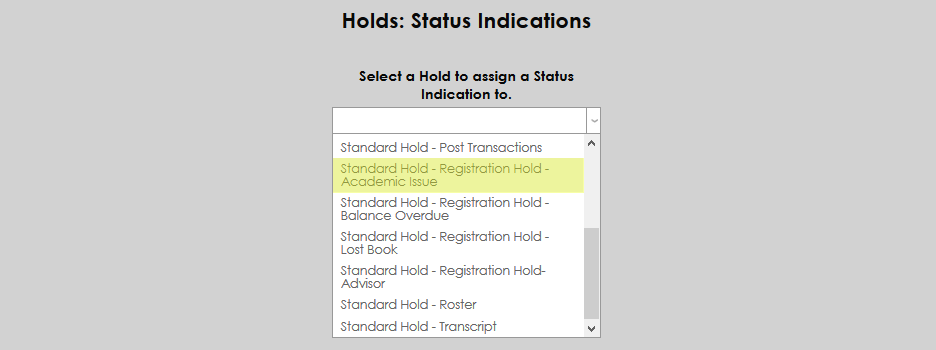
Holds are a way to restrict student access to certain parts of the SONIS system. They can also be linked to status indications. To set up these links, navigate to Holds: Status Indications. Select a hold from the dropdown menu to begin.
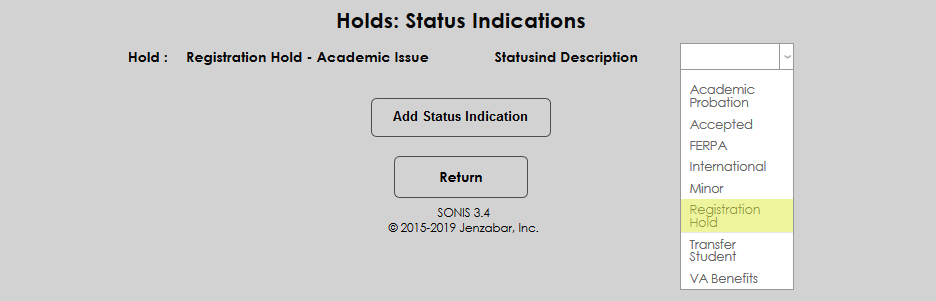
On the following page, select a Status Indication Description from the dropdown menu and click Add Status Indication.
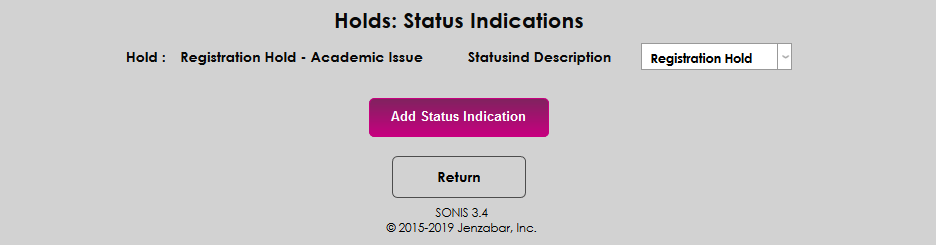
Once a hold type has been linked to a status indication, adding a hold of that type to a student's records will also add the linked status indication.