Institution Fix
Overview
The Institution Fix utility, available in the Systems hub, is designed to permit an administrator to merge two institutions that were entered into the database erroneously under two different names. Having duplicate institution names in the table can cause confusion and lead to problematic data inconsistency. Institution Fix updates all existing records in addition to changing the Institution table.
Merging Institutions
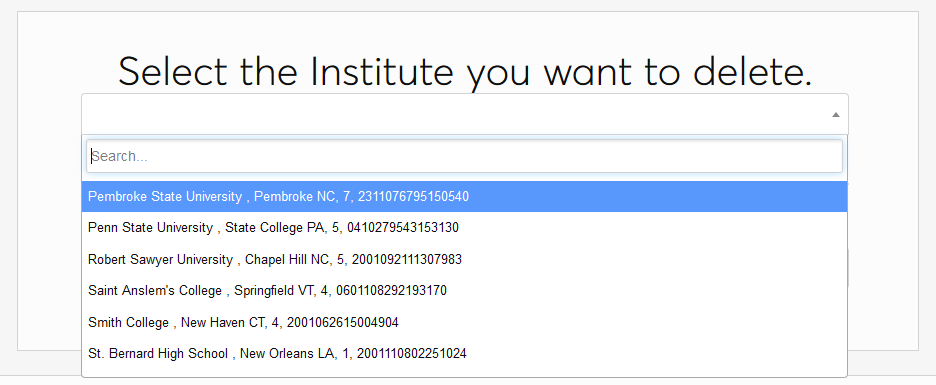
To merge two institutions, first select the erroneous institution that should be deleted from the top dropdown menu.
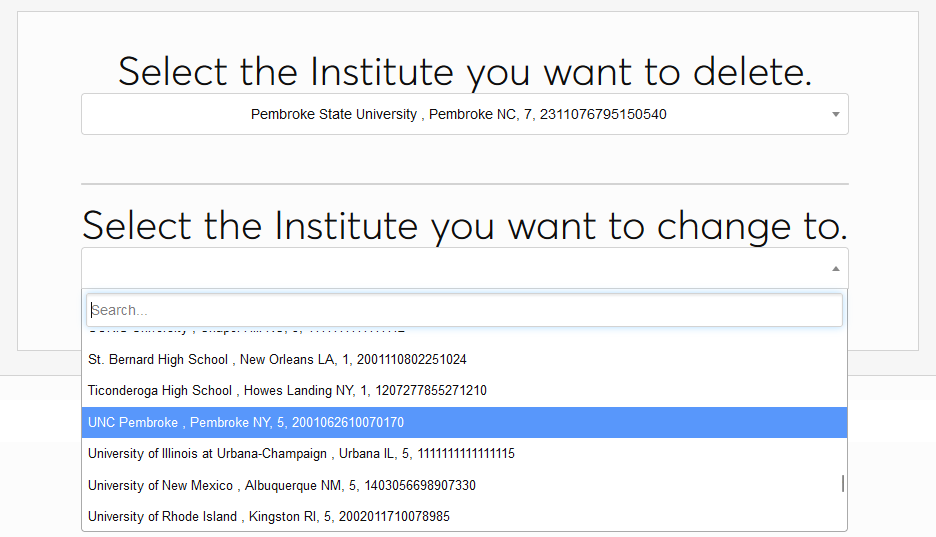
Then, select the correct institution that should be kept from the bottom dropdown menu.
Click Submit to merge the two records. A success message will appear, letting you know that the process has completed.

All transfer records associated with the institution should now be updated in each user's Courses and Education records.