File Upload
Overview
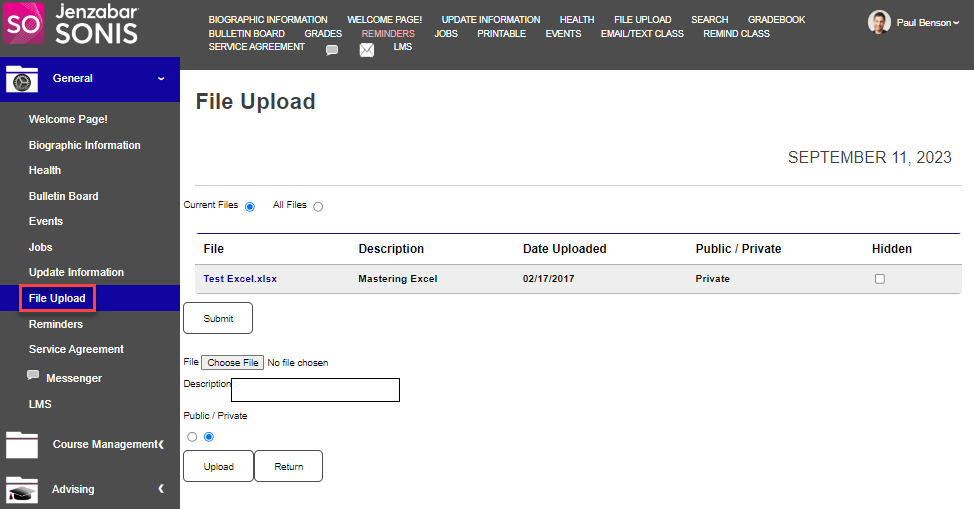
File Upload is available in the Faculty Portal General menu if it has been enabled by the school administration. The digital or electronic file(s) that are uploaded here can be set to public or private and the use opportunities are determined by which the file is set to.
Uploading Files
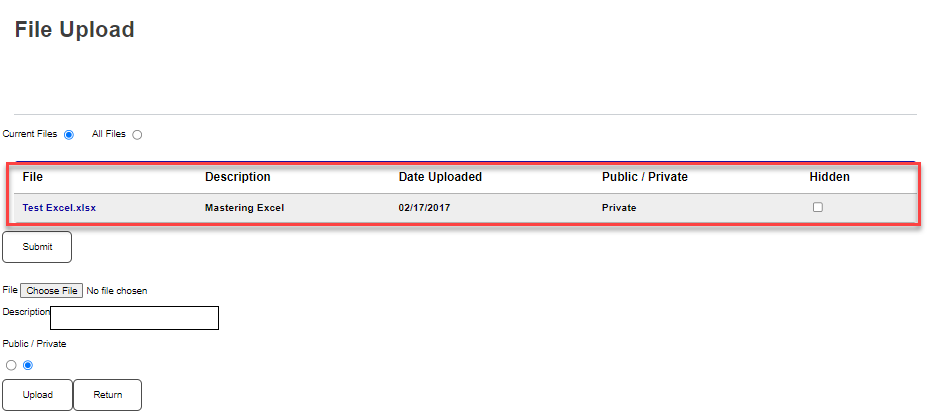
To upload a file, select File Upload from within the General menu. When the page opens, any previously uploaded files display.