Degrees
Overview
The Systems hub page, Degrees, allows Jenzabar SONIS member institutions to define all degree types offered. For example: Associate of Arts, Bachelor of Science, and Certificate of Office Technology. Rank, NSC credential, location, and enrollment type can be entered for each degree type. These degree types can then be associated with programs and are assigned to each user through their Education record.
While it's most important to track the degree or certificate that each student is currently pursuing, degree records can be kept for faculty, alumni, and other users as well.
Adding Degrees
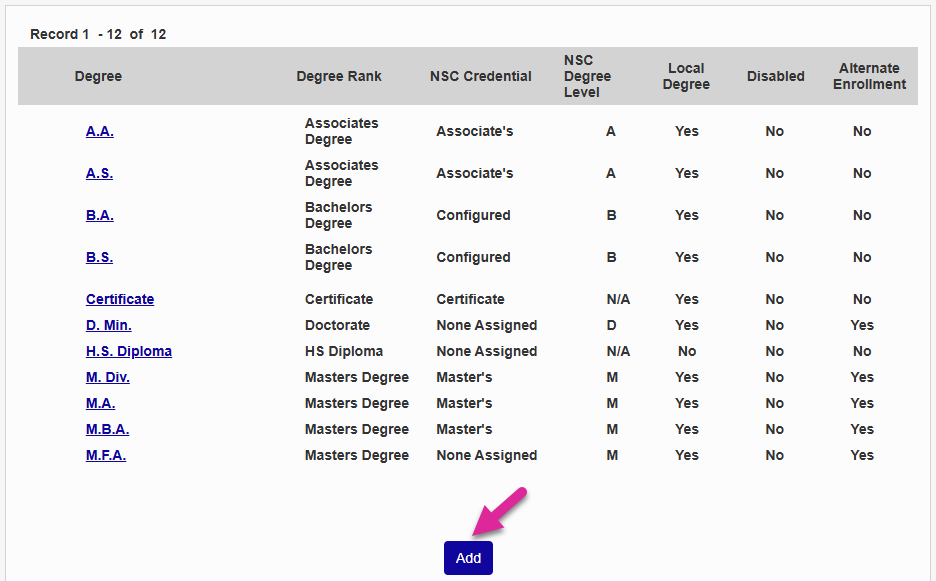
To add a new degree click Add on the Degrees start page.
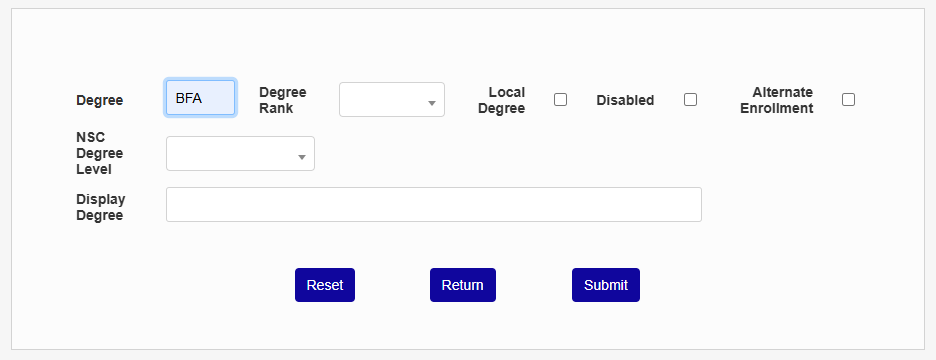
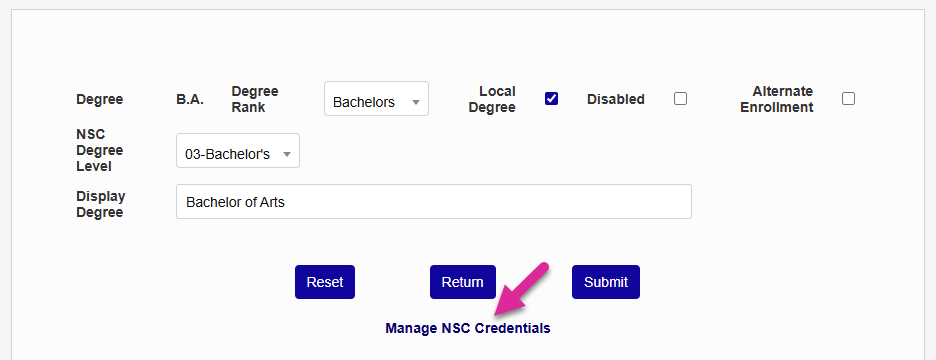
On the following page, begin by creating a short name for the degree in the Degree field. For example BA, BS, MA, etc. This is how the degree will be identified in the database and how it will display in most system menus.
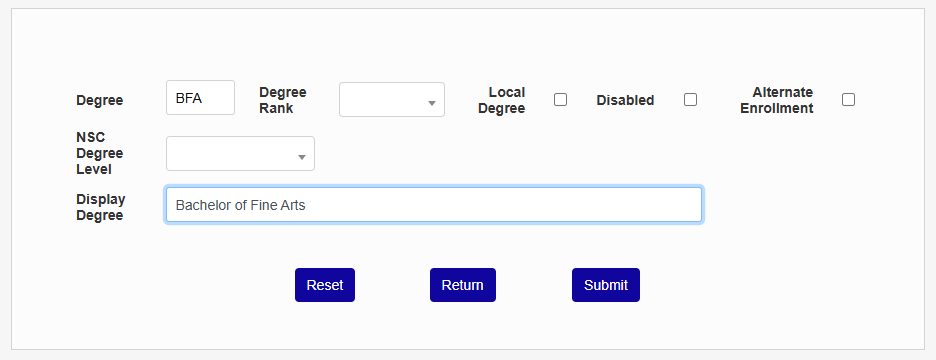
Next, enter the longer name for the degree in the Display Degree field. For example, bachelor of arts, bachelor of science, master of arts, etc. This is the name that will appear on diplomas, certificates, and transcripts.
Note
While the standard Transcript report doesn't include the student's degree, many schools have chosen to include it in their custom transcript.
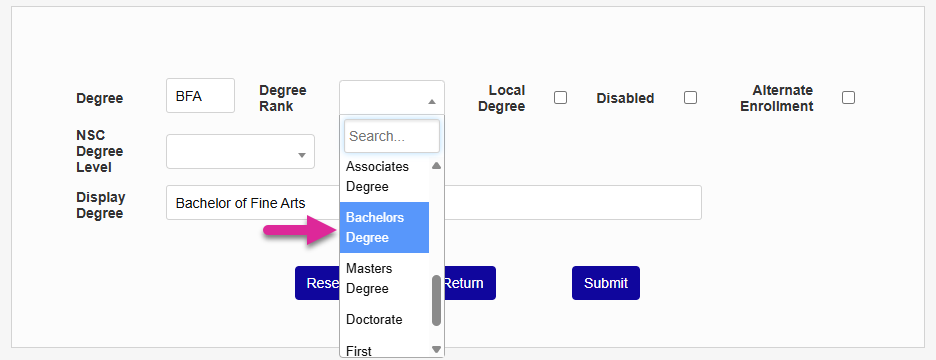
Select the appropriate Degree Rank for this degree based on the list in the dropdown. This list is designed to correspond with National Student Clearinghouse standards and cannot be edited.
Check Local Degree if the degree is offered by your school. Leave this box unchecked if it is not. Local degrees are available to select in home institution records on the Education Users page. Degrees not marked as local are only available when the education record is associated with another institution.
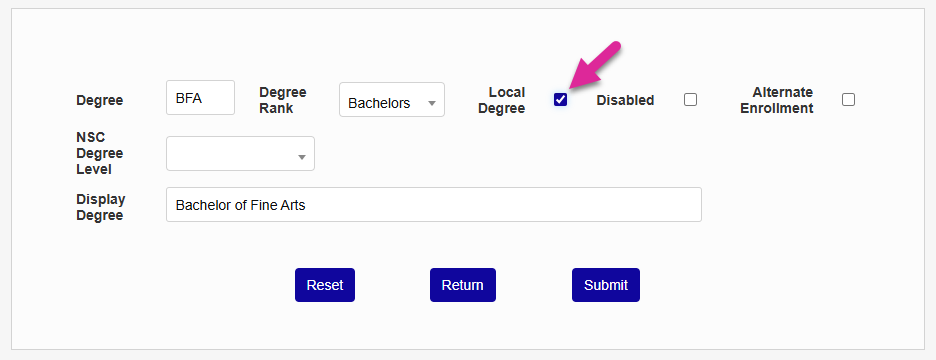
Leave the Disabled box unchecked to make the degree active in the system or check it to mark it as disabled and exclude the it from being selected anywhere else in the system.
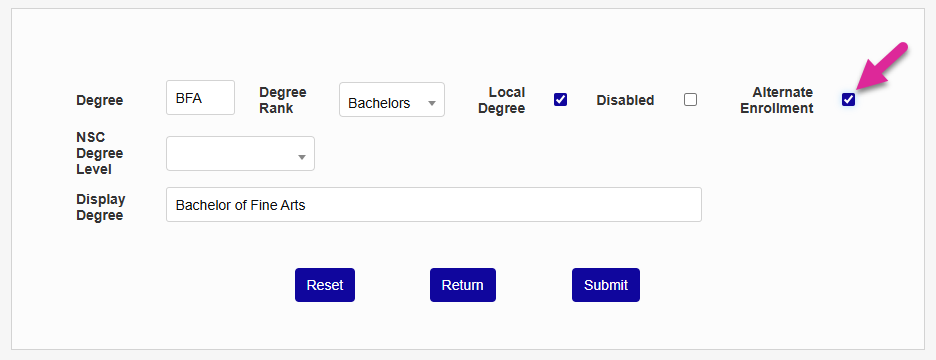
If the Alternate Enrollment box is checked, enrollment status will be calculated based on the credit hours requirements entered in the Alternate Enrollment Status Utility utility. If the box is left unchecked, the standard enrollment requirements created in Table Maintenance will be used.
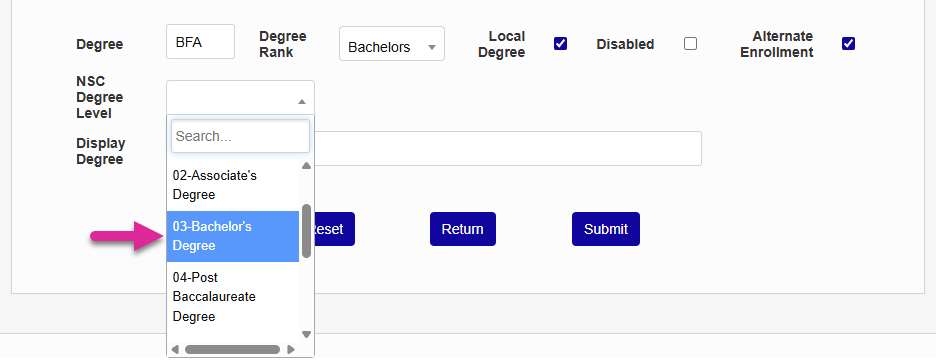
Set the NSC Degree Level. This is used for the National Student Clearinghouse Degree Verify program. You can leave this blank if your school does not participate. Additional NSC data can be entered once you add the degree.
Click Submit to save all changes and create the degree.
NSC Credentials
Once the degree has been added, if the degree rank is not Bachelor's, a National Student Clearinghouse credential can be selected using the NSC Credential dropdown menu. This is needed for institutions who make reports to the Clearinghouse, but is not required otherwise.
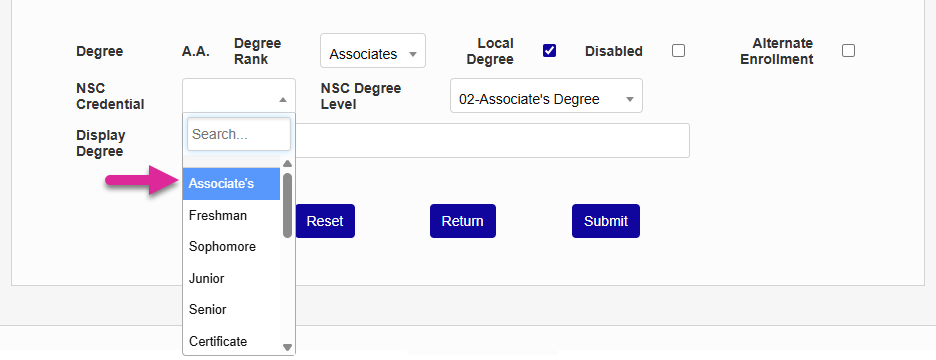
Click Submit again to save the selection.
When the Bachelor's degree rank is selected, rather than a single NSC Credential field, a link labeled Manage NSC Credentials appears. Click the link to enter more detailed NSC information.
On the following page, select an NSC Credential for each level that is part of the degree. Note that this setup can be different for each bachelor's degree.
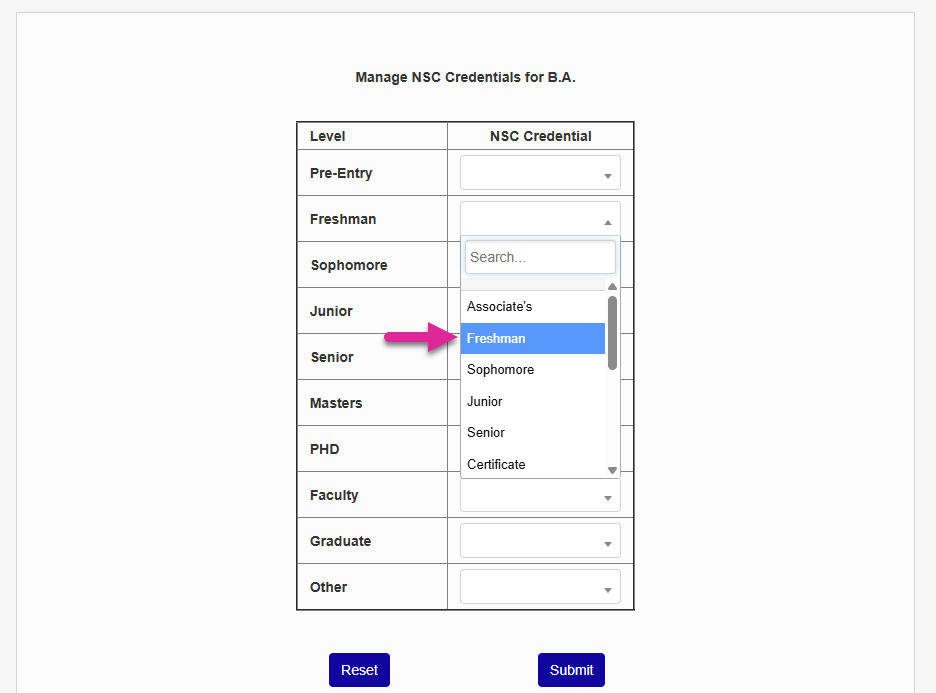
Click Submit to save the changes.