Administration
Overview
Jenzabar SONIS connects students, faculty, prospects, applicants, institutional users and administrators, and others who are given access to a centralized database through a user-friendly online platform. Articles in the Administration section cover how administrators access Jenzabar SONIS, locate the pages they need using a toolbar and menu system, and use the reports, utilities, and functionality.
The articles in the Portals sections cover how users access and use the various portals.
Logging in to Administration
The Jenzabar SONIS index page includes various login options, as determined by the institutional setup and use decisions. Each of the options provide access to different use areas. To log in to Administration, click Login and select Administration from the dropdown.

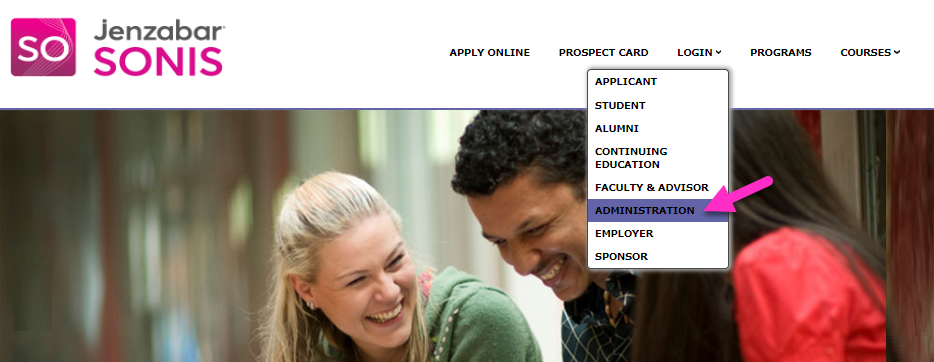
After clicking Administration, the Login page displays. Enter your assigned ID Number and Password, then click Login.
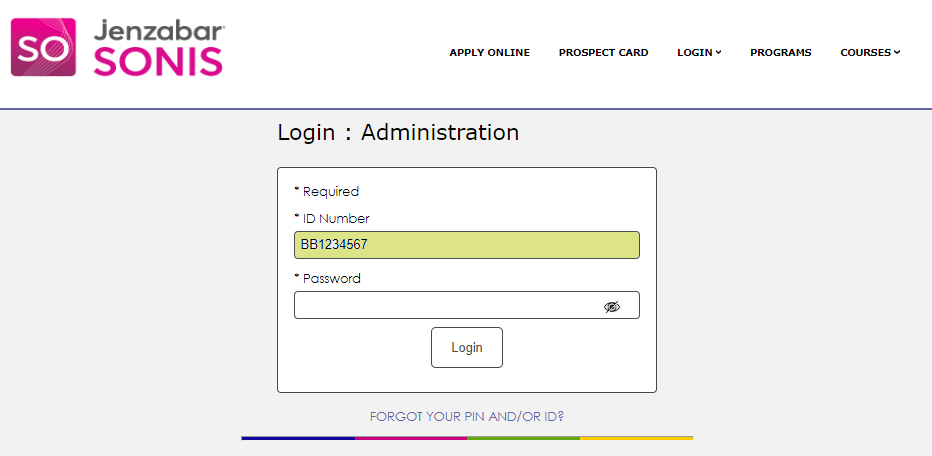
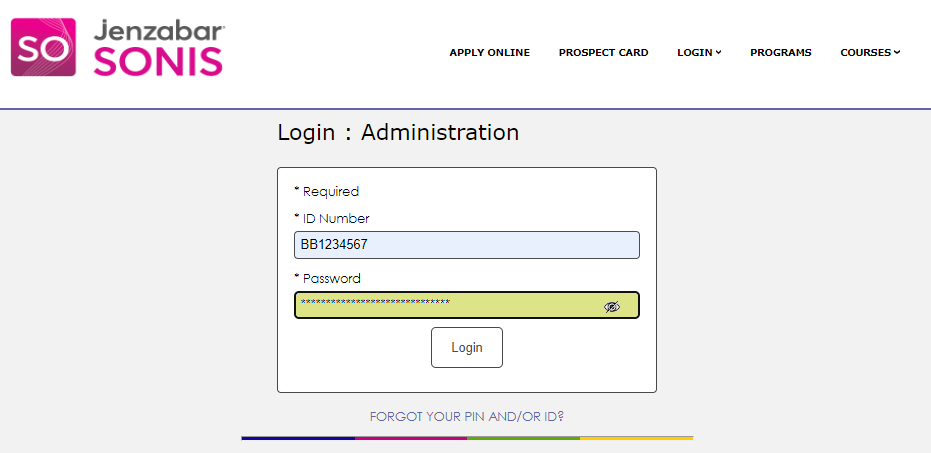
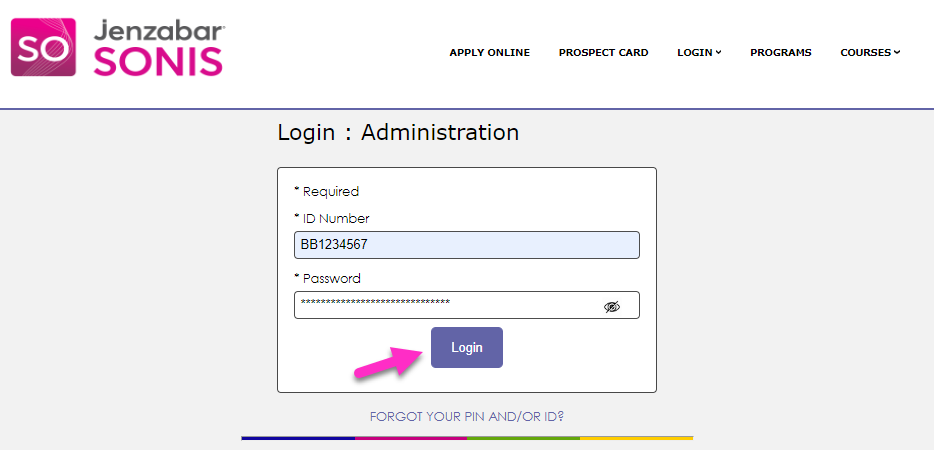
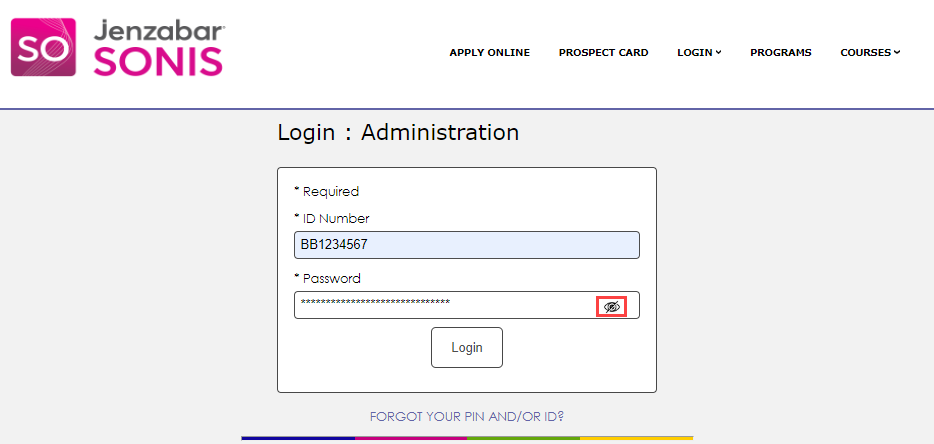
At some institutions, the Password may be referred to as the PIN, even if it contains alpha and/or digital characters. The Password and/or PIN can be viewed by clicking the eye icon.
Common SONIS User Terms
• Administrator: someone assigned Jenzabar SONIS administrative tasks and access to the Jenzabar SONIS system. The term should not be confused with a school administrator-level staff member. Students may have administrative accounts when they work for the institution. Faculty may not need administrative access, and instead, may have access to the Faculty portal to complete their course management functions.
• User: someone assigned access to a Jenzabar SONIS portal, such as a Student, Employer, or Faculty member.
• Profile: a set of rights to the content within the Jenzabar SONIS administrative module and/or portal(s). Each administrator has an ID and password/PIN for each profile assigned to them. Profiles are created by institutional SONIS security administrators based on the principle that it is common to have a group of individuals who do the same/similar tasks for the school and therefore; they need the same level of access to Jenzabar SONIS. Users/Administrators may have multiple profiles, depending on their roles, duties, and activities at the institution. For example, a staff member enrolled in courses at the institution may have both an Administrator profile and a Student profile.
Display and Navigation
The functionality displayed in the hub menus and searches to the administrator or portal user depends on the profile assigned. For example, an institution's systems or security administrator generally is assigned the Master profile. The Master profile usually has access to all of the functions and administrative areas within Jenzabar SONIS, while an Advisor profile would have access only to those functions needed to perform their Advising responsibilities.
Upon logging into the Administrative system, the Hub Areas display automatically on the left-hand side of the page. The five Hub Areas are: Users, Courses, Financials, Systems, and Reports. Clicking in a hub opens the menu associated with the hub. The pages that are displayed within a menu correspond with the Administrator's Profile.
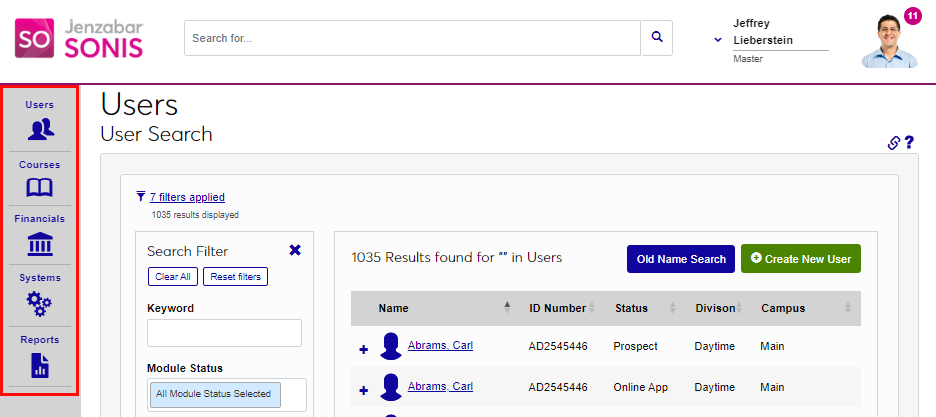
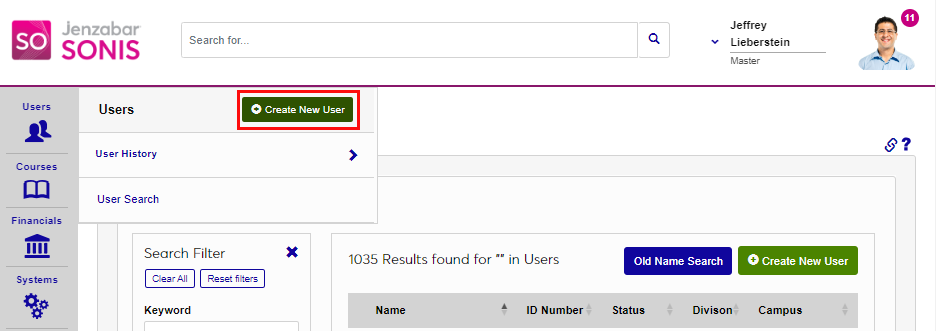
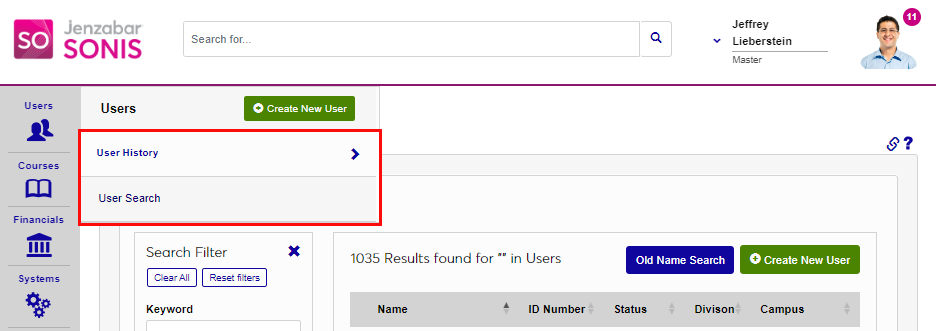
The Users and Courses hubs have additional functionality. In the Users hub, the option to use the Create New User wizard displays first. Below this are links to the most recently accessed User records via User History and the User Search.
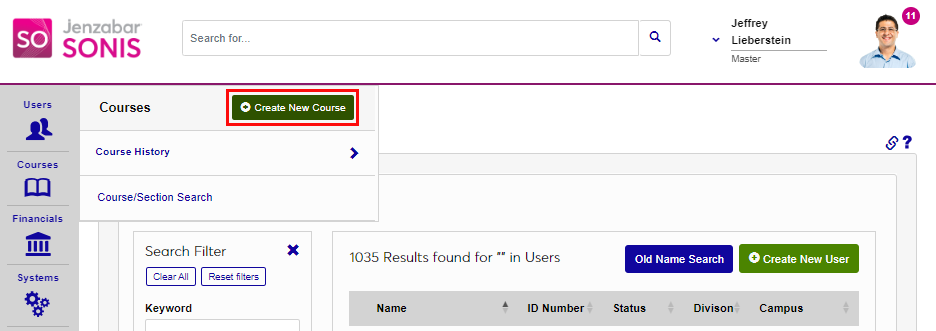
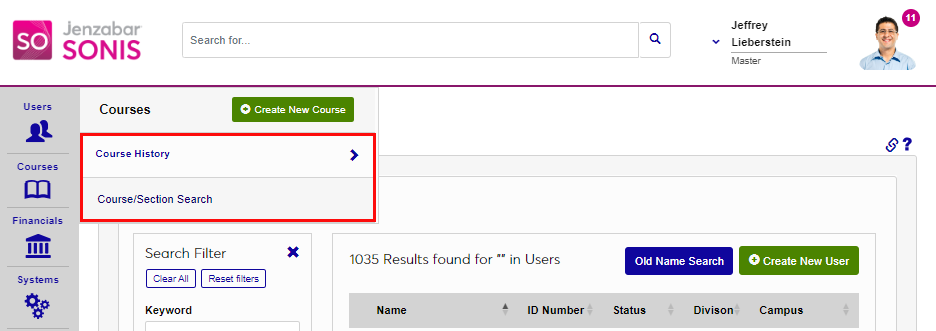
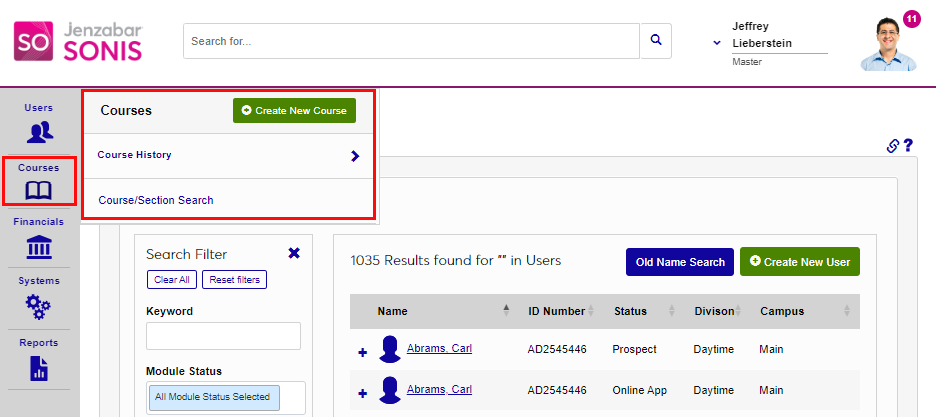
In the Courses hub, the option to use the Create New Course wizard displays first. Below this are links to the most recently accessed courses in the Course History link, as well as a link to the Course/Section Search.