Constituent Rating
Overview
If a Jenzabar SONIS member institution has a rating system for fundraising participants, donors, and constituents, the Systems hub page, DE Constituent Rating, can be used to replicate this rating system within SONIS and make the rating available for assignment on the Constituent Information page. Multiple rating types can be defined, for example, an institution may have a financial donation scale and separate participation in activities scale, but only one rating can be assigned to a constituent at a time. For more information on fundraising functions and processes, visit the Development Overview page.
Setup
To add a new rating, click the Add button.
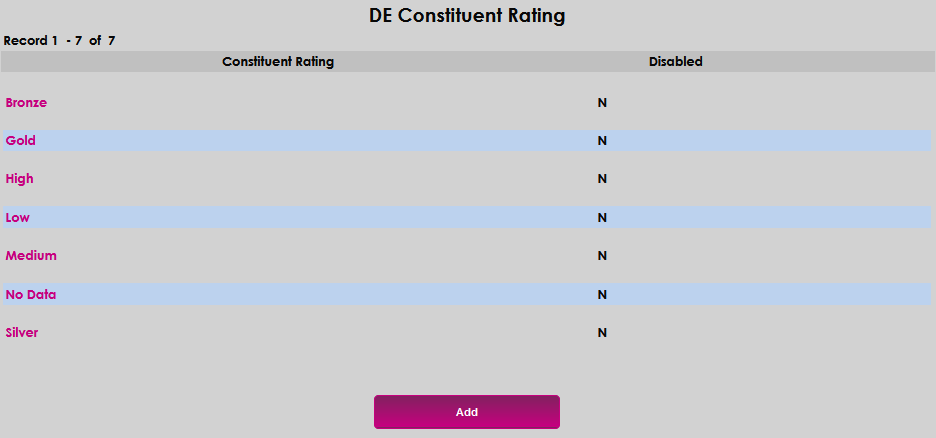
Enter the rating name in the Constituent Rating field. The field accepts up to 10 alphanumeric characters.

Click Submit to save the entries.

Editing Existing Ratings
The only options available for editing an existing rating are to disable or delete it. To do so, click on its name.
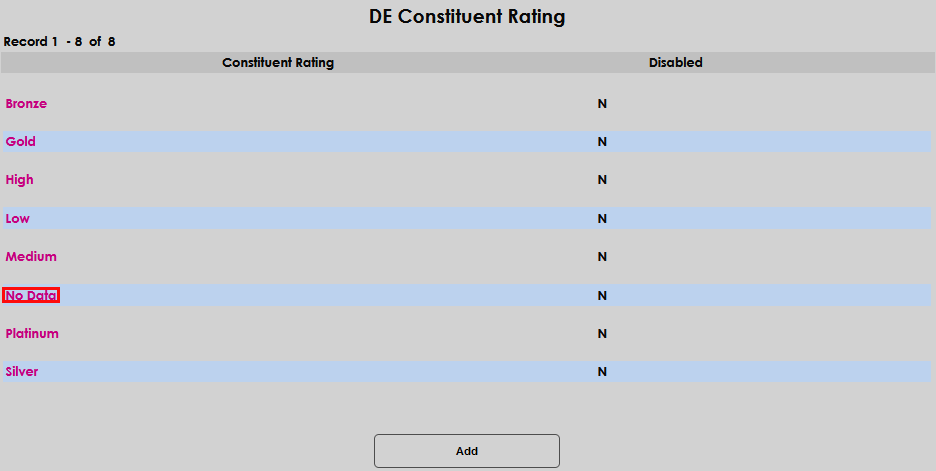
On the rating details screen, click the Disabled checkbox if desired, and click Submit to save the change.

Click Delete to remove the rating type. Confirm desire to delete by clicking Confirm Delete. If the delete was selected in error, use the browser back button to return to the previous screen.