ACT/SAT
Overview
The ACT/SAT page within the Faculty portal provides advisors and faculty members with appropriate permissions to view their advisees test score records. Giving advisors access to test scores is optional.
On the admin side, these scores are stored in the user's Tests: ACT/SAT page within Jenzabar SONIS's Users hub.
Page Usage
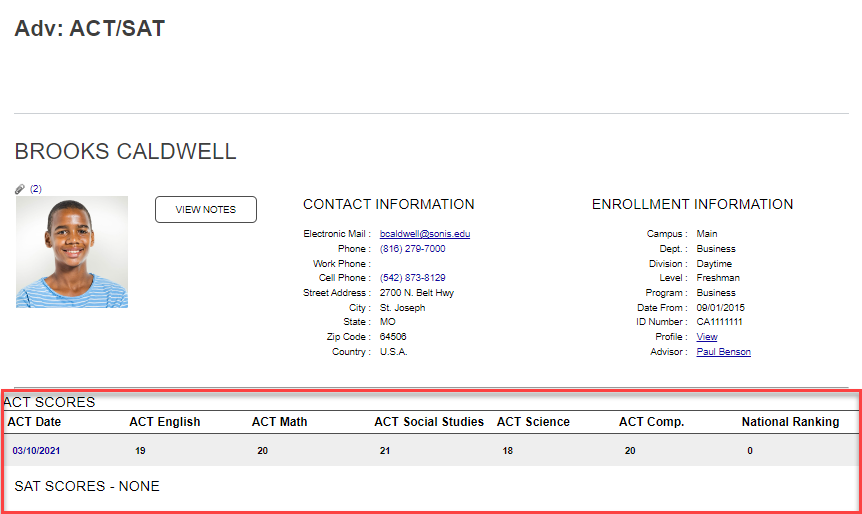
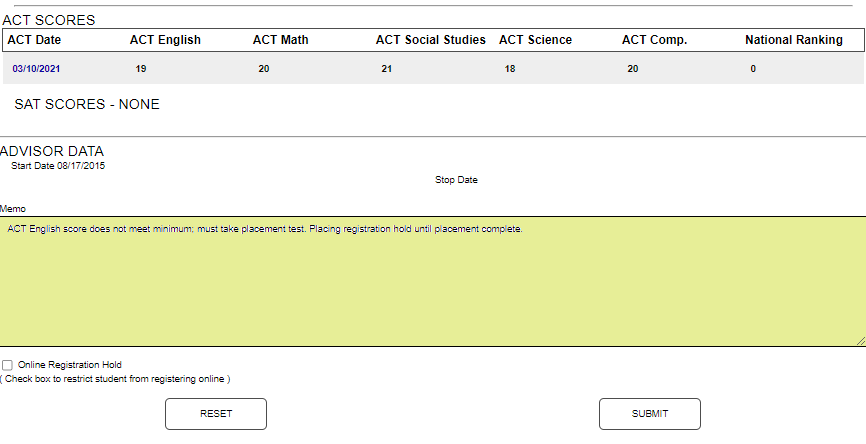
The ACT/SAT page displays in the Advising menu. If an advisee is not already being worked with, clicking the ACT/SAT link displays the search utility. If an advisee was already selected, the page displays any ACT or SAT scores that have been entered in Jenzabar SONIS for the current advisee.
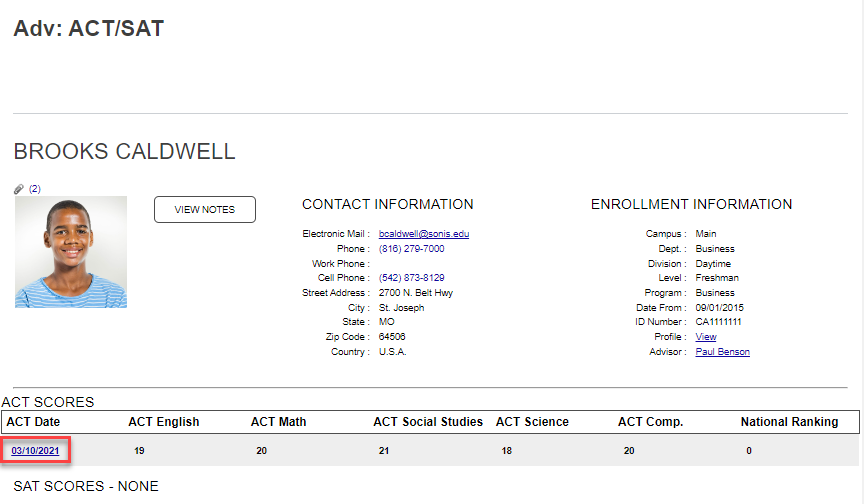
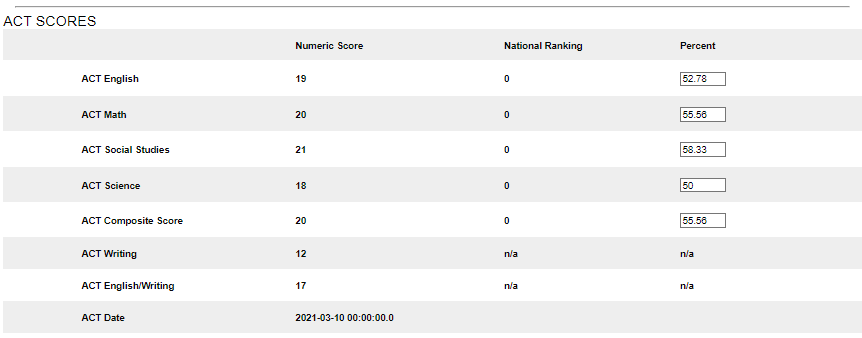
Clicking the date under the ACT Date label displays the details of the score.
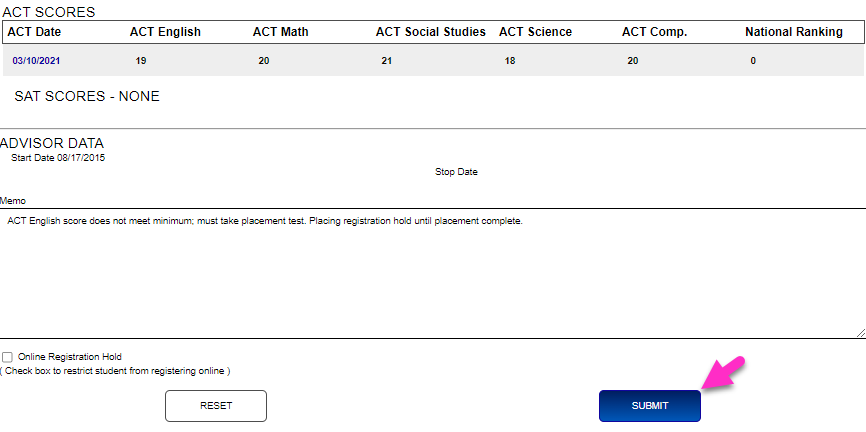
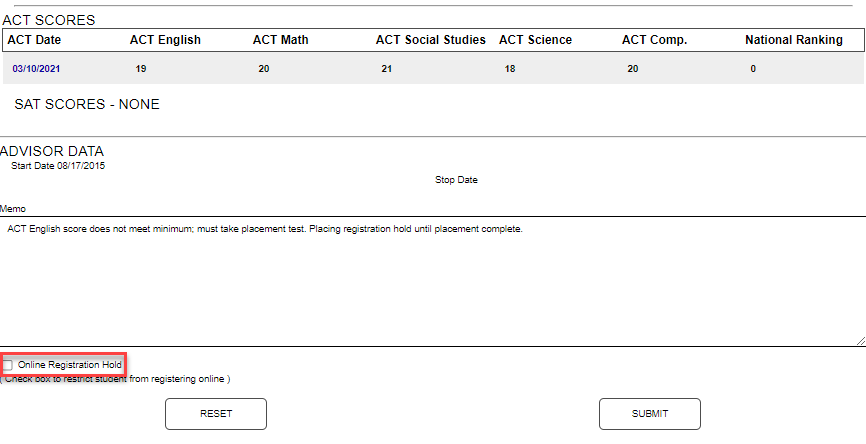
A Memo field is provided to enter comments about the scores. Click the Online Registration Hold box to prevent the student from registering online.
Click Submit to save updates.