Directory
Overview
The Directory consists of Alumni employment information that the alumnus has chosen to share with fellow alum. This information is available to administrators in the alumnus's Employment record.
Show All Alumni in Directory Option
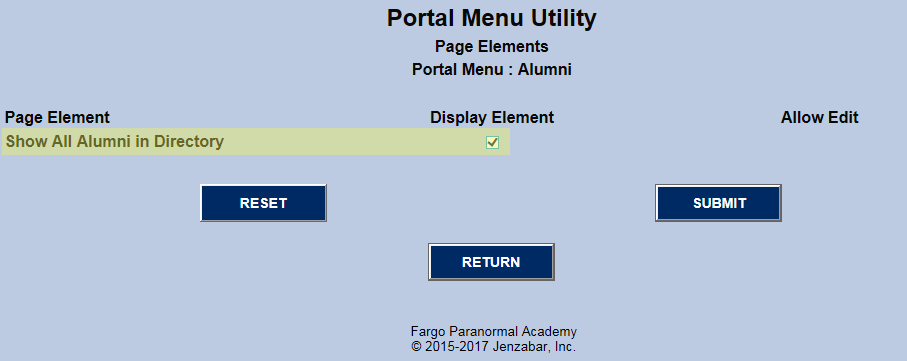
The Directory row in the Alumni page of the Portal Menu Utility has an Edit button to the far right in the Page Elements column. When Editis clicked, the elements for the Portal Page Directory appear. When Show All Alumni in Directory is checked, Alumni have no control over which of their records appear in the directory. All employment records will appear. Otherwise, an alumnus can decide whether to Opt-Out of displaying a record to other alumni.
Employment Record
Employment Record Opt-Out

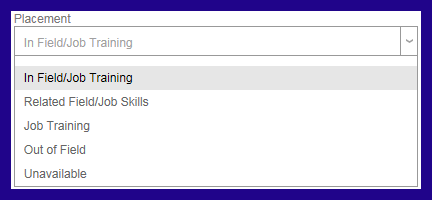
Placement refers to under what auspices the Placement Office secured the employment for the individual. Note that the options for placement are systems-defined. There is no utility for changing/adding to the options.
Directory
If an alumnus opens one of their Employment records, and it is read-only, an administrator has turned Alumni Lock on for that record. The only way it can be changed is by contacting the Placement Office and requesting that the lock be turned off.
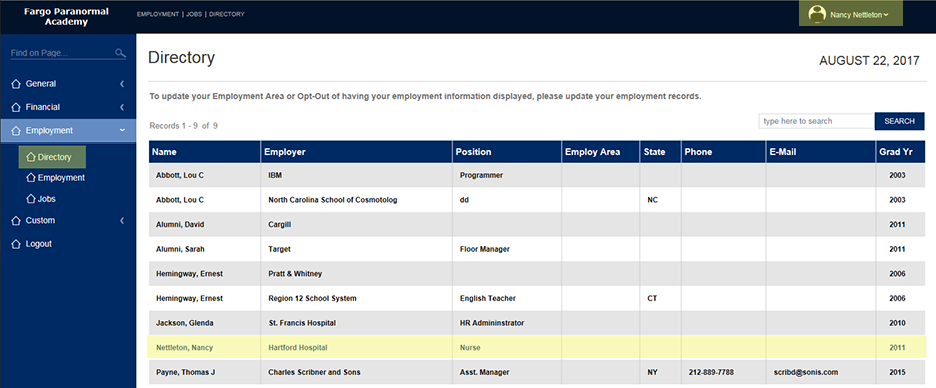
The Directory below shows that the alumnus, Nancy Nettleton, is logged into Jenzabar SONIS. Highlighted in yellow is an employment record of hers. The appearance of that record indicates that either Show All in Alumni Directory is checked, or Record Opt-Out has not been checked for that Employment record.
Directory Search
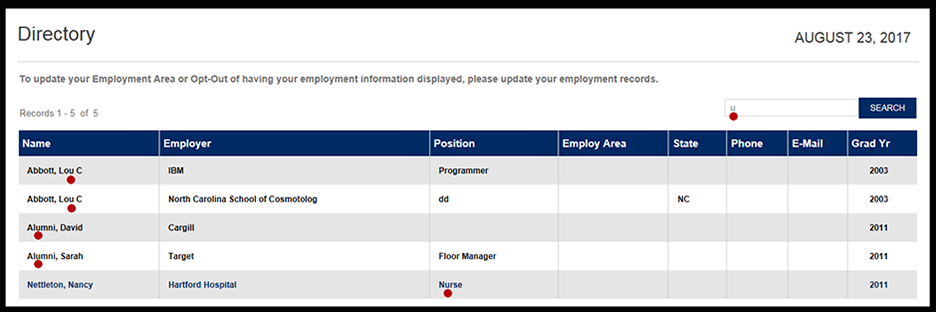
In order to narrow down the list of Employment records, there is a Search text box. The search is a sub-string search of each column listed. In the example below, the letter "U" is the search string. The screenshot below shows where each "U" is with a red dot.