Abilia MIP Refund Export
Overview
Abila MIP is an accounting software program specifically designed for nonprofits and government agencies. SONIS users who utilize Abila MIP as their accounting software and haven't already done so should contact Support to have it activated as the accounting software that the system recognizes for Posting to Accounting and other functions. In addition, SONIS offers a utility that exports student refund transactions to Abila MIP. The data is exported in a CSV file and formatted to match Abila MIP's import requirements. Only students will a positive balance are included in the export. Once the file has been created, refund transactions in SONIS will be generated for the selected students.
Click here to download a sample file.
Export
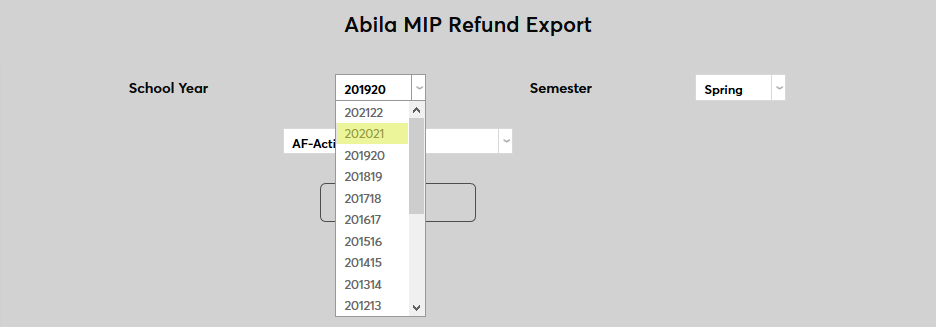
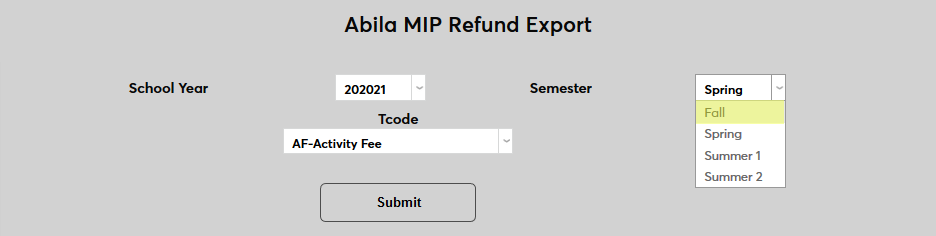
To create an export file, navigate to the Abila MIP Refund Export utility under the systems menu. Select the School Year and Semester for the export.
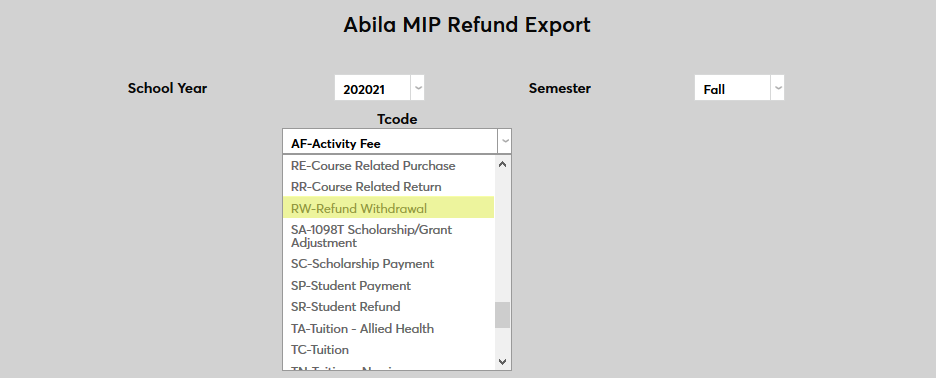
Select a T-code for the refund transaction.
Click Submit to create the export file.

Use the checkboxes in the left-hand column to choose which records will be included in the export. Select All and Deselect All buttons are available at the top for faster changes or large lists.
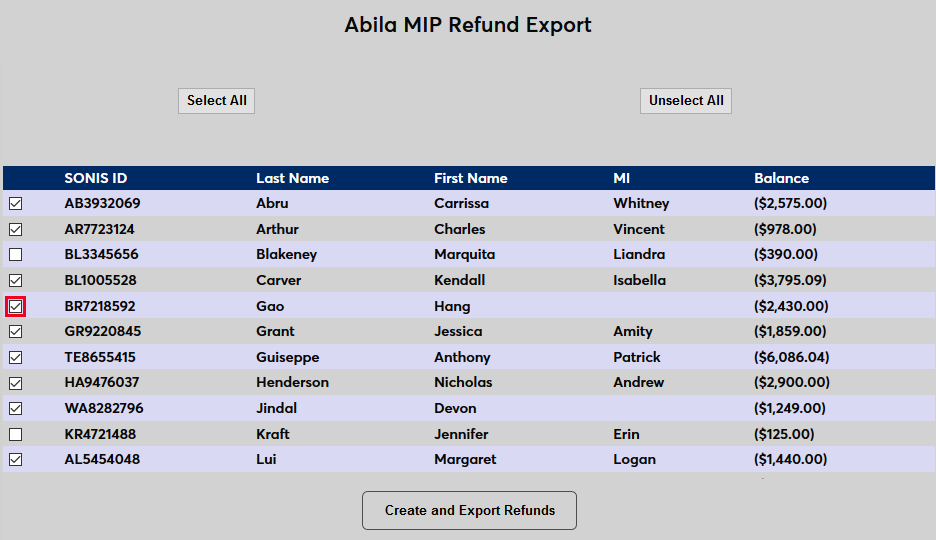
Click Create and Export Refunds to continue.
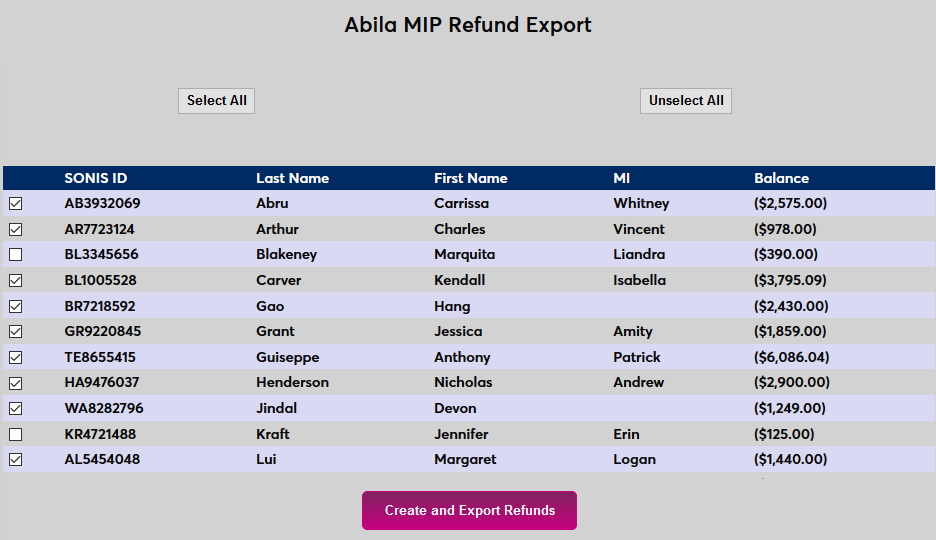
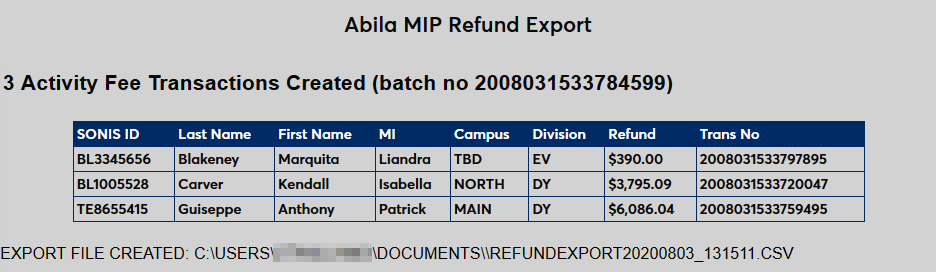
A results page displays the records that were exported along with the file location. A refund transaction is automatically created at this point based on the selected records.