CE Course Memo Enhancements
Overview
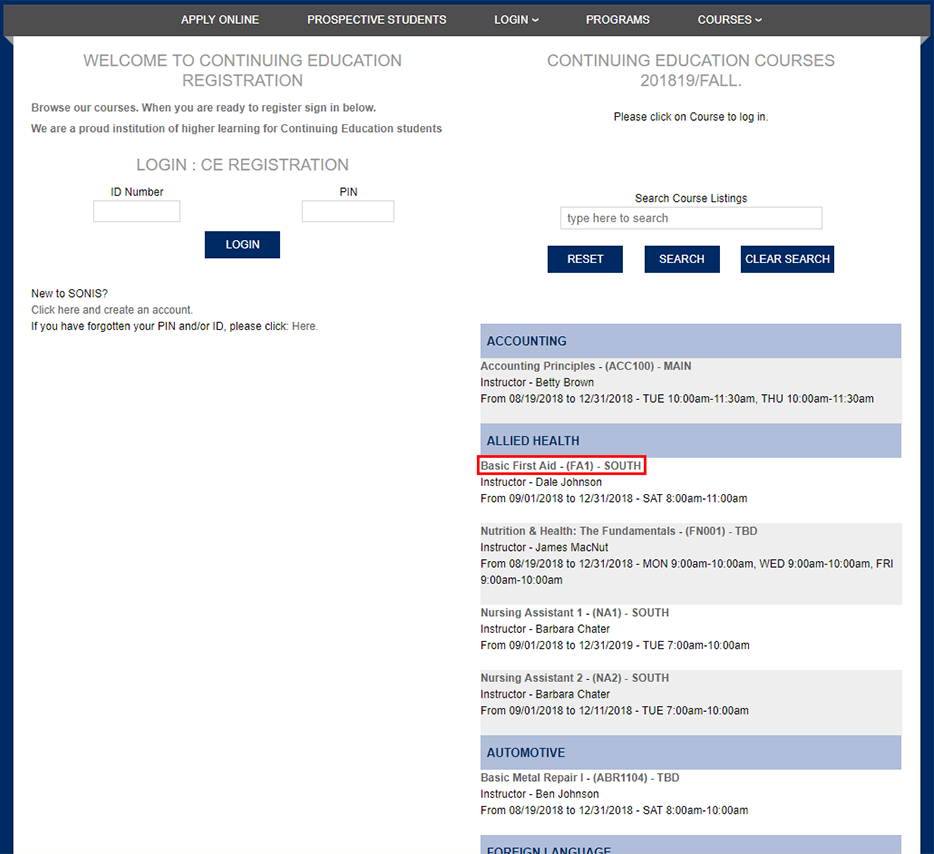
The course names in the CE Registration portal are now links, which open a new window. The address from this link can be copied for advertising and other purposes.
Course Memo URL in Emails
To access course section links, navigate to the CE Registration portal click on the title of any course. A pop-up window will appear with a description of the course along with the CE Credits, Lead Faculty, Time Desc, and Fee Amount.
From the Course Memo page, select the related URL and copy it for use in email links or buttons.
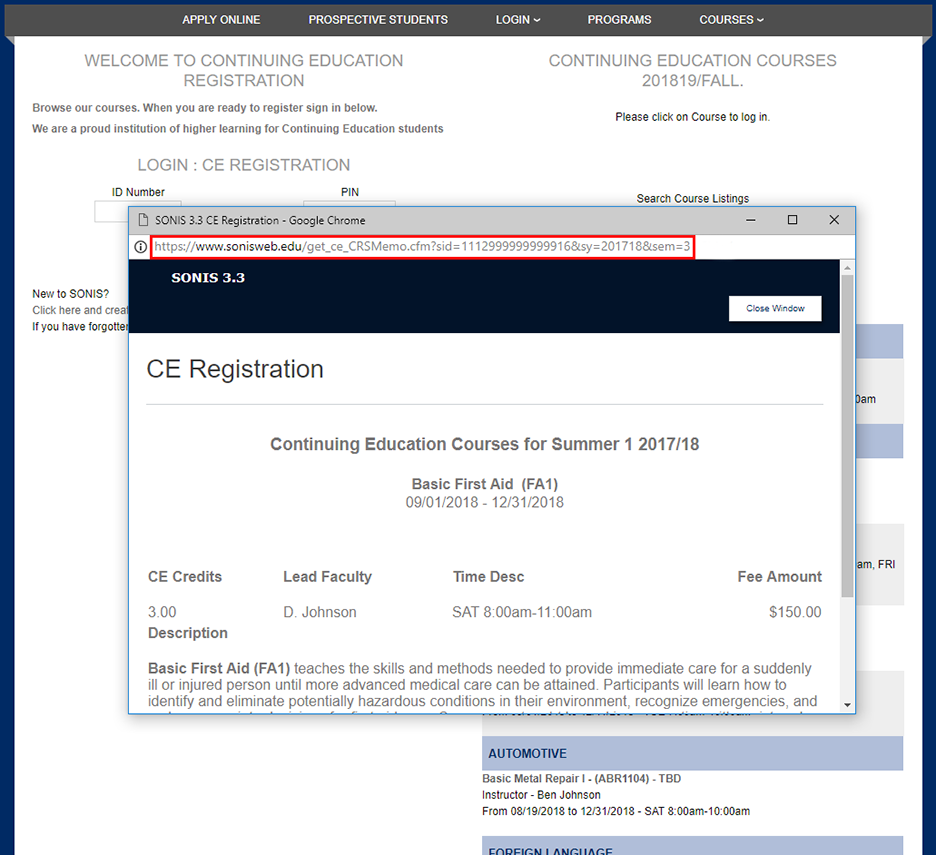
To successfully use the Course Memo URL in an email, it must be modified by adding &EM=1 to the end of the URL.

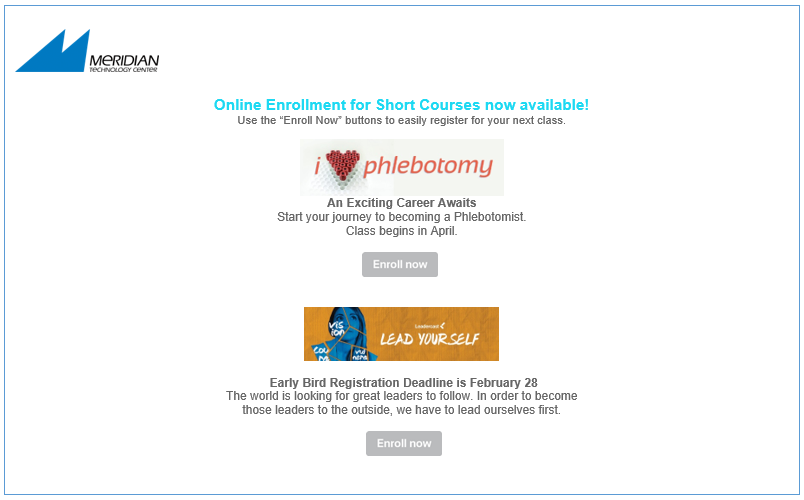
In the sample email below, the URL is embedded in the Enroll Now button. When a recipient clicks on Enroll Now, they are taken to the information page for the specific course. They can immediately access the course without having to sift through the entire list of CE courses.
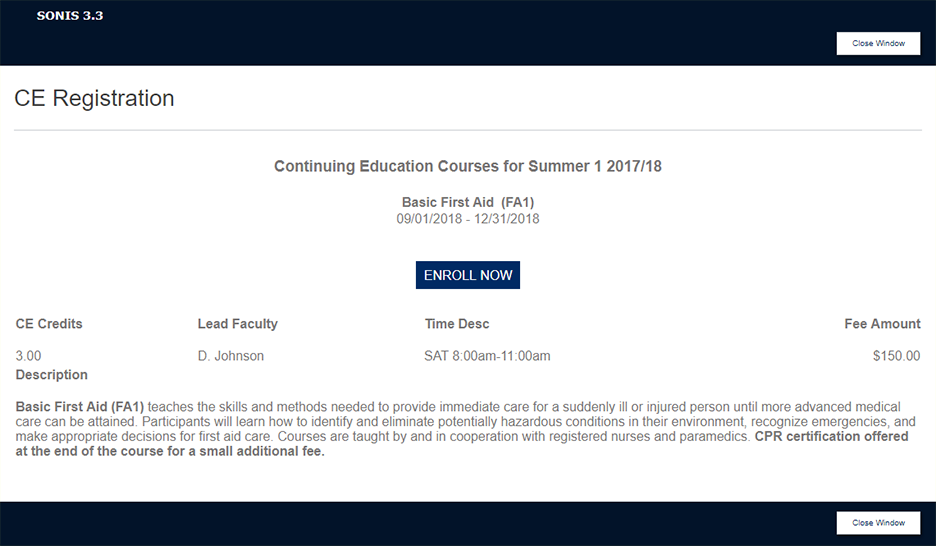
Clicking on the Enroll Now button from the course information page takes the student to the CE Registration login page.
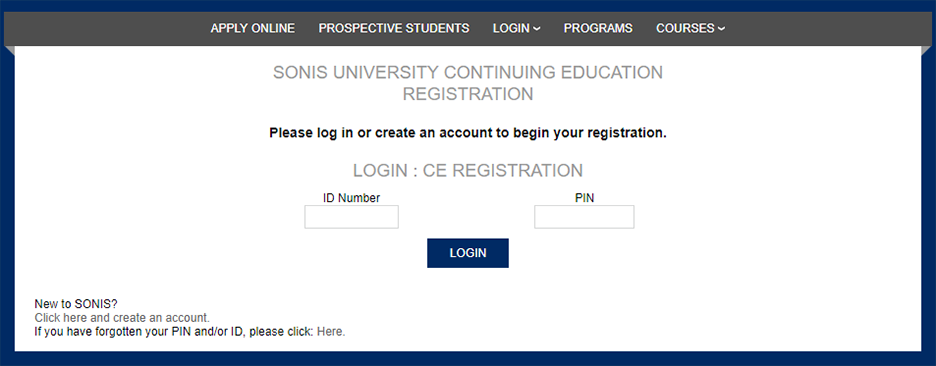
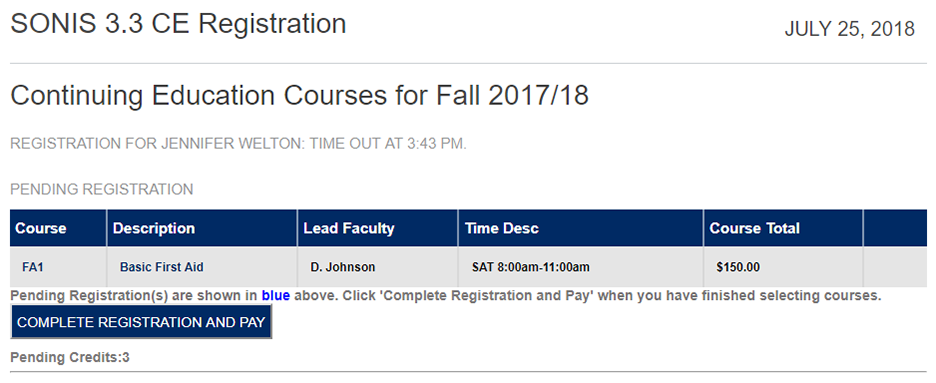
When the student logs in, the class they've selected will appear as a Pending Registration.