1098-T
Overview
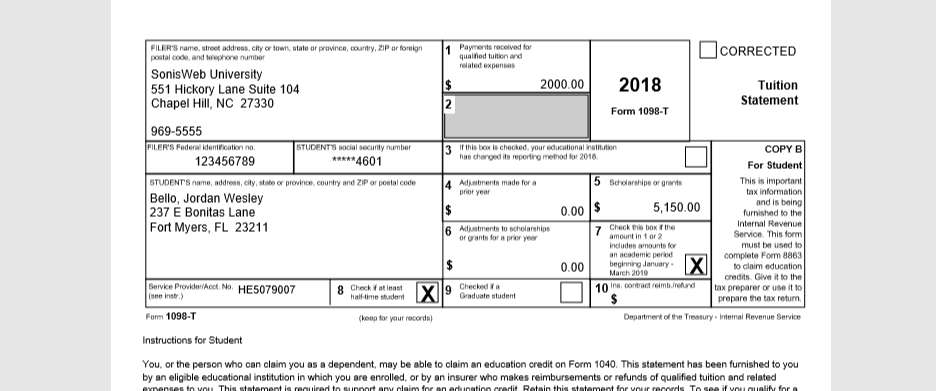
The Student portal General menu includes the option of allowing students to download a copy of their 1098-T form. The 1098-T is an IRS form filed for each student to report payments received and payments due.
Details on how to build 1098-T forms are available here.
Portal Access
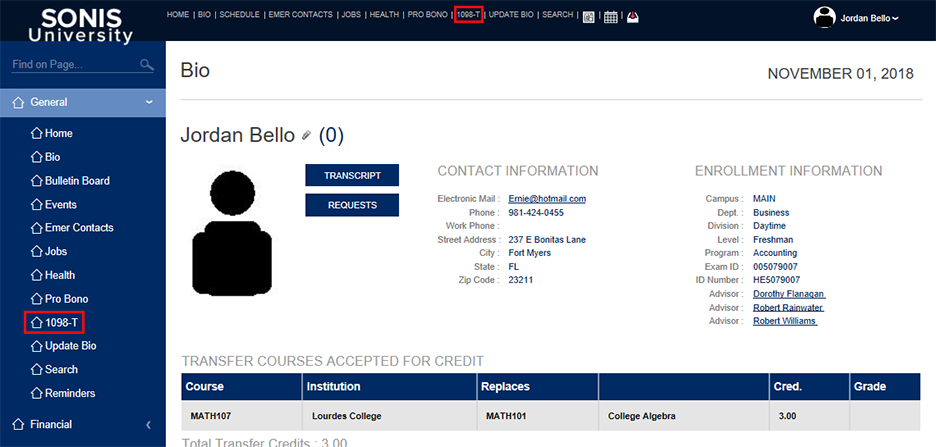
When logged into the portal, students will see a link to their 1098-T form either in the top nav, left nav, or both depending on the options selected on the setup page. Clicking on either of these links will take the user to the download page, where they can open their 1098-T form(s) in PDF format and save them for their personal records. Each 1098-T form they've been issued will appear in the dropdown menu, and a download button for each one will be created once the year's 1098-T is selected.