Competencies
Overview
When a course has a competency attached, a Competencies option is available in the Courses menu after a Course Section has been selected. The initial summary page lists the available CMCs along with the number of students without a grade and/or lock status. See Career Major Competencies for more information.
Viewing & Editing Competencies
If grades have been entered but are not locked, they can be locked from this page by checking the Lock All box and clicking Submit.


To view individual students' CMC grades, click on the number under Students Without a Grade. The following page lists each student in the course along with their campus, department weighted average for the competency, grade, start date, locked status, date locked, course, and date completed. To assign or edit a grade, click on the student's name.

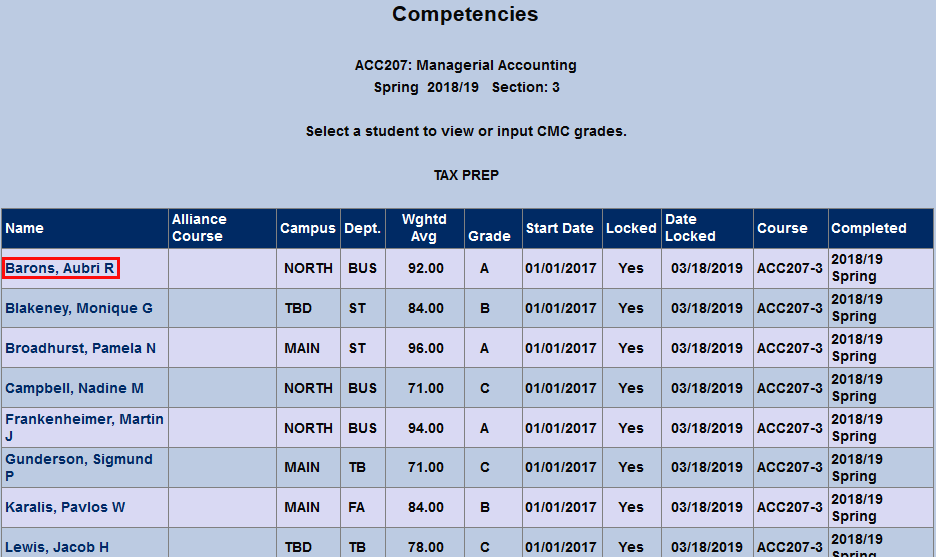
Before a locked grade can be edited, it must be unlocked. To do so, uncheck the Locked box and click Submit
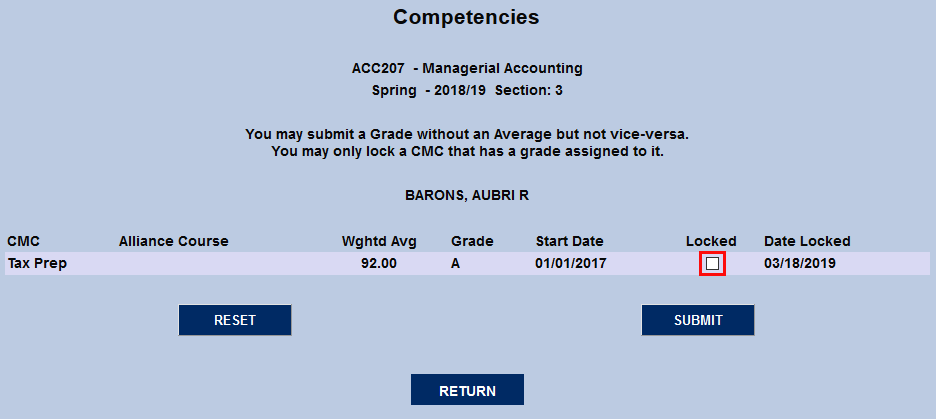
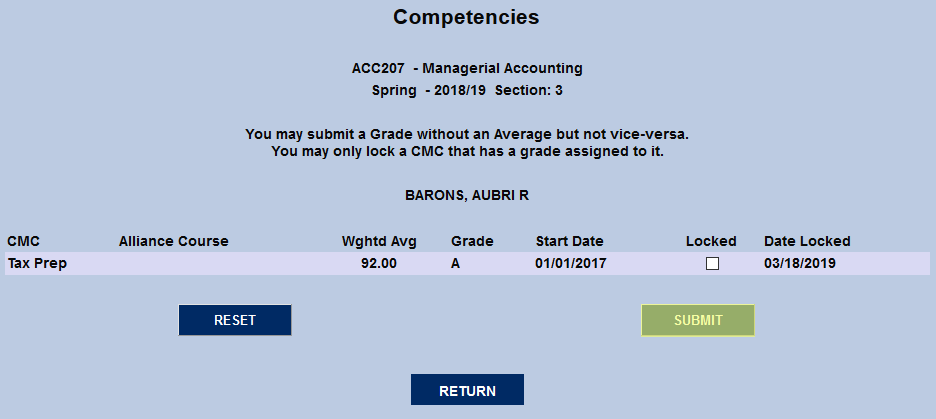
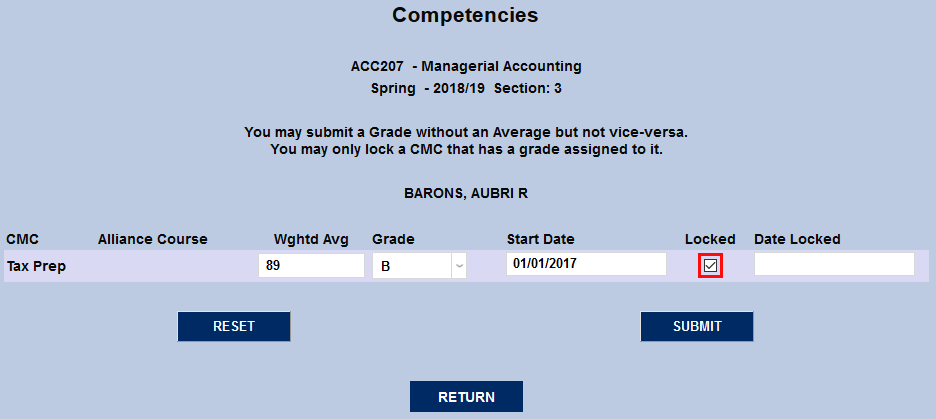
Once the grade has been unlocked, the Weighted Average, Letter Grade, and Start Date can all be changed.
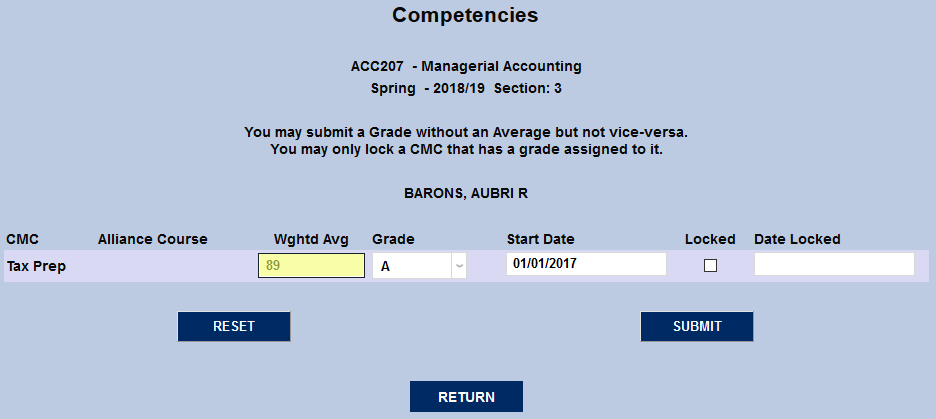
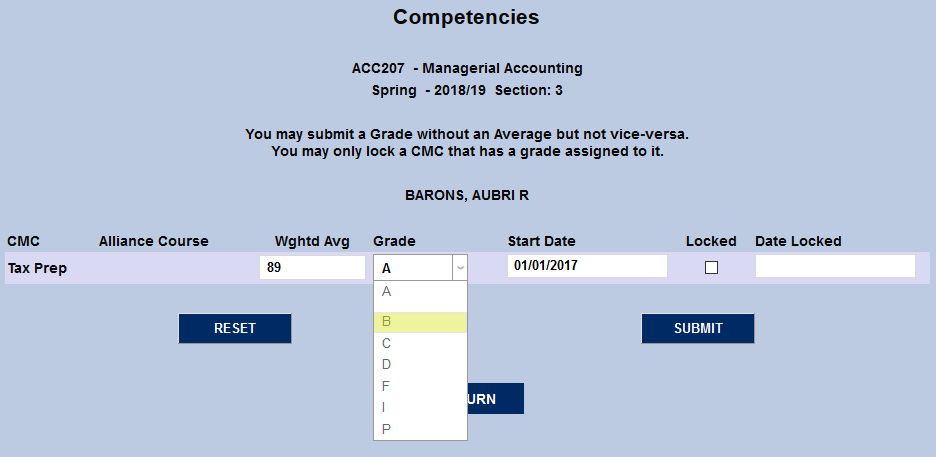
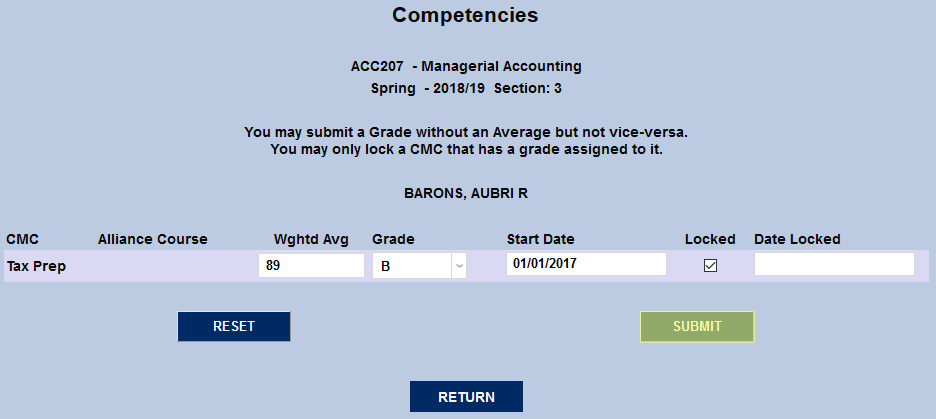
Once the fields have been changed, check the Locked box and click Submit.