Events
Overview
The Events page displays a calendar view of school events and important dates. The page also offers the option to see a linear view of the school's academic calendar.
Administrators with access can create school events using the Set Events utility and update the academic calendar using the Set Academic Calendar utility.
Viewing Events
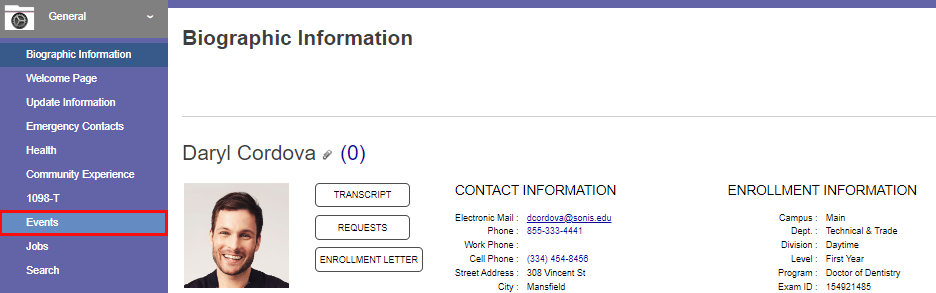
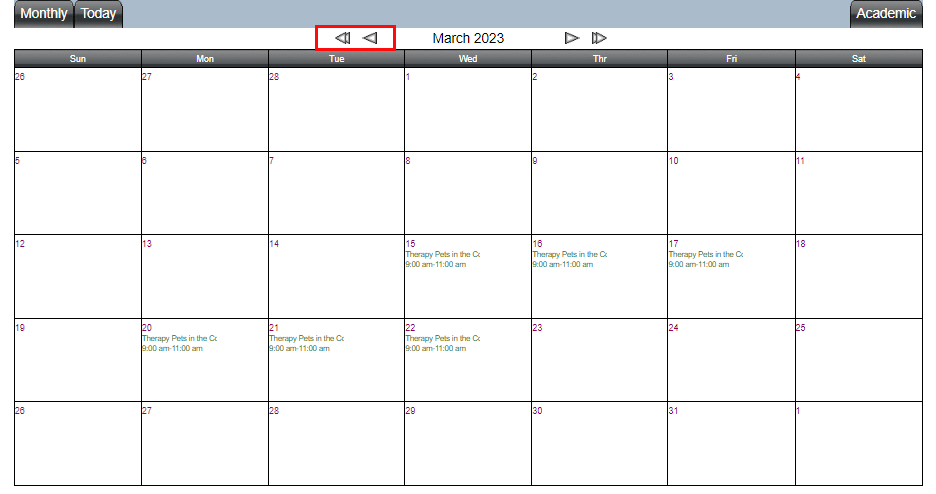
To view school related events, click the Events link in the General menu. A calendar displays the current month. To navigate to previous months and/or years, use arrow buttons. The left double-arrow takes the user to the same month a year previous, and the left single arrow takes the user to the previous month in the current year. The right arrows move one month forward and one year forward.
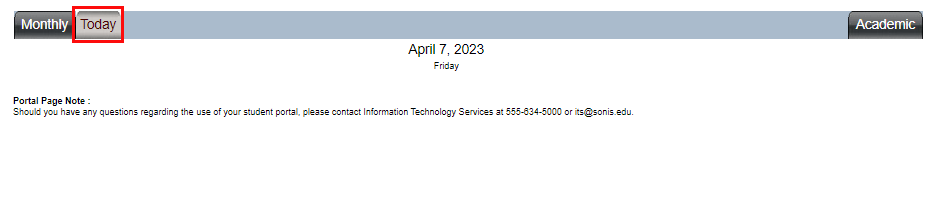
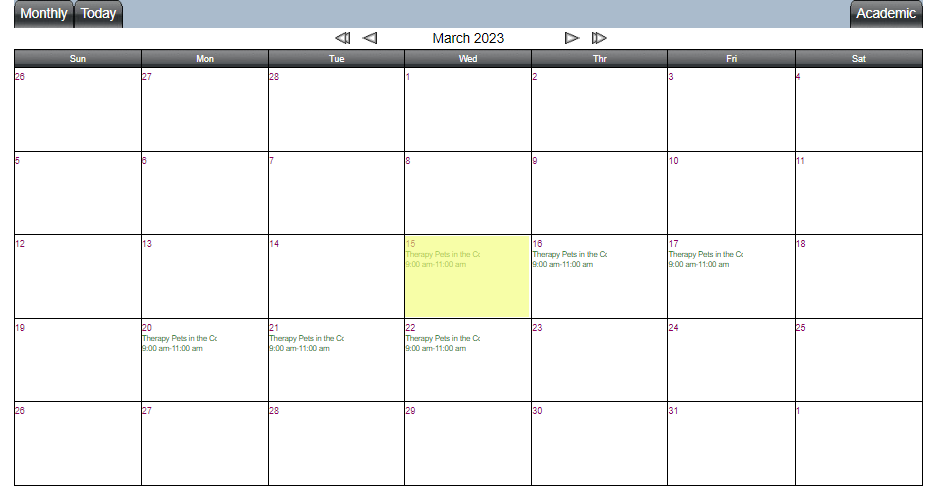
Clicking the Today tab displays just the events scheduled for the current calendar date. If no events are available nothing will display below the date and day of the week.
Clicking the Academic tab displays all the scholastic events for the current academic year in a linear calendar. The events may be displayed in term and/or year-based groupings, depending on the choices made when the events were added to the academic calendar.
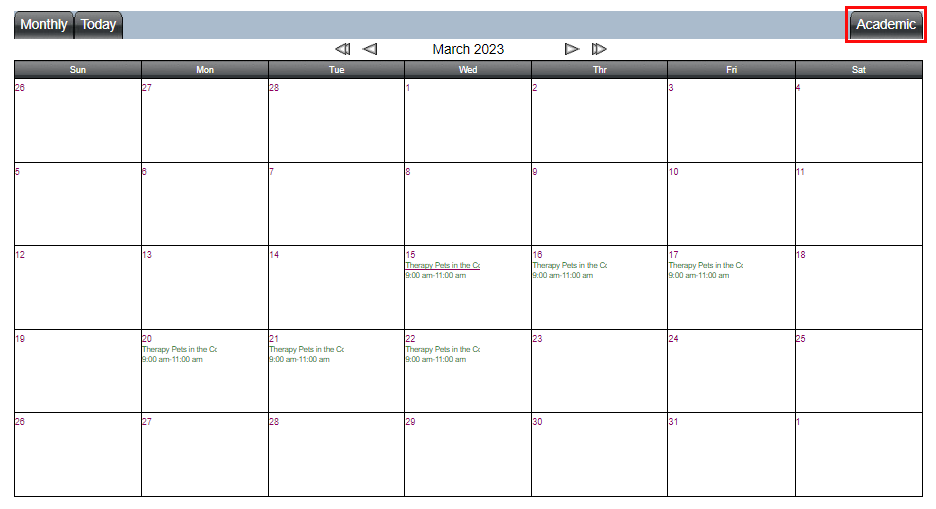

The name and time of an event are displayed in the corresponding date block. For more details, click the item.
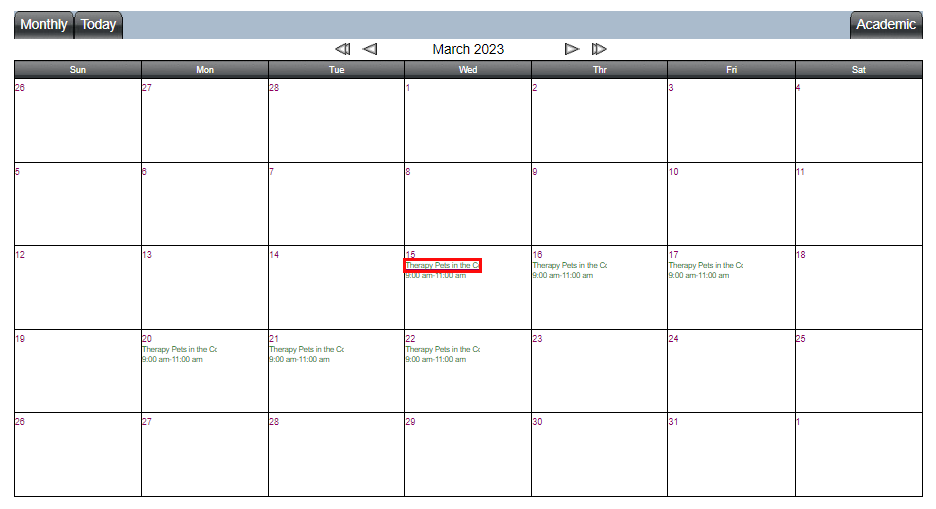
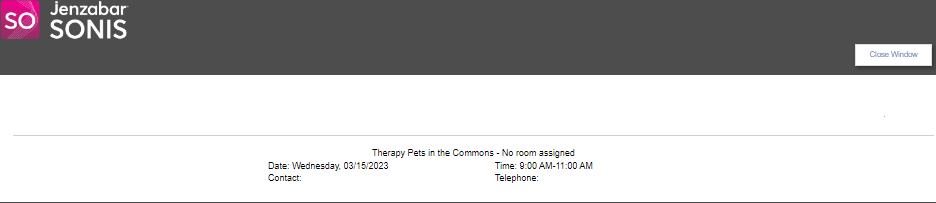
Upon clicking the title, a new window opens and displays all the information that was included when the event was created.