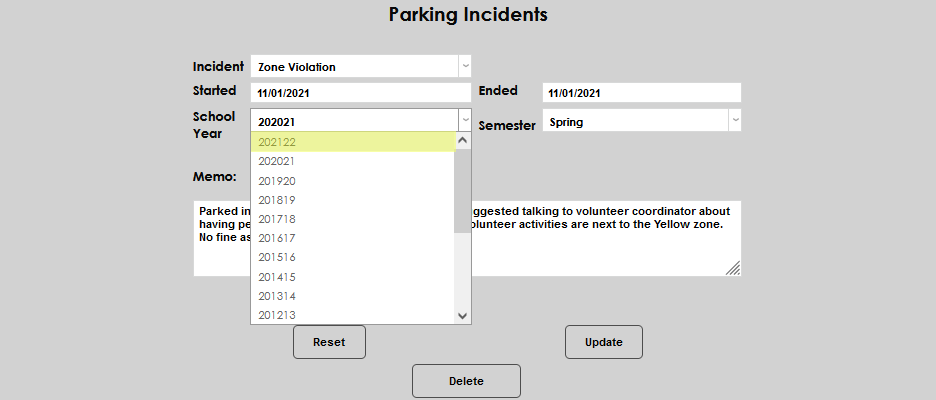
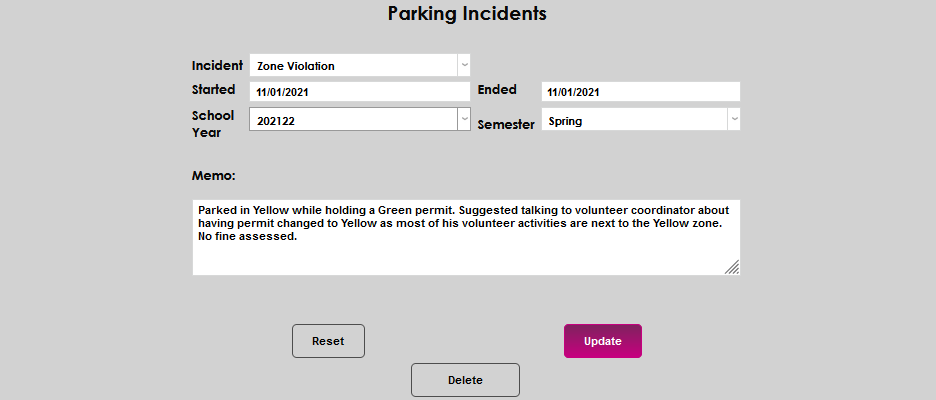
Parking Incidents
Overview
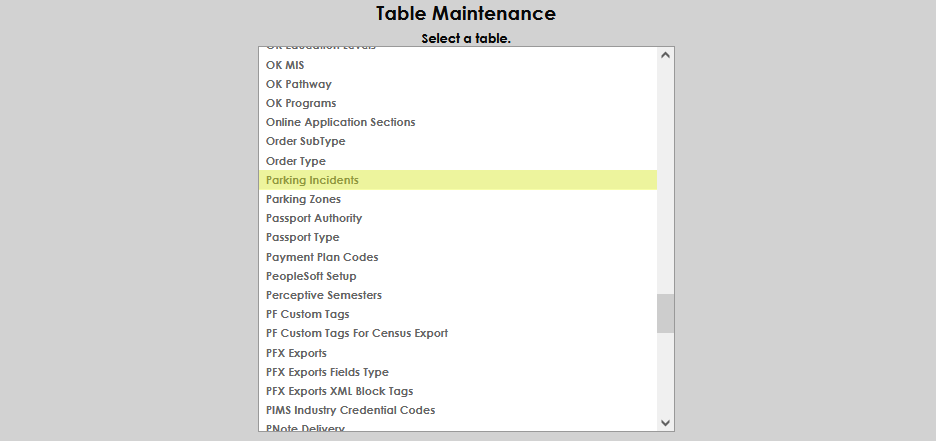
Jenzabar SONIS member institutions that issue parking citations or keep records of infractions that occur in parking areas can track these in the Parking Incidents page of the Users hub. Parking incident types are created and maintained on the Table Maintenance menu item Parking Incidents. Additional parking information such as a user's vehicle type and permit details can be stored on the Parking page in the Users hub.
Set Up
Enter the Parking Incidents table from Table Maintenance and click Add New Record.
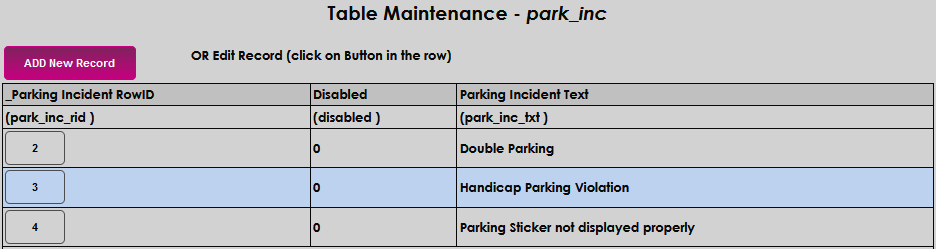
Enter the name of the violation in the Parking Incident Text field and click Submit to save the entry.


Adding an Incident
To record a parking incident for a user, enter the Parking Incidents page from the Users hub and click Add.

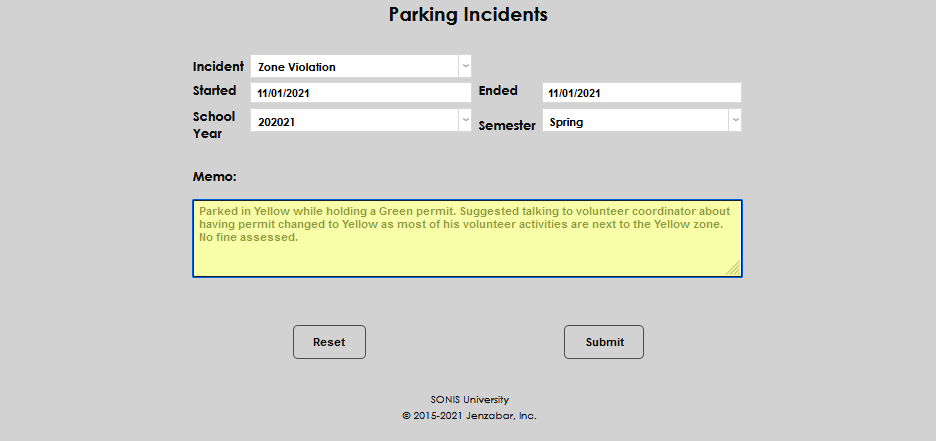
Select the appropriate Incident from the dropdown menu.
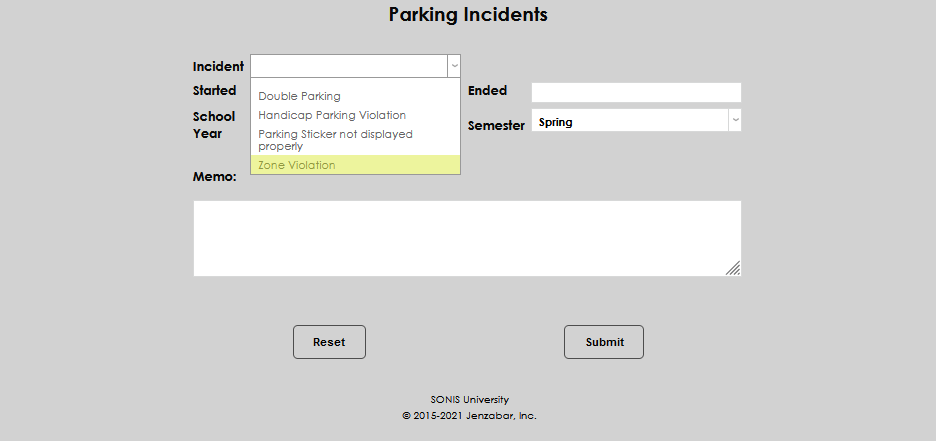
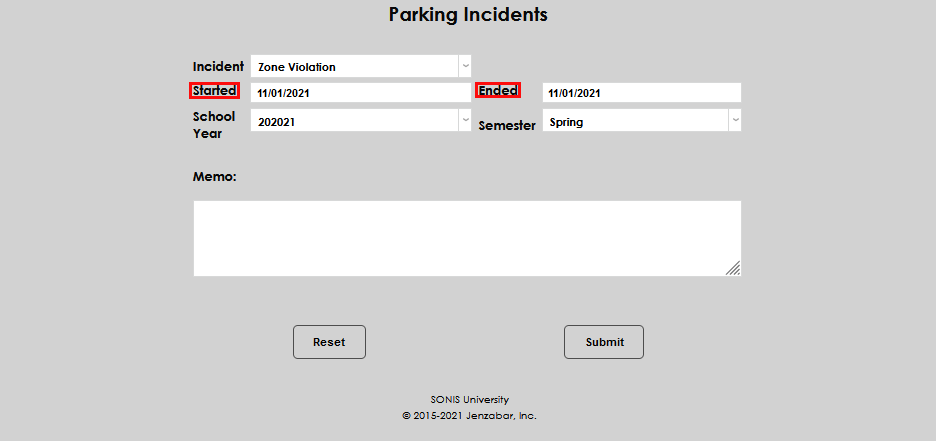
Enter the start and end dates of the incident.
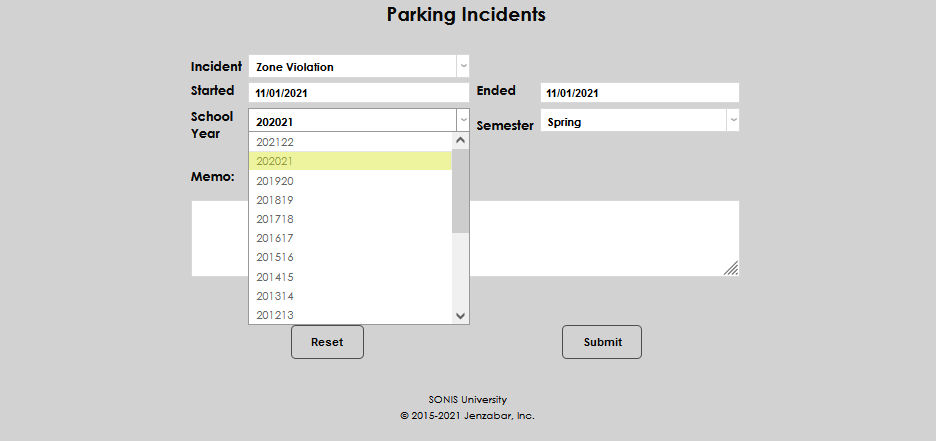
Select the applicable School Year and Semester.
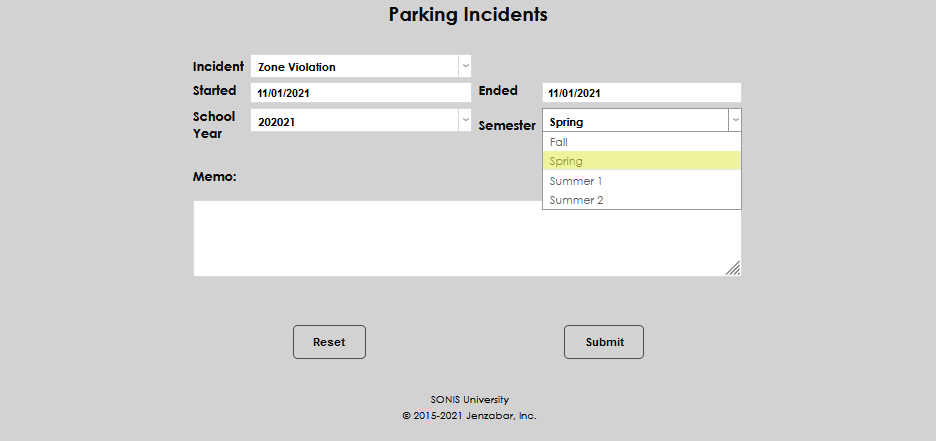
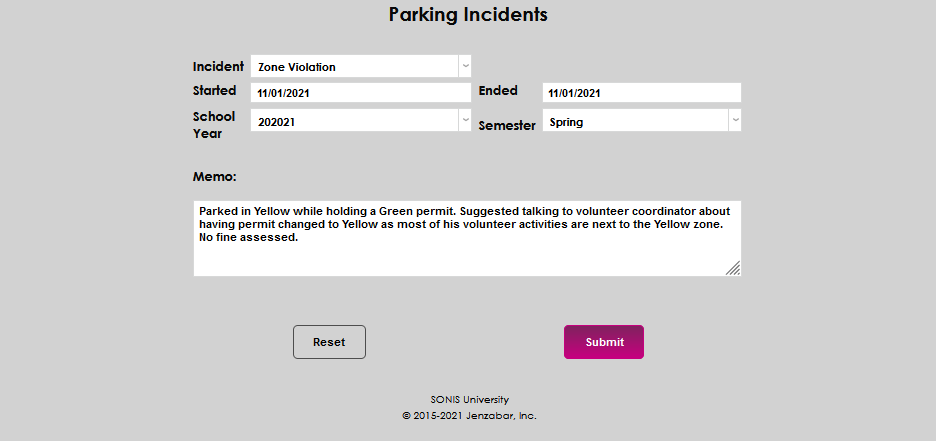
If necessary, enter a description of, or details about, the incident in the Memo field. Click Submit to save the entered information.
Editing an Incident
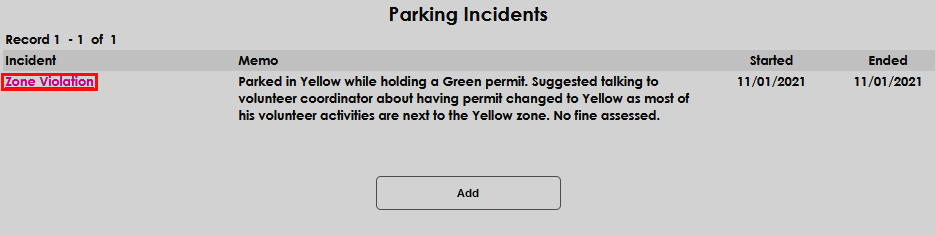
To edit an existing incident record, simply click the name of the incident that should be changed.
Make the desired change(s) to the record and click Update to save.