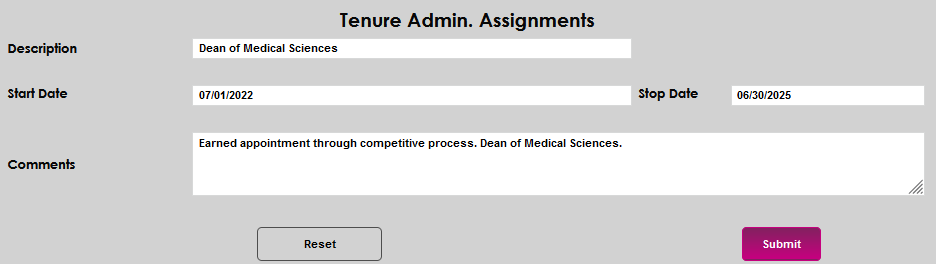
Tenure Admin. Assignments
Overview
If tenured faculty are assigned, are required to serve in, or earn and serve in, administrative roles, these can be recorded and maintained on the Users hub page Tenure Admin. Assignments.
Click here for an overview of tenure pages.
Adding Tenure Activities
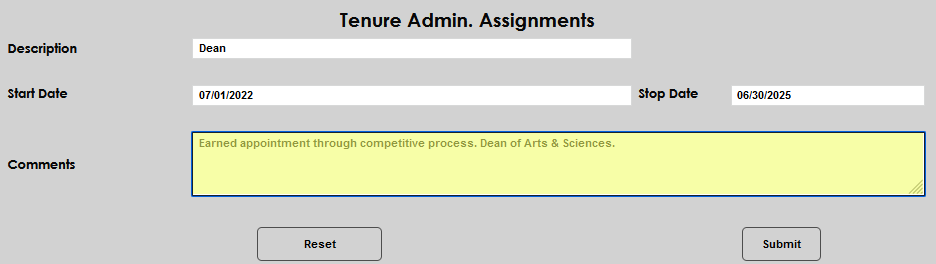
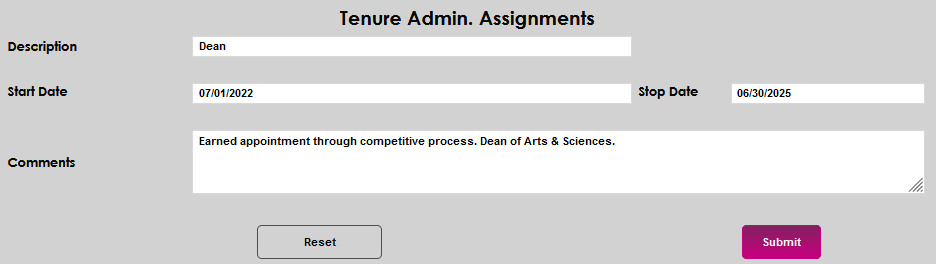
To record a tenure assignment, enter the Tenure Admin. Assignments page from the faculty member's Users hub. Click Add to open the details page.

Enter the name of the assignment in the Description field.
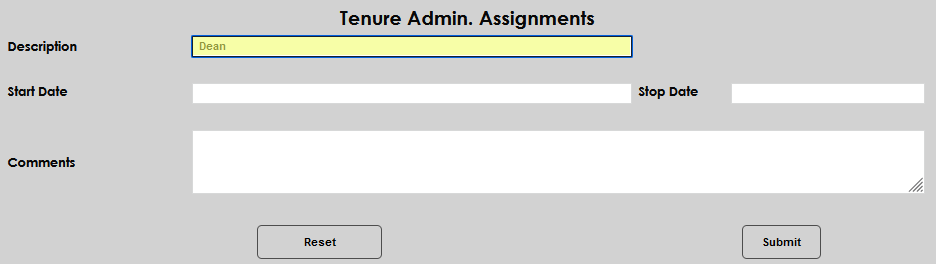
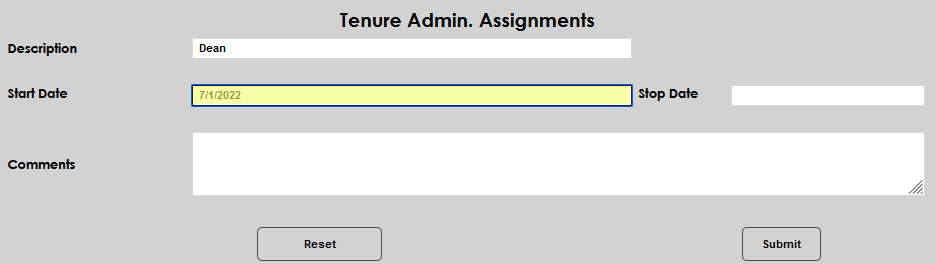
Enter the date the assignment began, will begin, or occurred, in the Start Date field and the date it will end or ended in the Stop Date field.
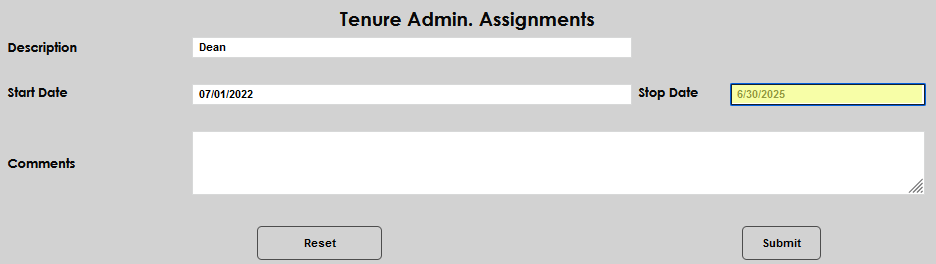
Enter any pertinent details about the assignment in the Comments field. Click Submit to save the entered information.
Editing Existing Assignment Records
To edit an existing assignment record, click the Description or the Start Date. Either will open the assignment details page.

Make the desired edit and click Submit to save the update.