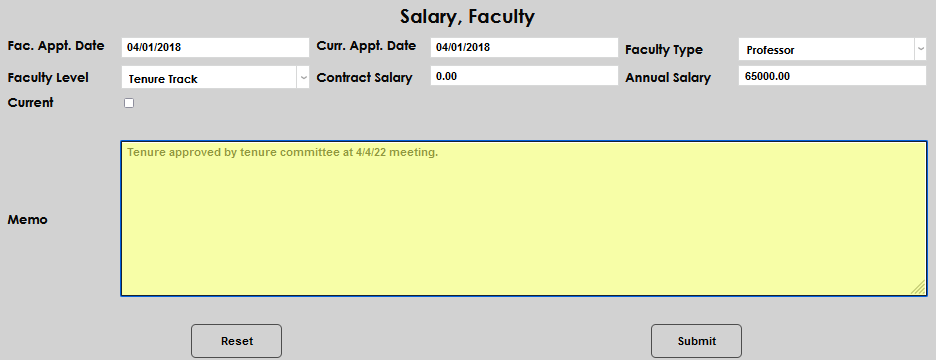
Salary, Faculty
Overview
The Salary, Faculty page allows the recording and management of a faculty member's Faculty Type, Level, Appointment Date, and whether or not the status is Current. Both the Faculty Type and Faculty Level menus are populated by the corresponding tables on Table Maintenance.
Adding New Records
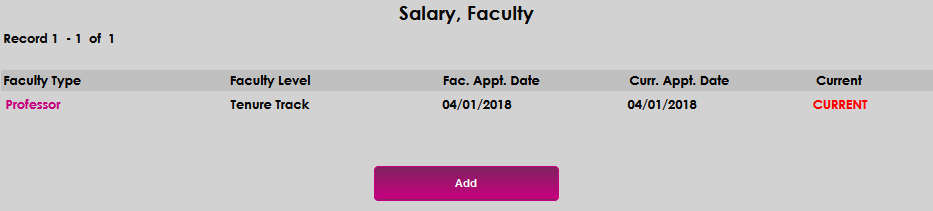
Upon entering the Salary, Faculty page, any current Faculty Type and salary record(s) will display. To add a new record, click Add.
Enter the date the faculty appointment began in the Fac. Appt. Date field and the date the current faculty appointment type began or begins in the Curr. Appt. Date field.
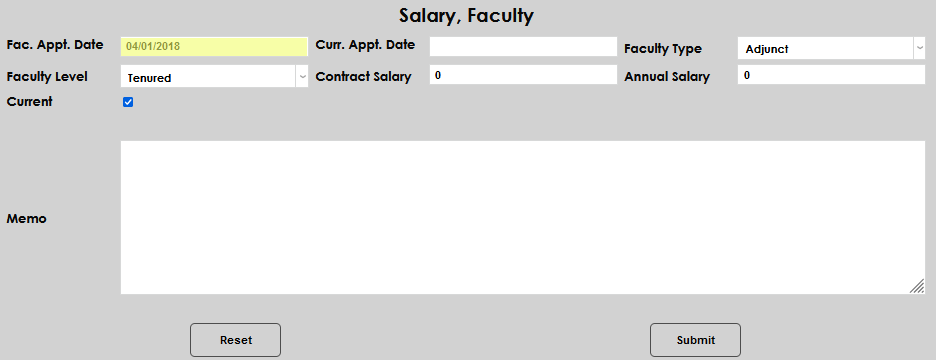
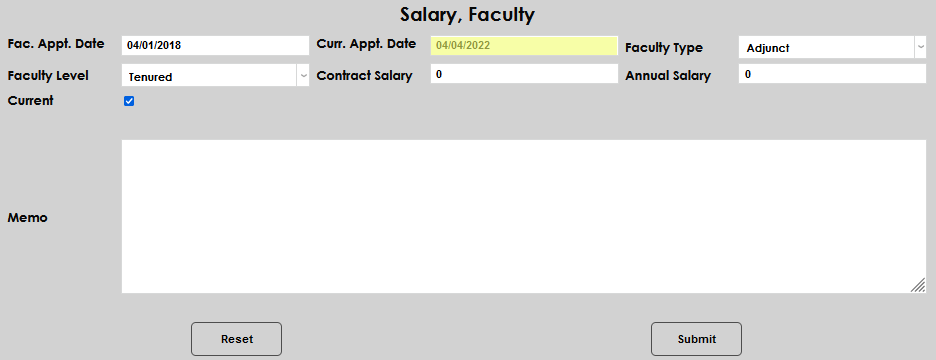
Select the Faculty Type and Faculty Level from the corresponding drop down menus.
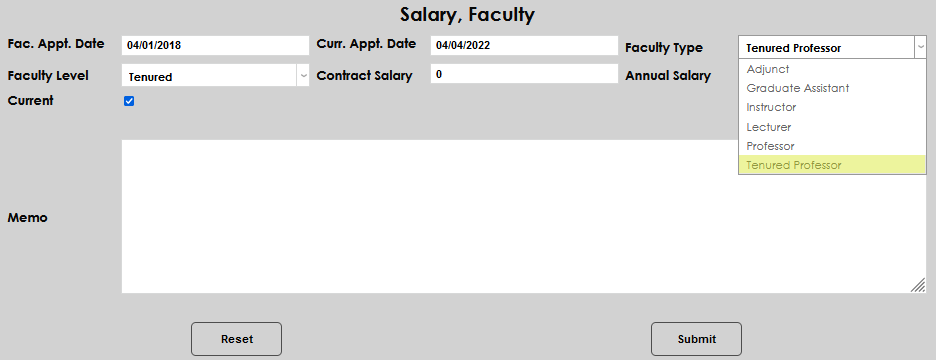
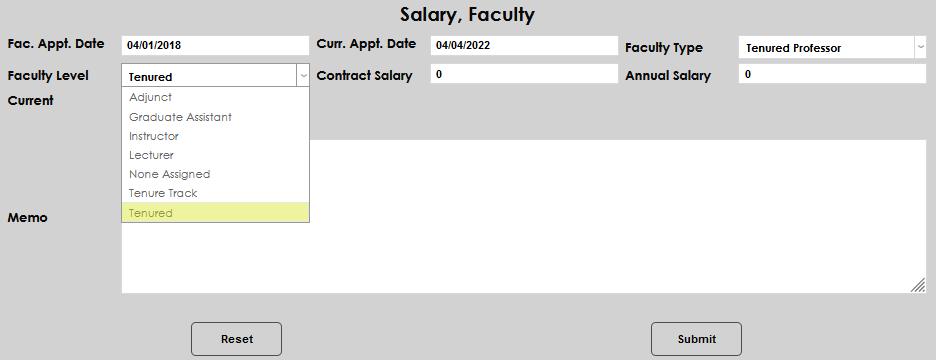
Enter either the Contract Salary or Annual Salary, as appropriate to the faculty member.
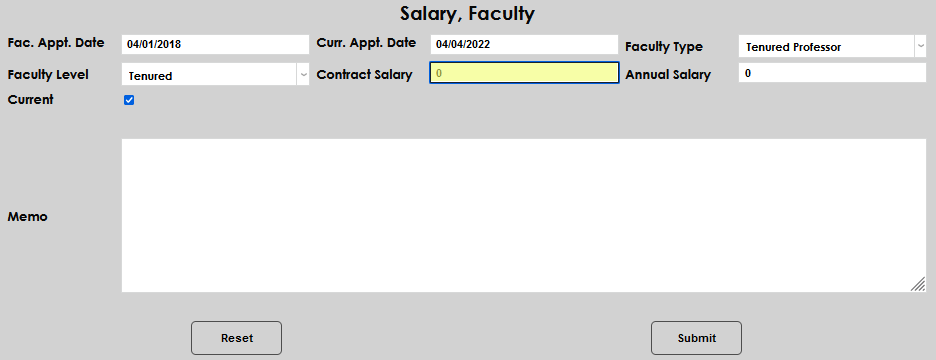
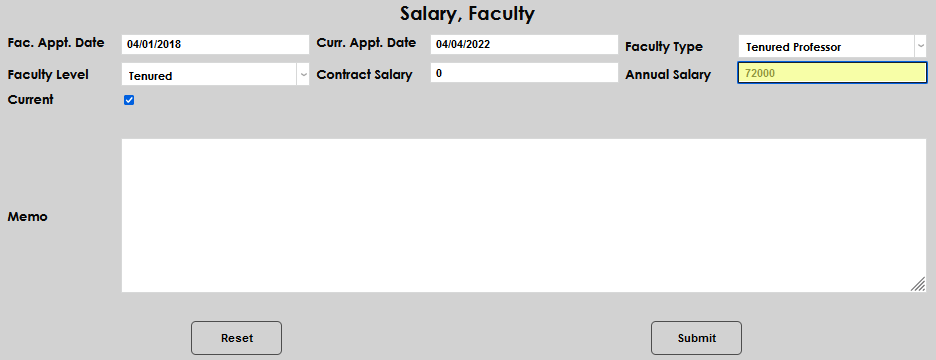
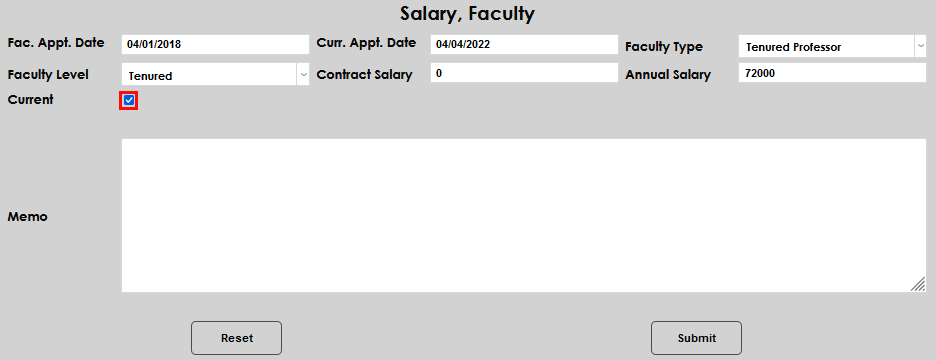
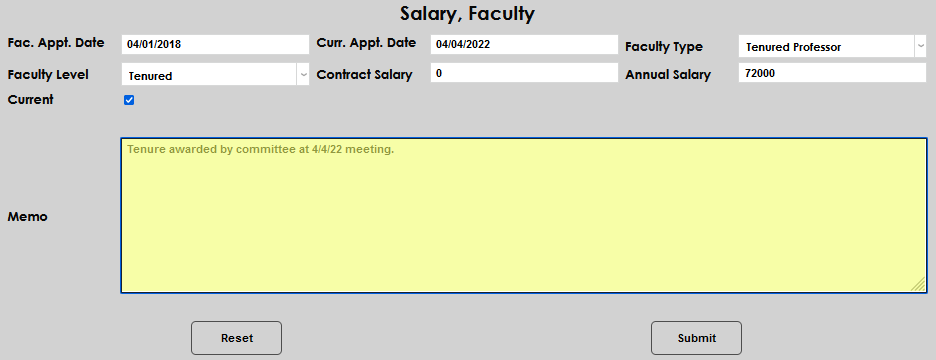
The Current checkbox will automatically populate. If this record is not the current salary record, uncheck the box. A memo field is provided for recording any important details associated with the record being entered.
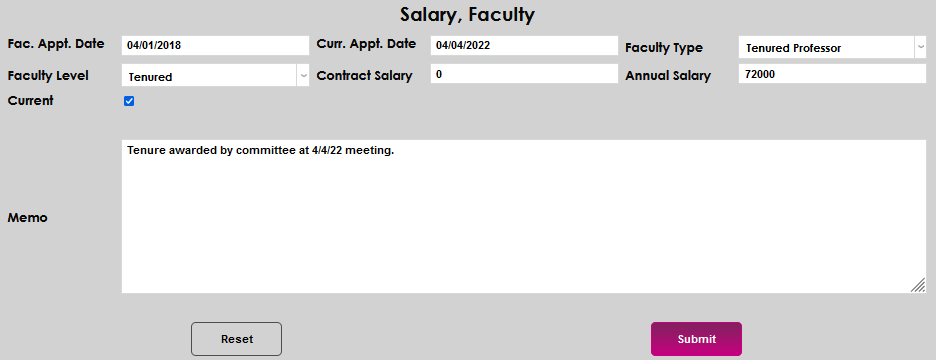
Click Submit to save the entered information.
Working With Existing Records
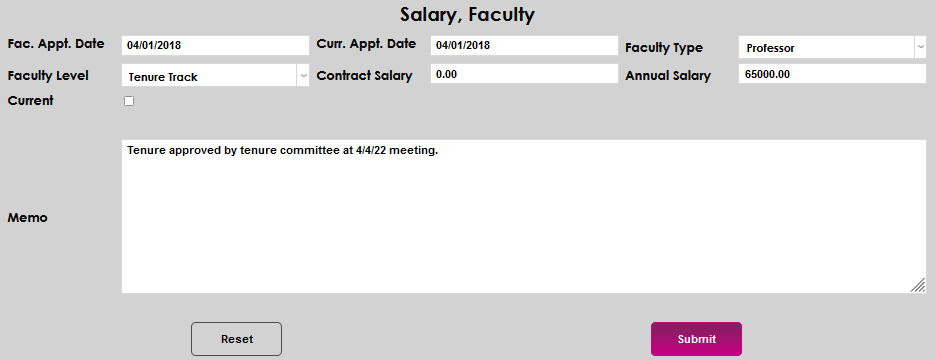
Upon entering the Salary, Faculty page, any current Faculty Type and salary record(s) will display. To view all of the details, and/or edit existing records, click the name of the desired record as displayed in the Faculty Type column.

All of the fields can be edited. Make the desired update(s) and click Submit to save the updated information.