Text Processes
Overview
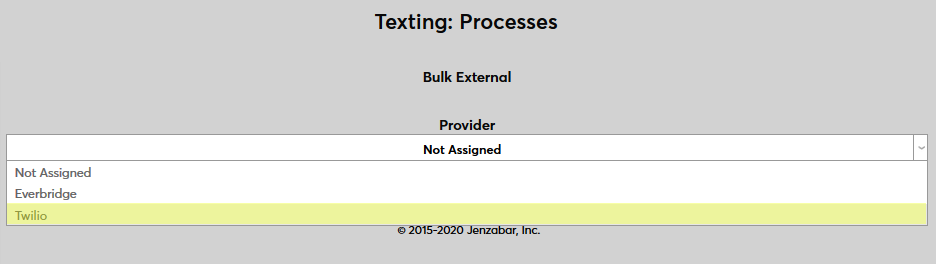
The Text Processes page is used to select an external texting client to be used to send text messages through the Jenzabar SONIS system. Before a client can be selected, it must be set up through the Texting Provider Accounts utility. The two third-party applications that are integrated with SONIS are Everbridge and Twilio.
Setup
To select a provider account, simply navigate to the Text Processes page and click the Bulk External link.

On the next page, select a provider and click Submit. Once the provider has been selected, it will be used to send texts to groups of users with the Bulk External Texting utility in the Administration portal or to students through the Email/Text Class utility in the Faculty portal. Additionally, all Notification Assignments that are set to send text reminders will send these texts through the selected provider.