Work Tasks Assign
Overview
Work Tasks are activities, transactions, and checklist items that may be assigned to applicants and students. When a work task is assigned, the associated items are automatically added to the individual's record. The details of work tasks can be viewed, assigned, and maintained on the Records menu page, Checklist: Work Tasks. Visit Application Checklist for more information on assigning applicant checklist tasks.
To create work tasks, the visit the Work Tasks table in Table Maintenance. Work tasks can then be associated with activities, transactions, and checklist items from the Work Tasks Set Up page, also under the Systems hub.
Assigning Work Tasks
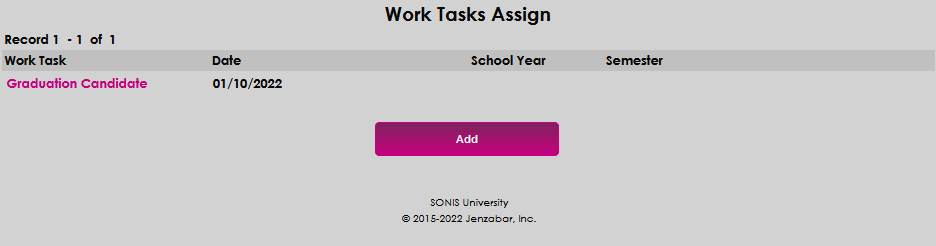
To assign a work task to a user, navigate to the Work Tasks Assign page in the Users hub and click Add.
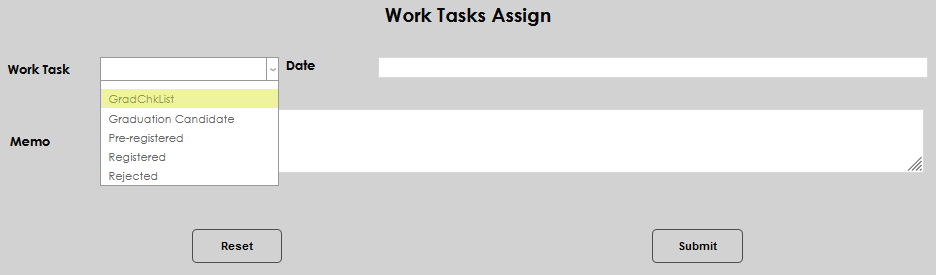
Select the desired task from the Work Task drop-down menu.
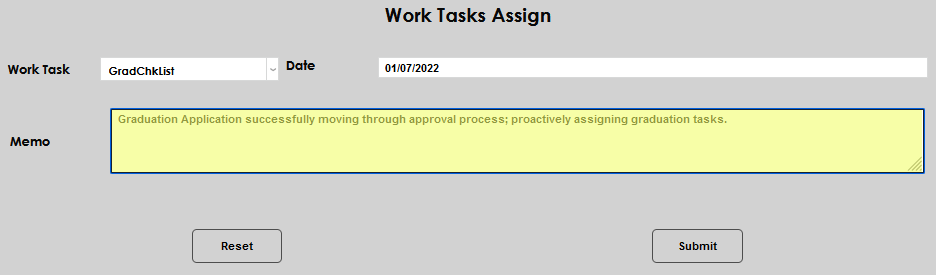
When the item is selected, the date will automatically populate. To edit the date, simply click in the field and make the desired change.
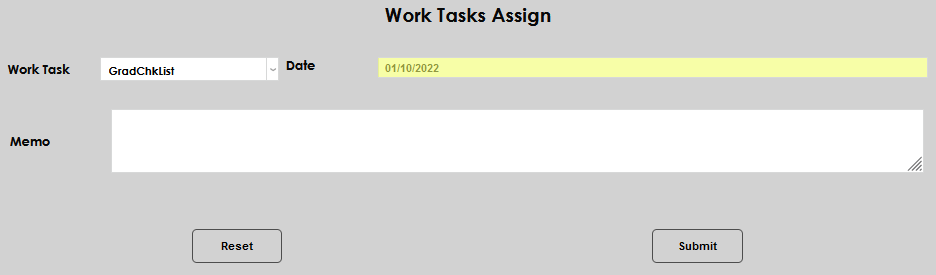
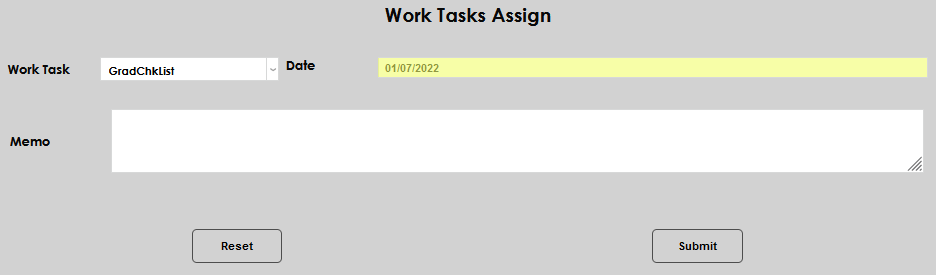
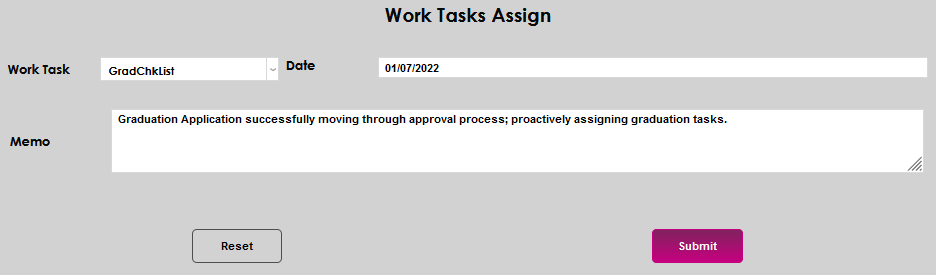
Add any necessary information about the assignment in the Memo field. Click Submit to save the entered information and assign the task.