Section Date Correction
Overview
The Section Date Correction utility allows the user to change the start date for a specific course section after the start date has passed. Any section start date can be changed as long as no grades have been assigned and no attendance records that are date/time stamped prior to the new start date have been recorded. The utility is located in the Systems hub. Administrators can filter courses by year and semester or by start date.
Filter by Year/Semester
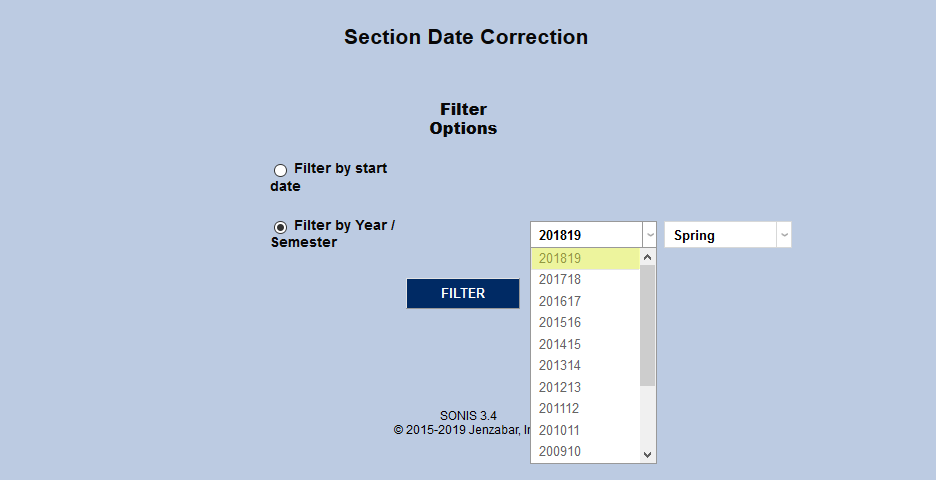
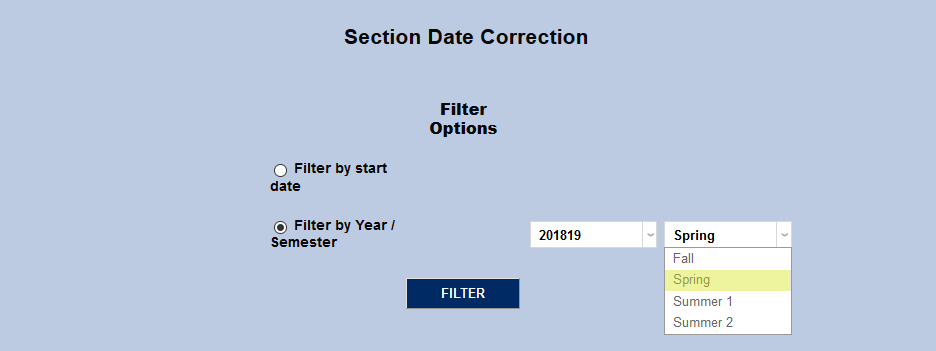
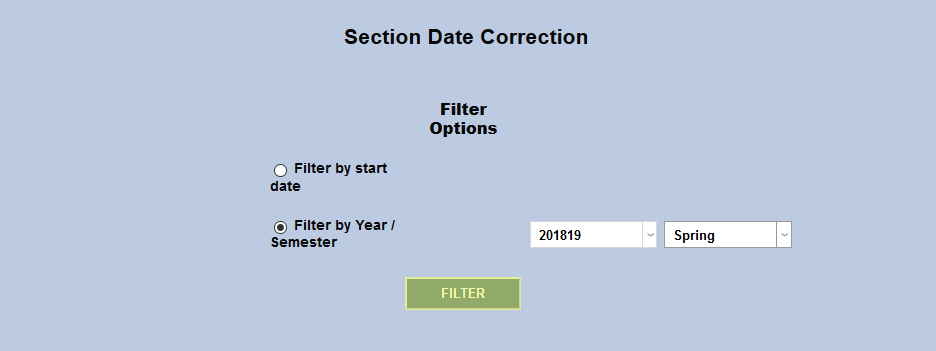
The simplest way to select a course for date correction is to view a list of all the courses from the year and semester in question. Select the correct school year and the semester from their respective dropdown menus and click Filter to view all the corresponding courses.
Filter by Start Date
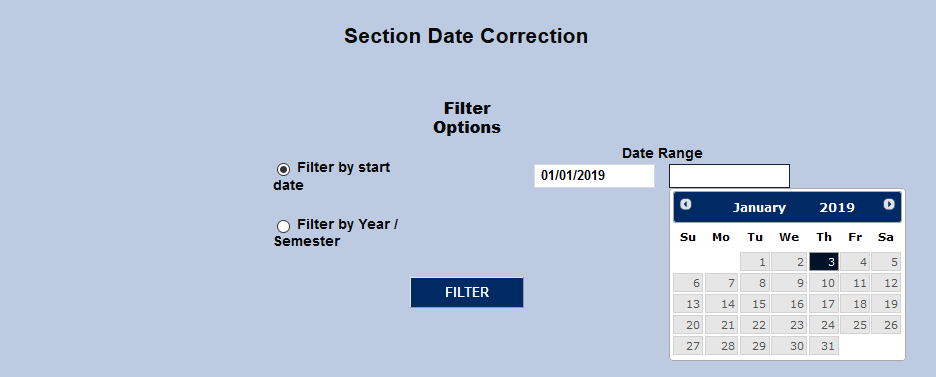
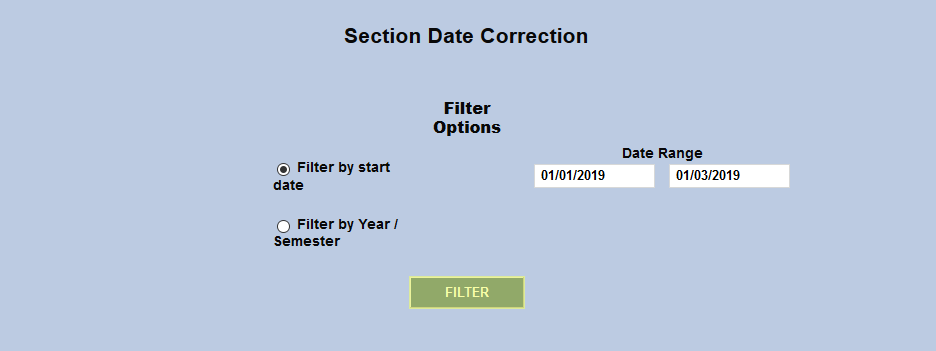
The other option is to filter courses by the start and end date. This can be beneficial to pinpoint one or a handful of courses that were given the wrong date among a semester's courses. Fill in both dates and click the Filter button.
Edit Dates
Once the list of courses has been created, click the edit button to edit a specific course. Courses can only be edited one at a time.
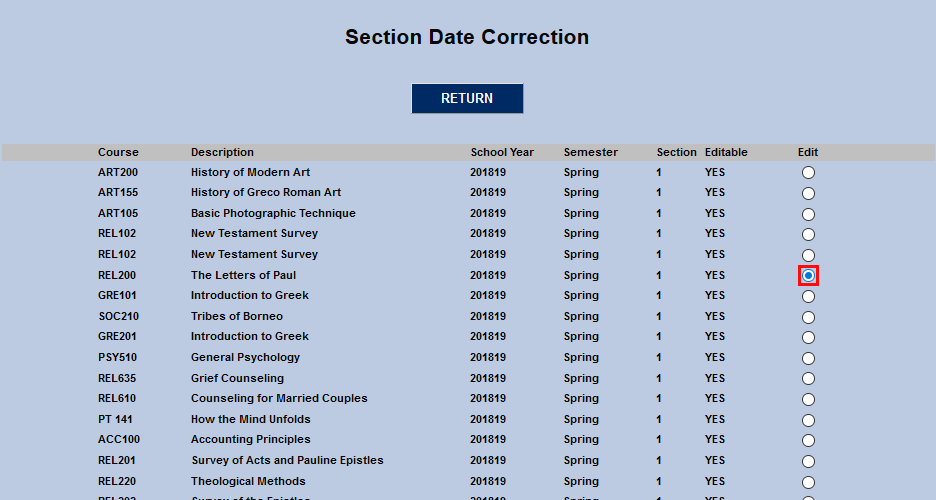
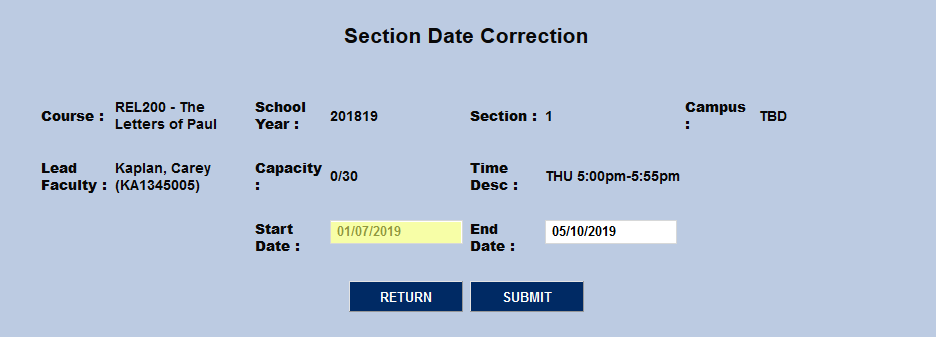
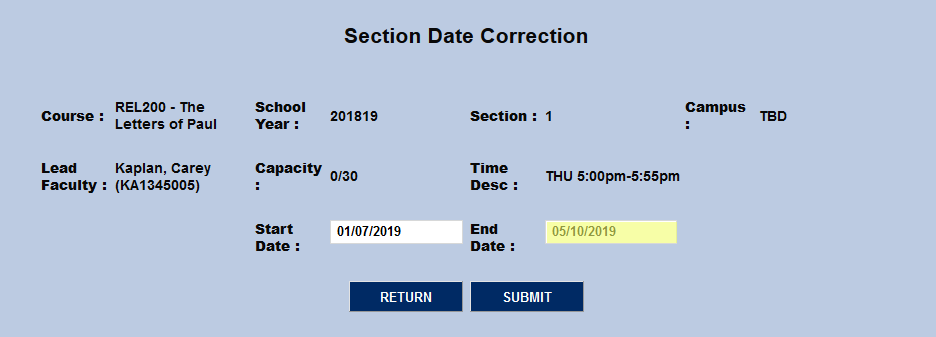
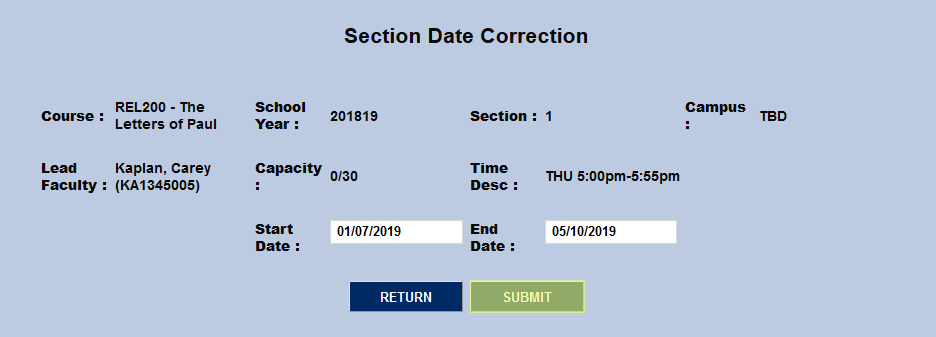
Once the course has been selected, edit the Start Date and/or End Date and click Submit to save the change.