Import Waivers
Overview
A waiver allows a student to not take a course that would otherwise be required. The Import Waivers utility under the Systems hub allows administrators to import data in bulk directly to students' Waivers record. The data is imported through a simple XLSX spreadsheet.
The File
The Import Waivers spreadsheet file must be in XLSX format. It should have three columns:
soc_sec - Each user's SONIS ID number.
course - The Course ID for each course that will be waived.
memo - The reason for the waiver. This field is not required.
These three fields can be in any order on the spreadsheet. Click here to download a sample file.
Importing Waivers
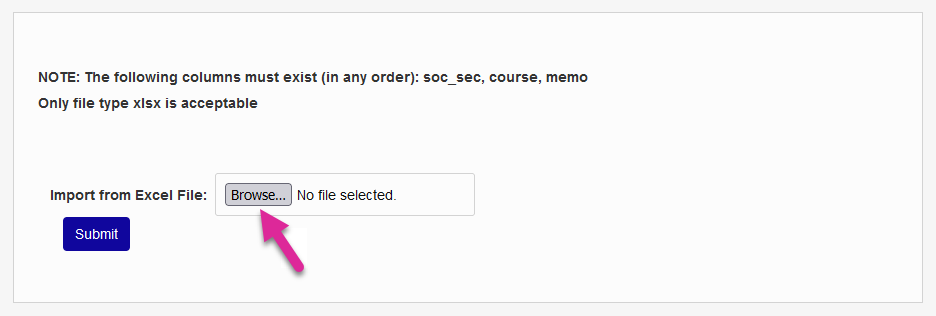
To import a file, click Browse and locate the file on your local machine.
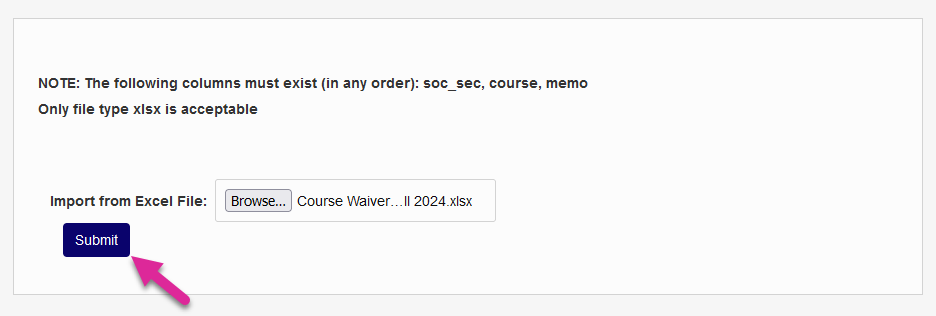
Once the proper file has been selected, click Submit to begin the upload process.
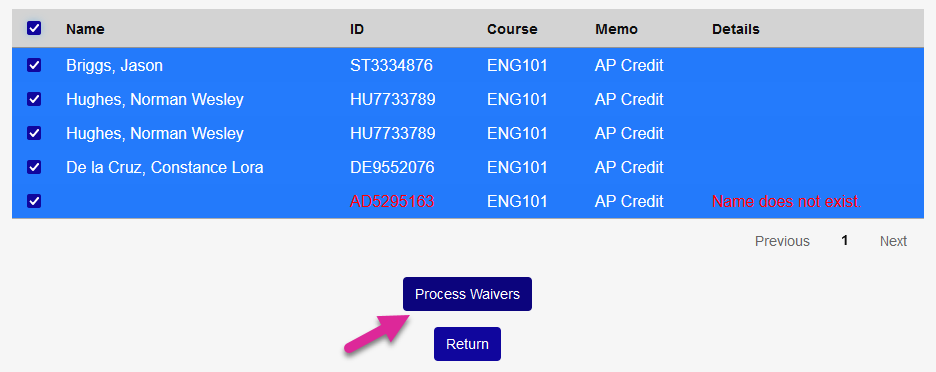
The following page lists all of the records in the file. Click the page number buttons or the Next button to see more if the file contained too many records for one page. The file is validated based on the SONIS ID and the Course ID.
Check a box in the left column to import an individual record or check the box in the top row to select all records. Records with errors can be selected or ignored. They will not be processed either way.
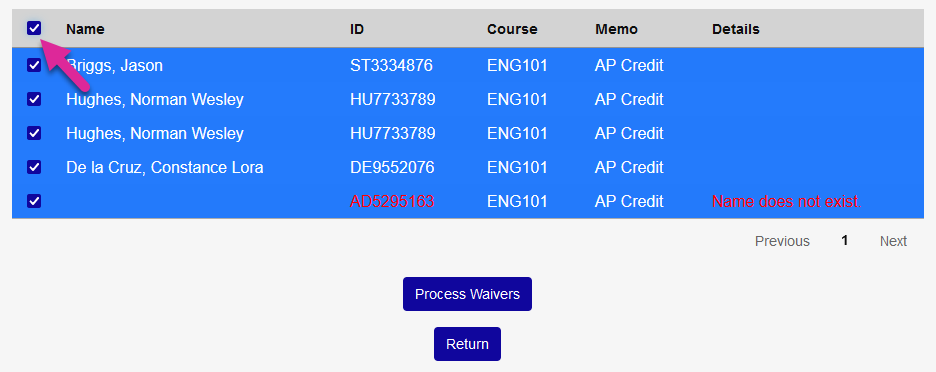
Click Process Records to proceed.
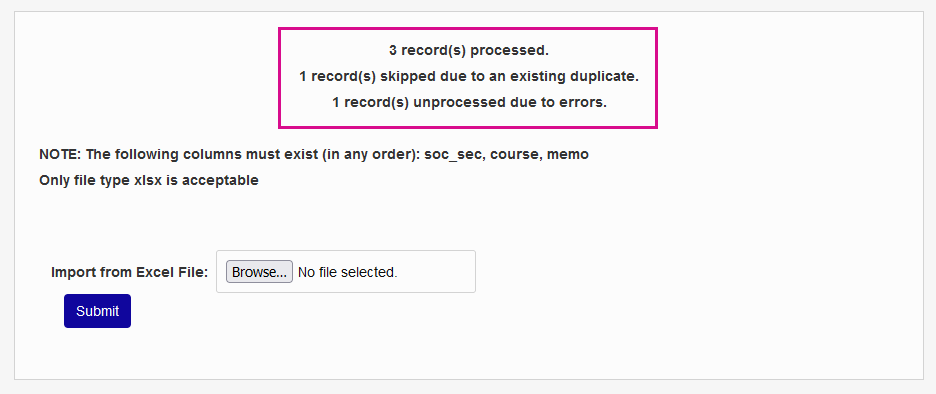
The following page displays the results of the import.