Email History
Overview
A record of emails sent using Jenzabar SONIS is maintained on Email History. Details such as when the email was sent, who sent the email, and the text of the email are included on this page. Both individual and bulk emails are logged. For detailed information on how to set up and use SONIS email functions, visit the Email Address Utility page.
The following email types are logged and included in each user's Email History record:
Alumni emails
Bulk emails
Faculty emails to the class
Advisor to advisee emails
Sponsor to student emails
Meetings emails
Course section minimum enrollment emails
History
The Email History splash page displays every email that has been sent to the user along with the date and time it was sent, the type of email, the sender and the subject. The type will always be either "To," "CC," or "BC" depending on how the email was sent to the user.

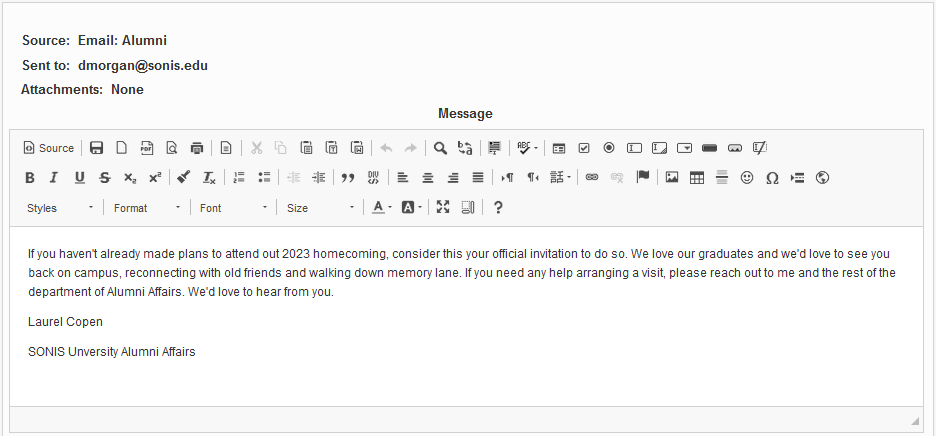
To access the text of an email, click on the Subject.

The following page displays the full message that was sent to the user along with the source (the SONIS function used to send the email), the email address it was sent to, and any attachments that were included.