Evaluation Responses
Overview
The Systems hub page Evaluation Responses is used to create sets of responses to Academic: Evaluation Questions used in the Academic: Evaluations functions, for both Online Application Reference Requests and Course, Process, and Faculty Evaluations.
Creating Evaluation Response Sets
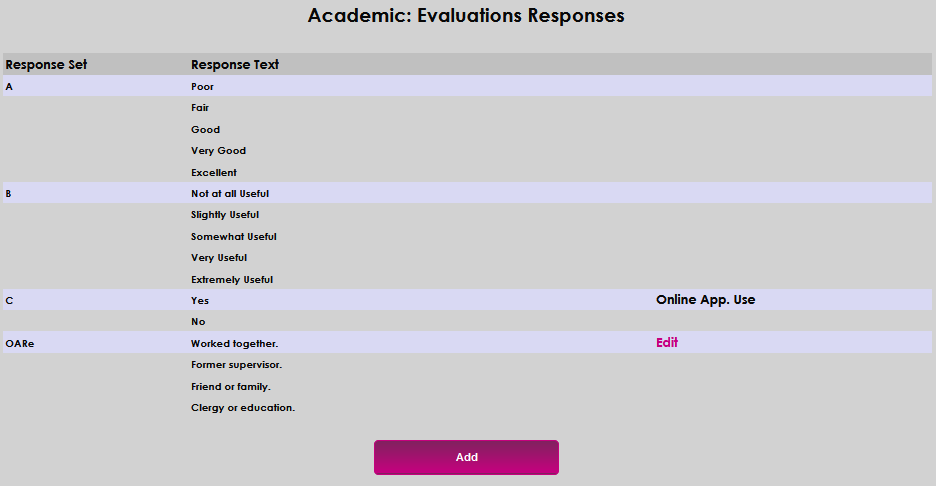
Evaluation Response Sets are groups of answers to questions. For example: Yes or No, True or False, and scales from 1-10 or Poor to Excellent. Grouping potential answers into sets provides the ability to quickly select an appropriate set of responses to questions when creating evaluations and/or reference requests. To begin creating a new response set, enter the Academic: Evaluations Responses page from the Systems hub and click Add.
An existing response set can be used as a template when creating a new set. If appropriate, click the name of the response set. If not, click New. Give the response set a name in the New Response Set field. This field accepts up to 10 alphanumeric characters.
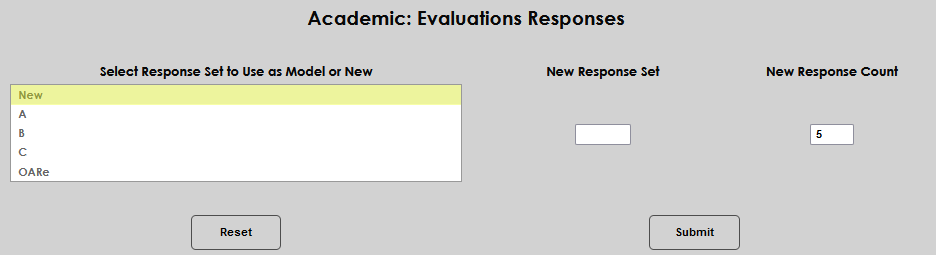
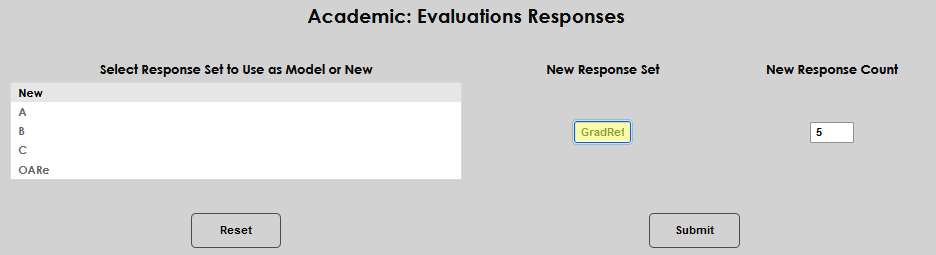
The New Response Count field auto-populates with the number of responses that were in the most recently created set. If this is not the correct number of answers desired, simply click in the field and enter the appropriate number. Up to 99 responses can be created in a set. Click Submit to save the entered information.
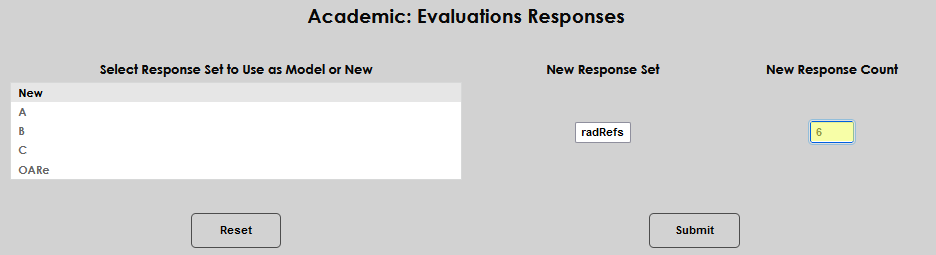
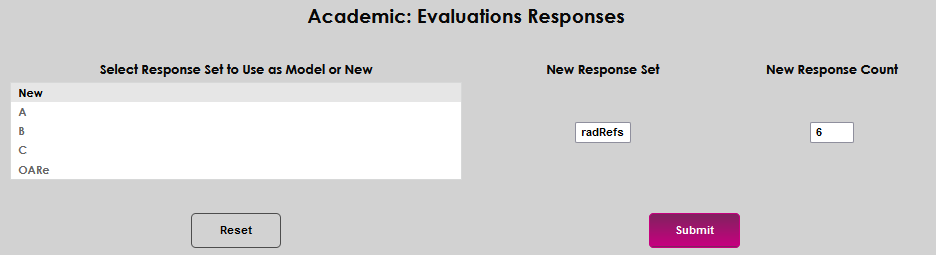
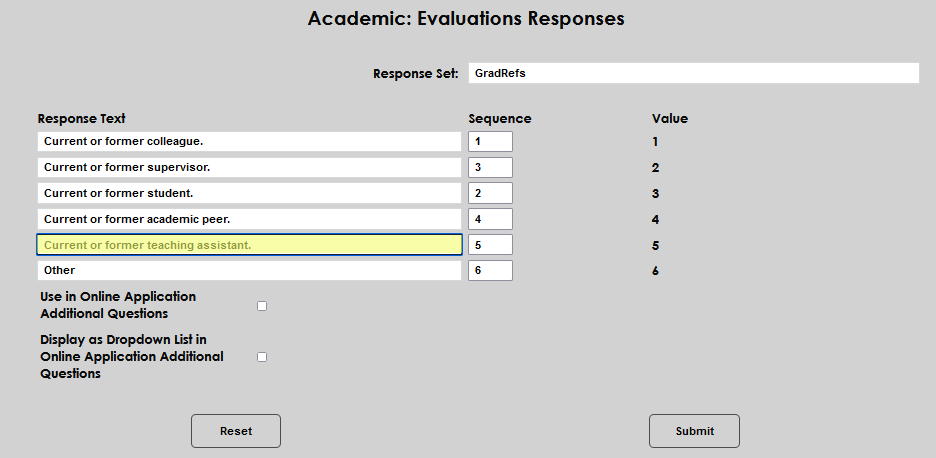
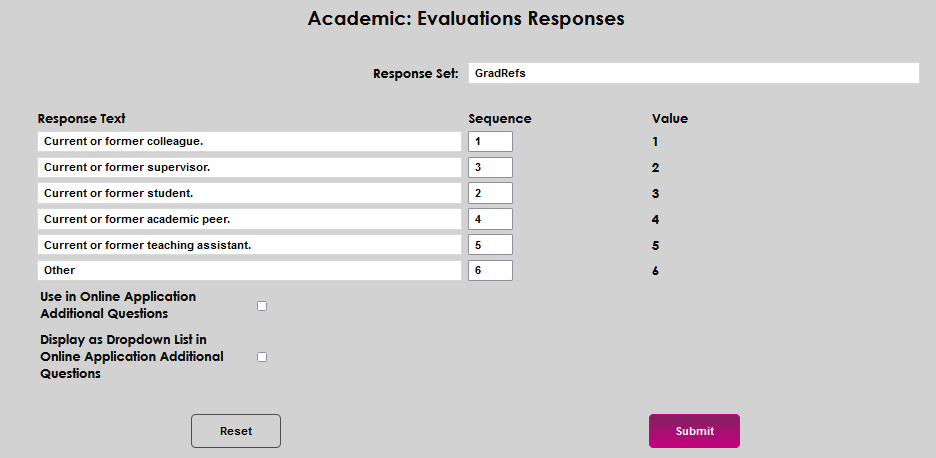
A page opens with Response Text fields, equal to the number entered in the New Response Count field. Each field allows the entry of up to 50 alphanumeric and symbolic characters. Enter one response in each field. the responses can be reordered by changing the numbers displayed in the Sequence field.
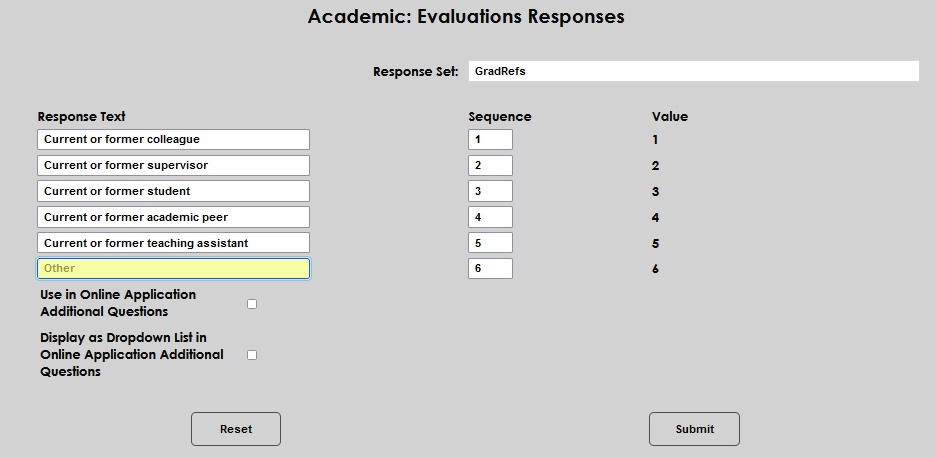
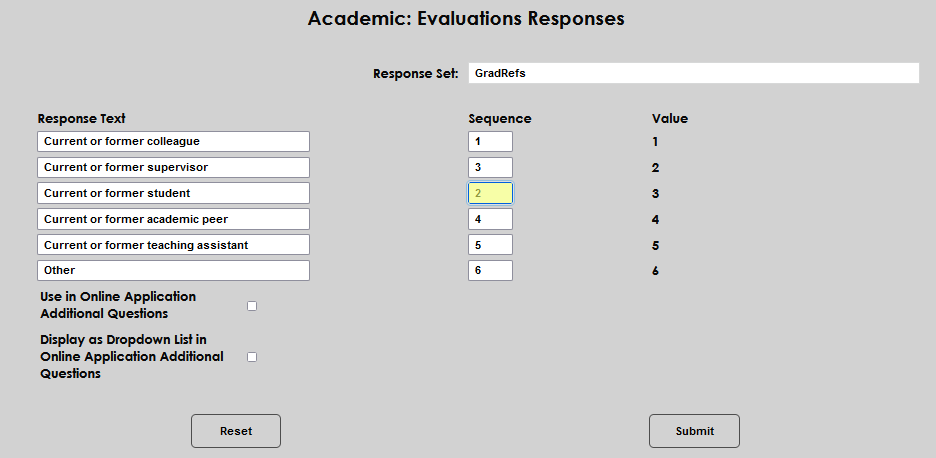
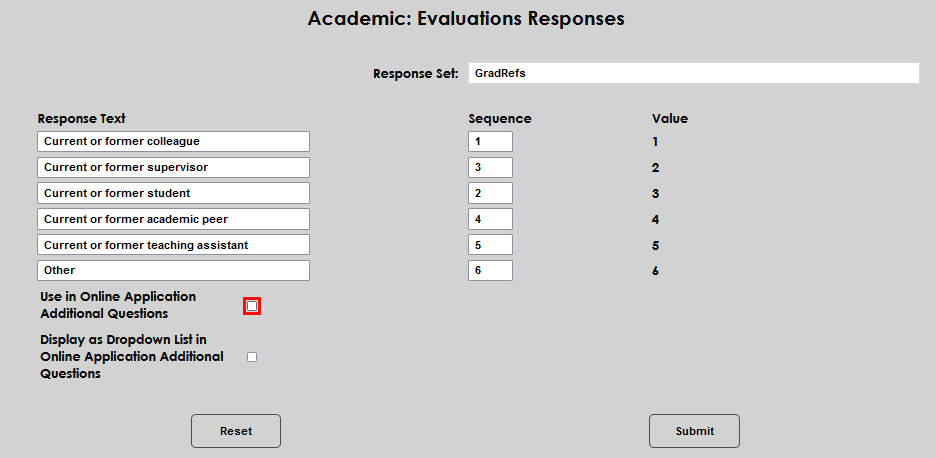
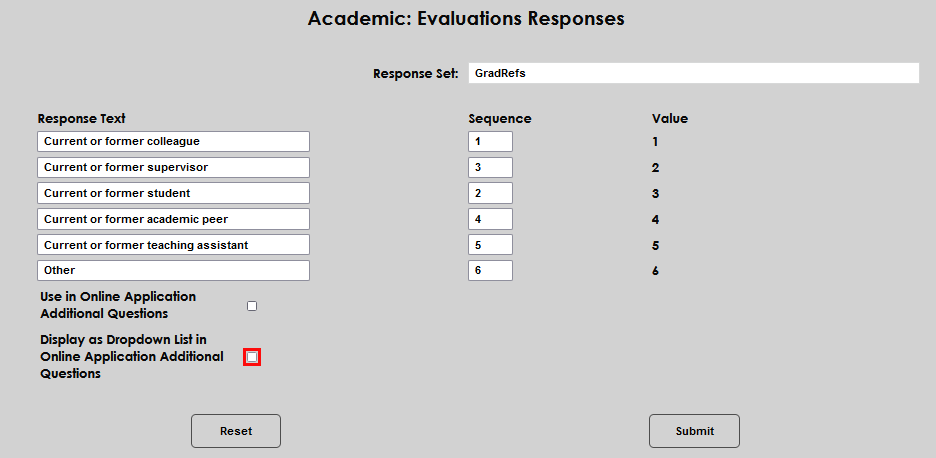
If the responses will be used as answers to Online Application Additional Questions click the box. If the answers will be used for course evaluations or references, do not click the box. If the responses will display in the Online Application Additional Questions area clicking the second box allows them to display as a dropdown menu or pick list.
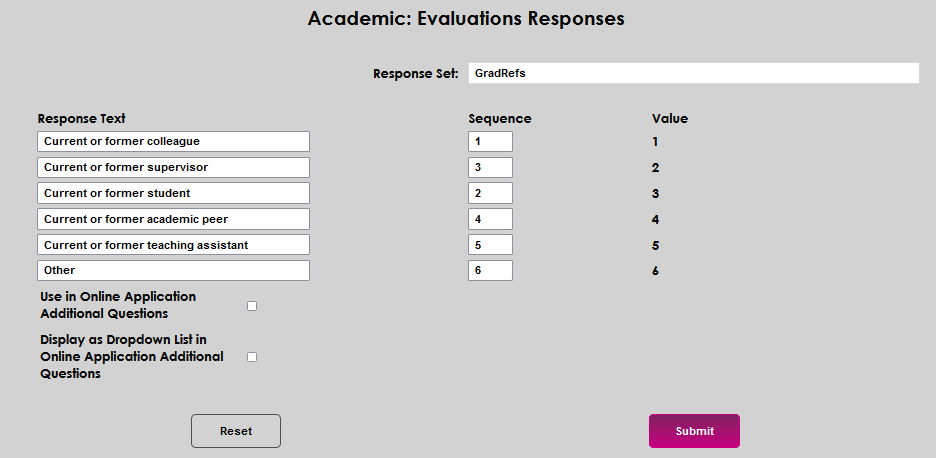
Click Submit to save the entries.
Managing Evaluation Response Sets
Response sets created institutionally can be edited and display the Edit link. The response sets provided with SONIS do not display an Edit icon and cannot be changed. If they are not appropriate to current needs, simply create an alternate response set.
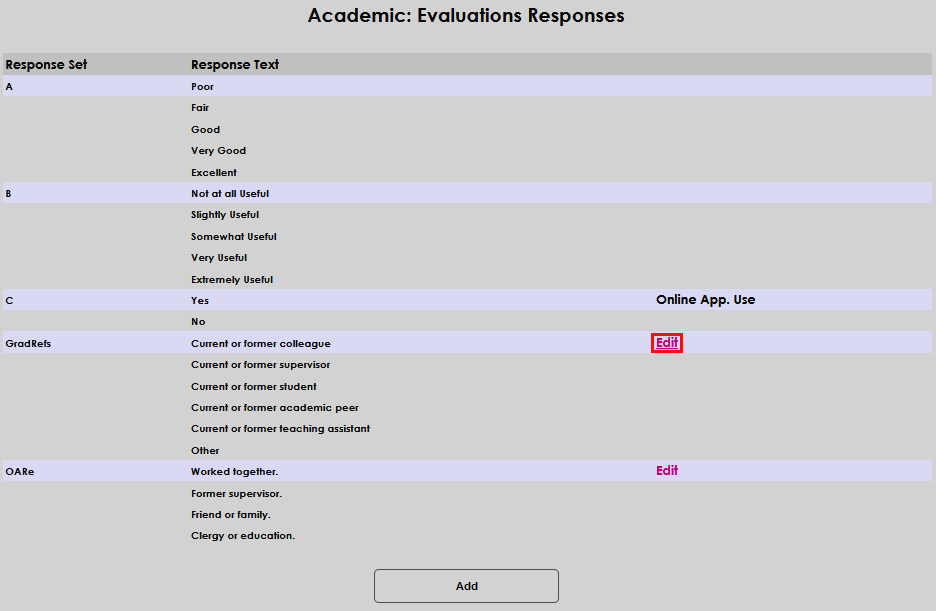
The Response Set name, Response Text, and Sequence text may be edited. The Online Application Additional Questions or Online Application Dropdown List boxes may be checked or unchecked. Make the desired edit(s) and click Submit to save the update.