Dark Mode
Overview
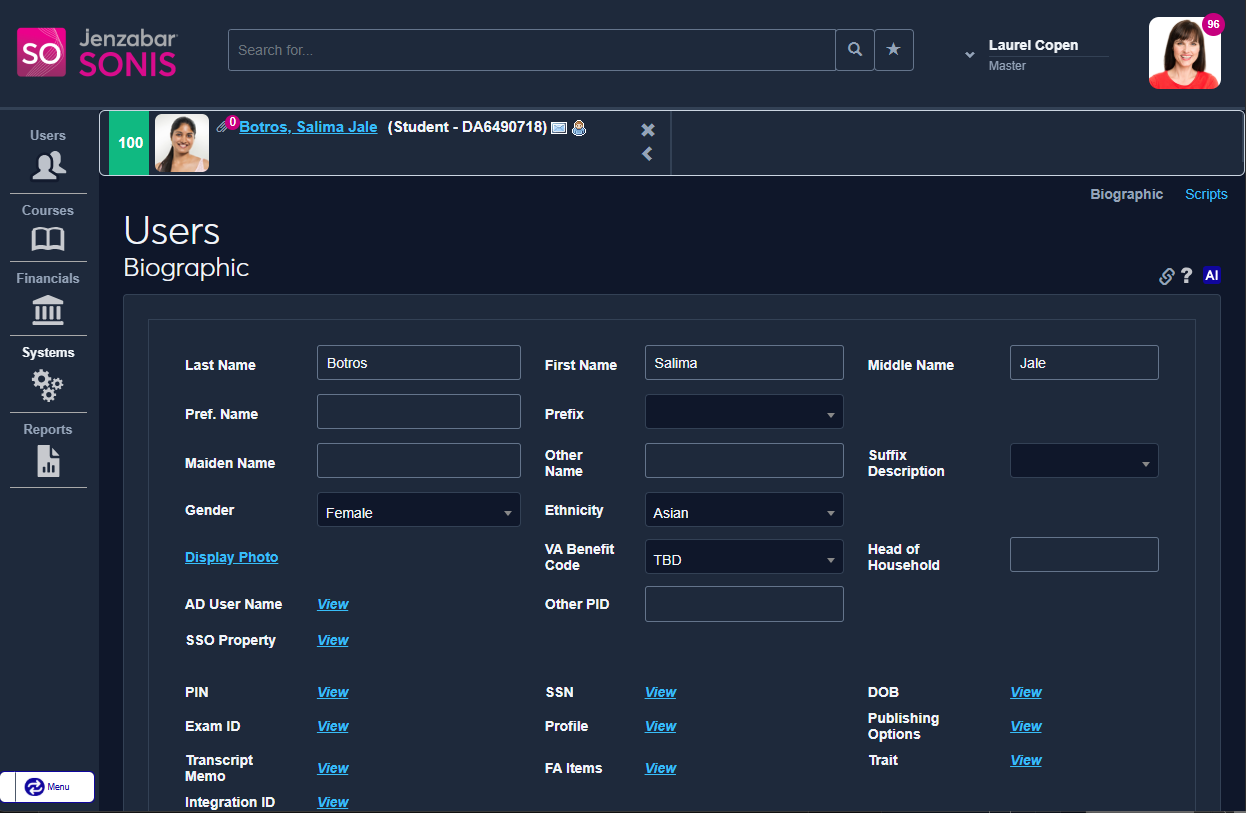
Dark Mode is an alternate color pallet for the Jenzabar SONIS system with a dark background and updated text and button colors to match. In addition to suiting aesthetic preferences, this mode may help ease eyestrain for some SONIS administrators.
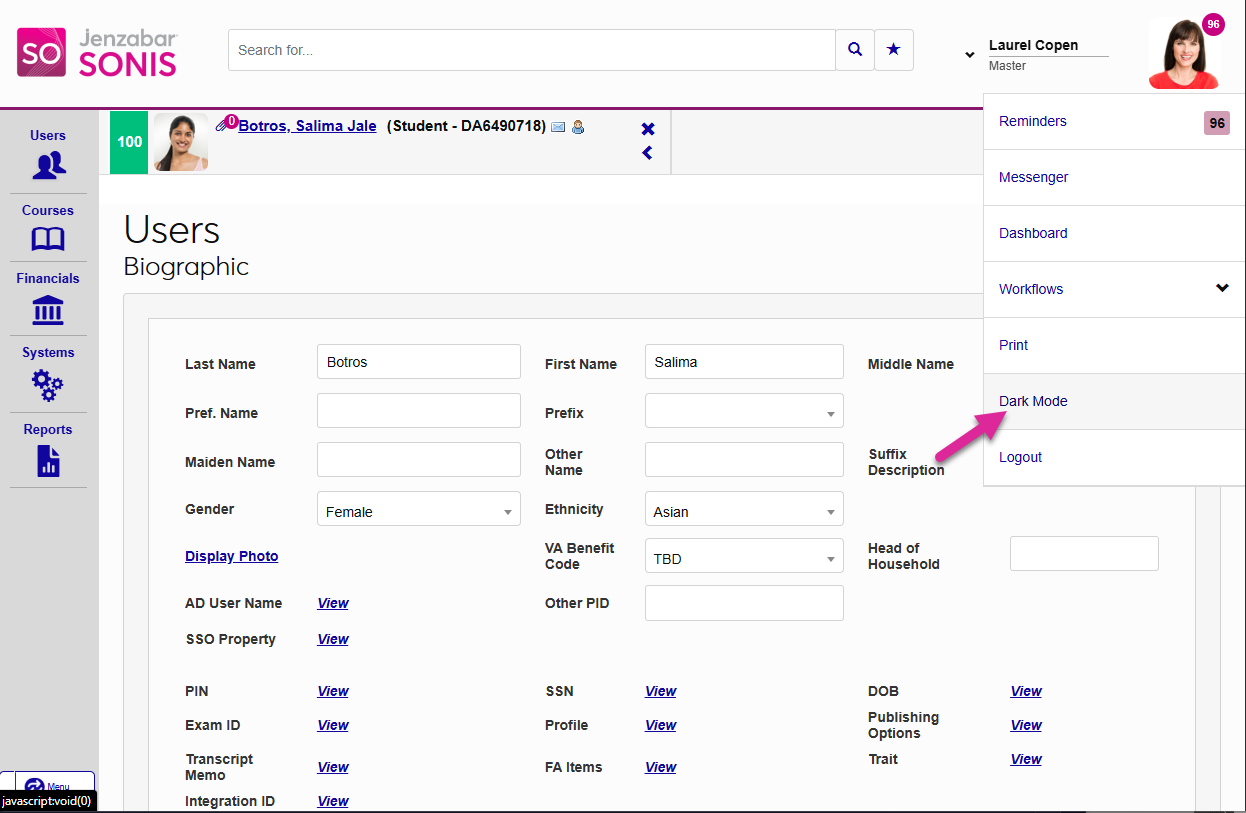
To activate dark mode on your system, click the user card in the top right corner and select Dark Mode from the drop-down list that opens.