Degree Audit
Overview
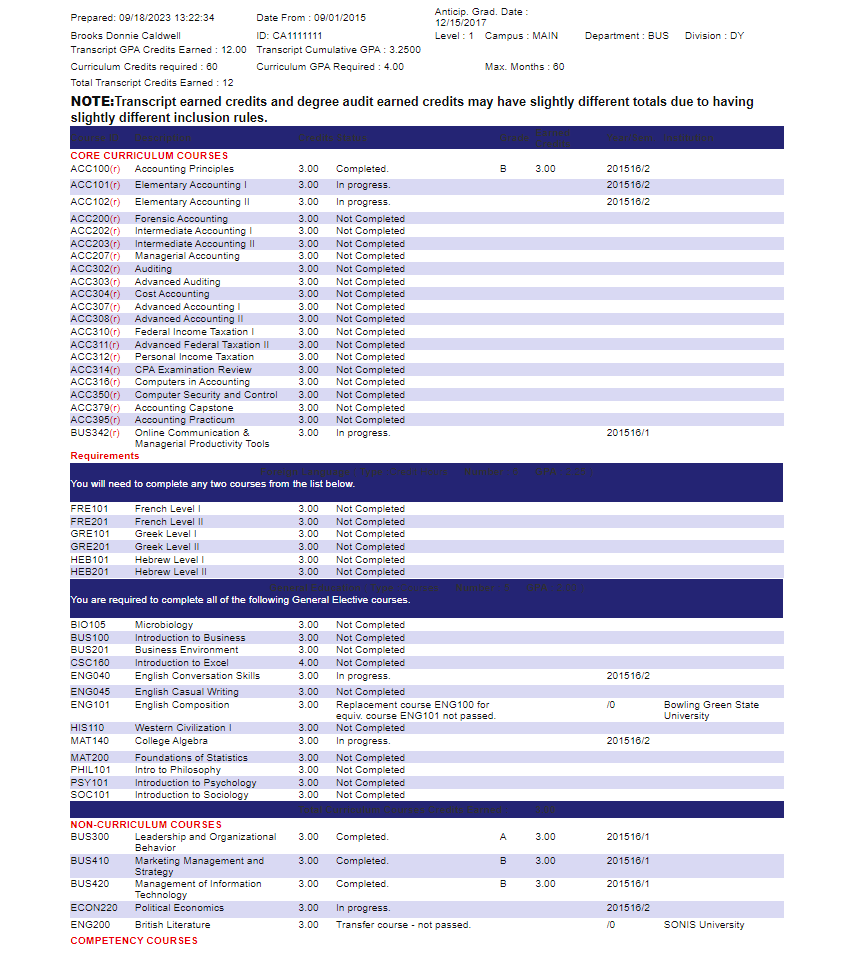
A Degree Audit is an evaluation of the progress that a student has made towards their degree. It summarizes previous and current academic course work and tells which degree requirements need to be completed to graduate. The Faculty Portal Advising menu utility, Adv: Degree Audit, allows faculty and advisors with appropriate permissions to view Degree Audits that have been created for users.
Before advisors can use the degree audit function, degree requirements must be set using the Degree Audit Setup utilities under the Systems hub.
Viewing Degree Audits
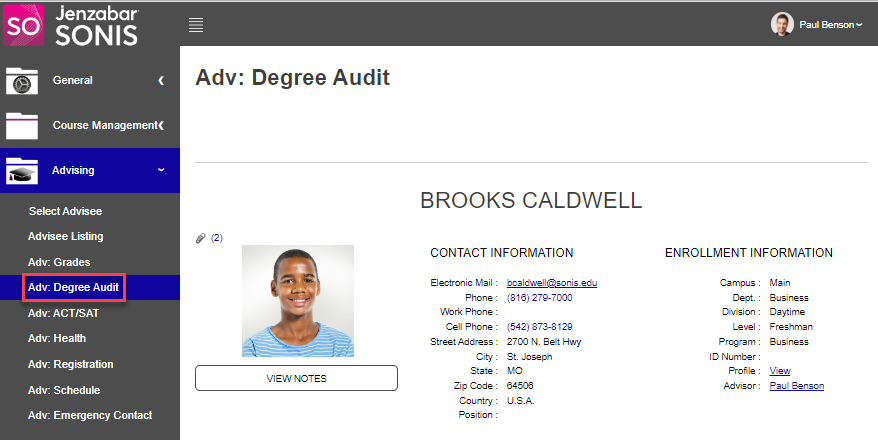
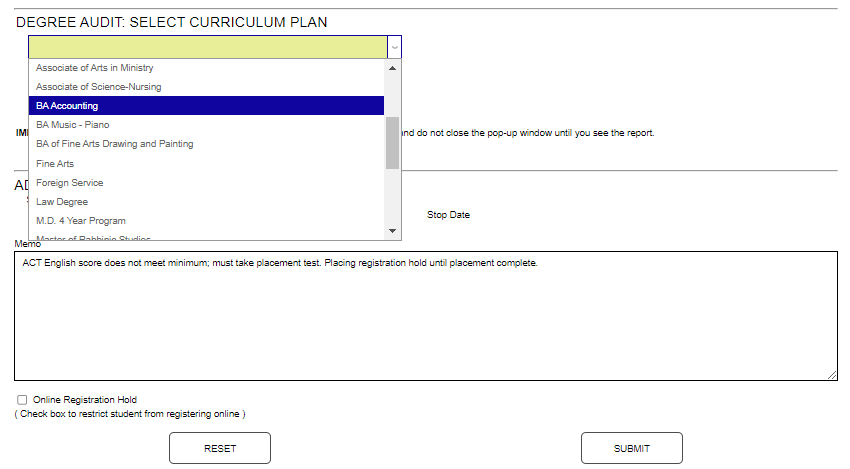
After selecting an advisee, click Adv: Degree Audit. Select the Program of Study or Curriculum Plan from the dropdown menu.
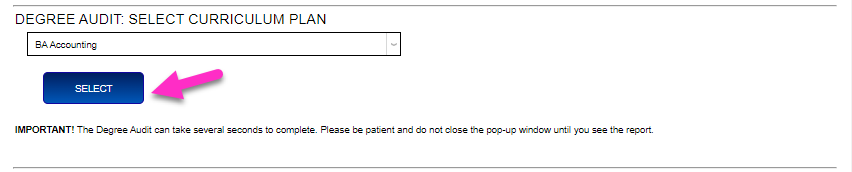
Click Select to generate the degree audit. It opens in a new window and may take a few seconds to load fully.