Employment Interviews
Overview
The Employment Interviews page is provided to record participation in an interview. Jenzabar SONIS member institutions may choose to use this Records menu item for any module status, for example a constituent or a staff member. The fields provided in the display are Employer, Contact, Position, Date, Time, and Hired, with additional data points within the record. Information on tracking student employment is available on Employment. To maintain employers of students, visit the Employer page.
Adding Interview Records
To add an interview record, select the Employment Interviews page from the Users hub, and click Add.

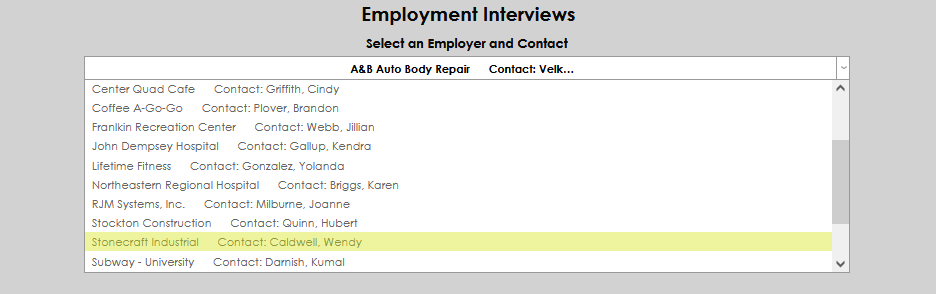
Select an Employer and Contact from the dropdown menu. If the desired employer is not available, an administrator must add them on the Employer page. After selecting the employer, click Submit.

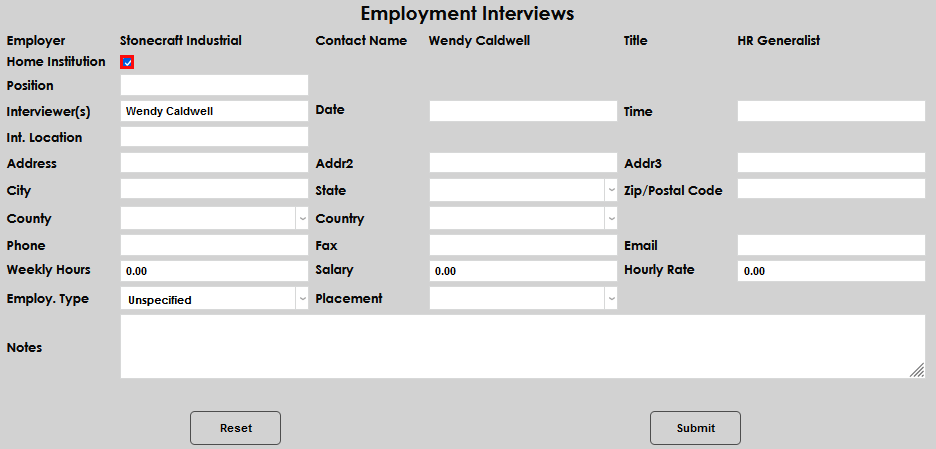
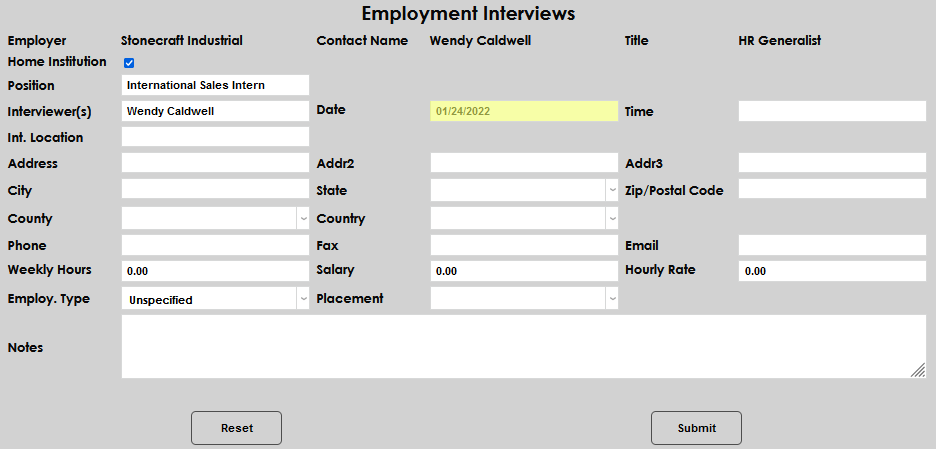
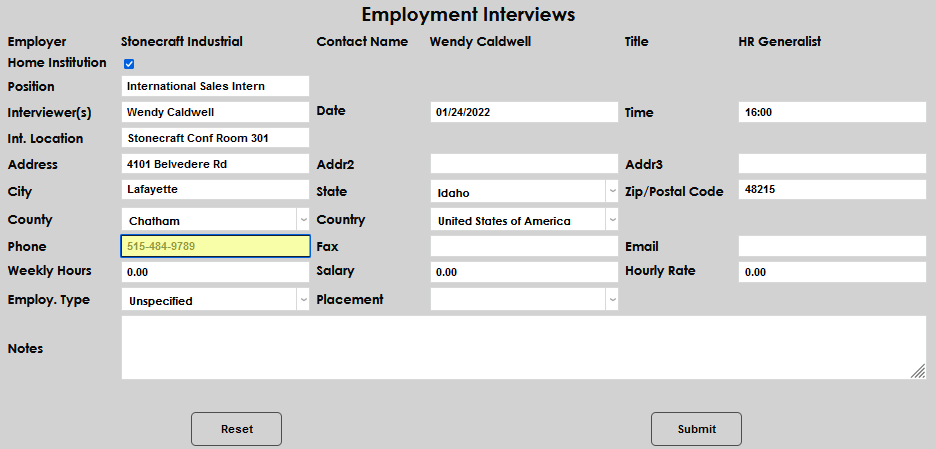
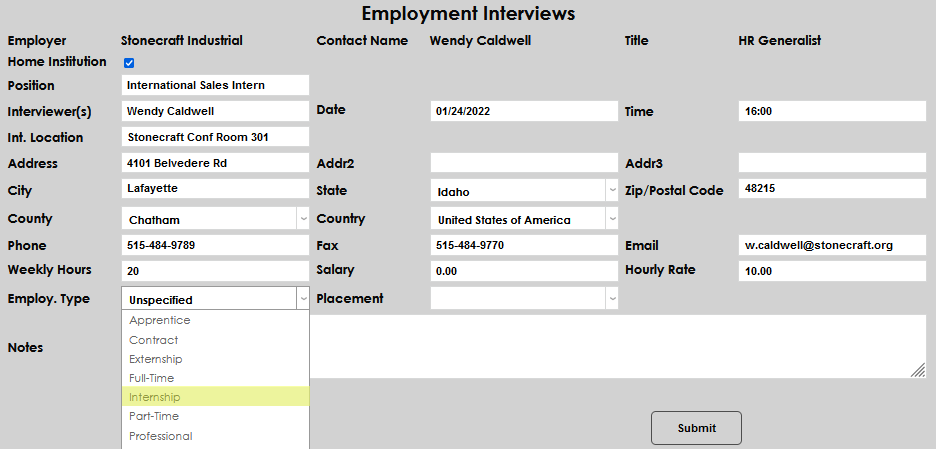
A new page will open, providing the opportunity to enter the details associated with the interview. The selected employer's name, contact name, and title of the contact will autofill. If this interview is associated with the Home Institution, check the provided box.
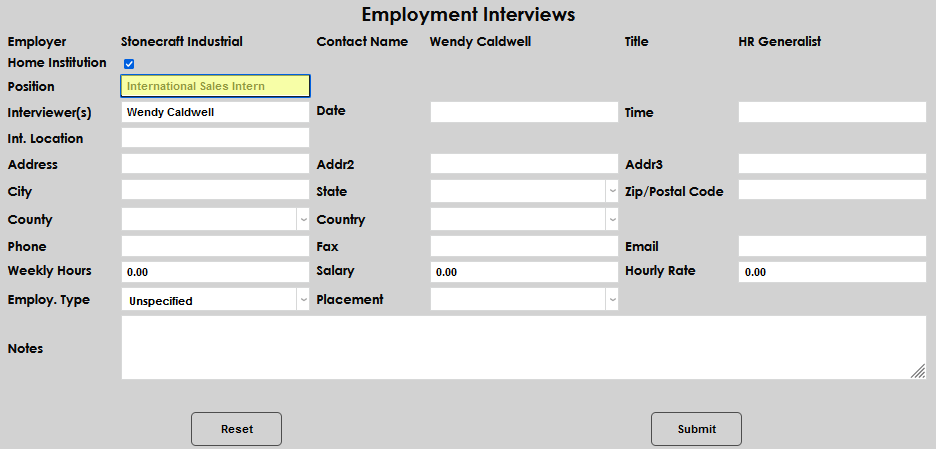
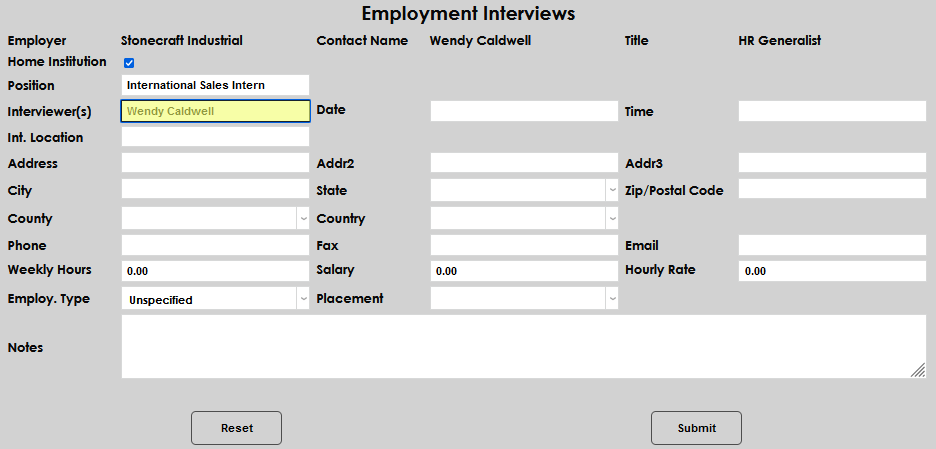
Enter the name of the Position being interviewed for, and the name of the Interviewer if different than the name of the contact.
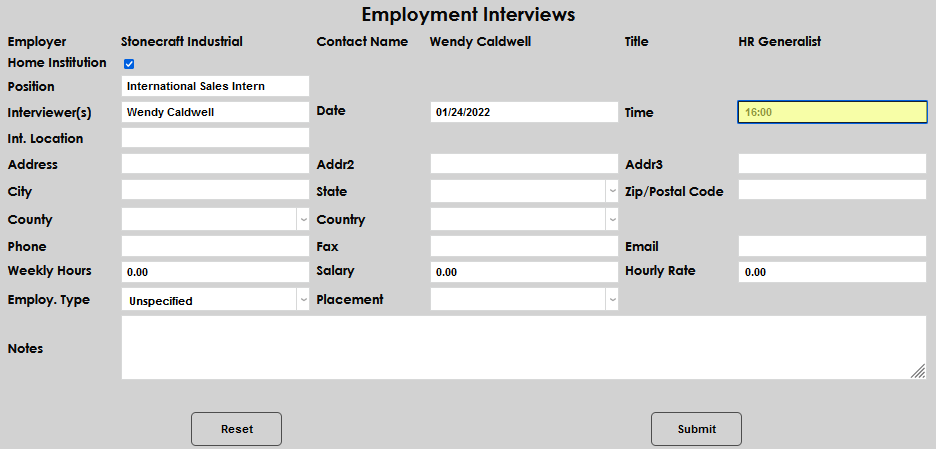
Enter the Date and Time of the interview.
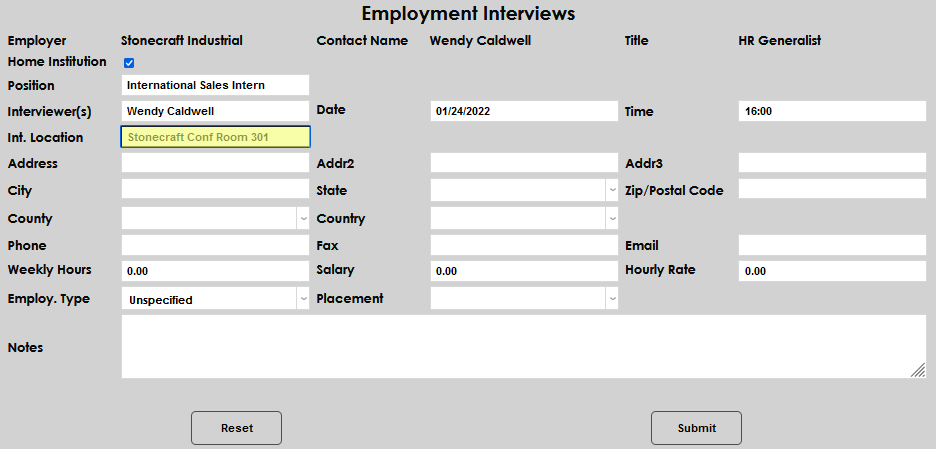
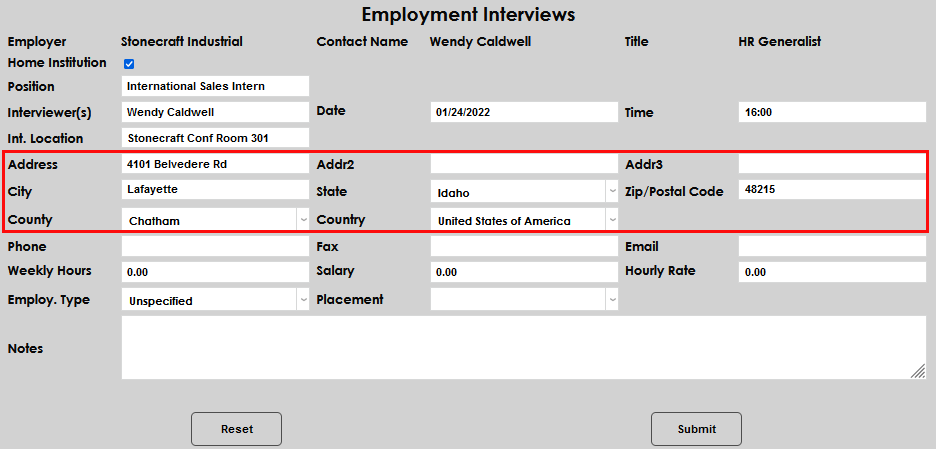
Enter the Interview Location and Address, if known.
Enter the Phone Number and Fax Number.
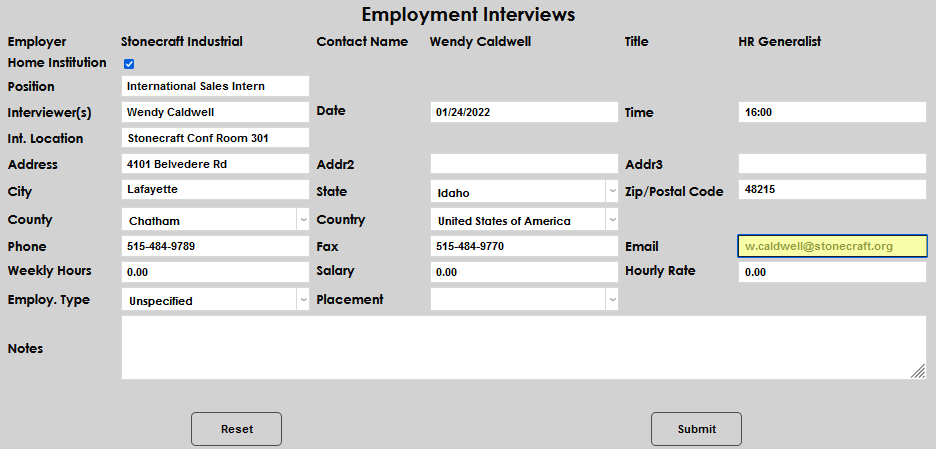
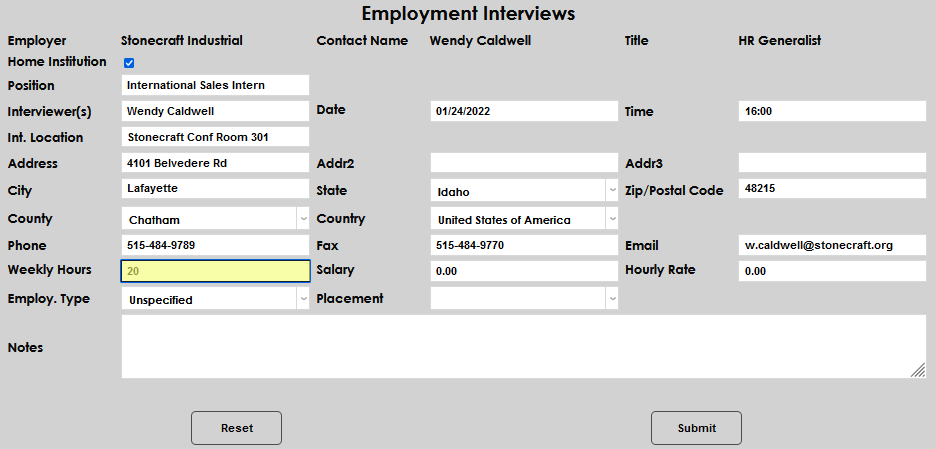
Enter the anticipated Weekly Hours and Salary or Hourly Rate.
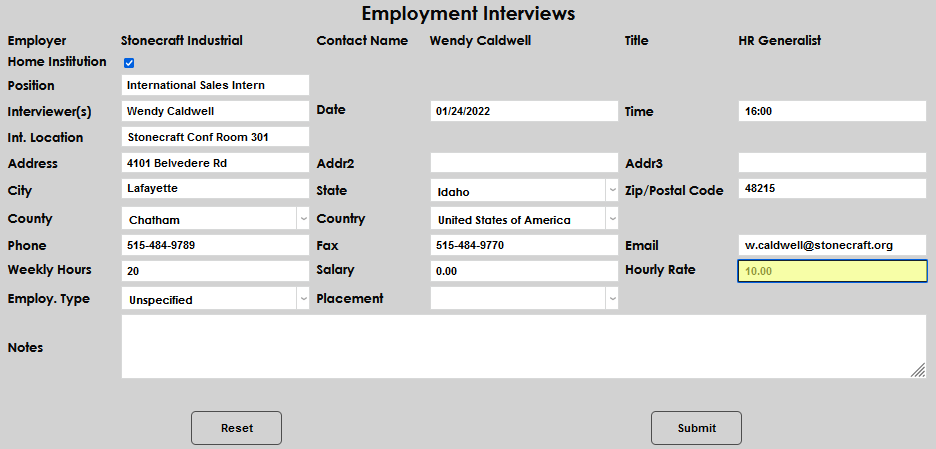
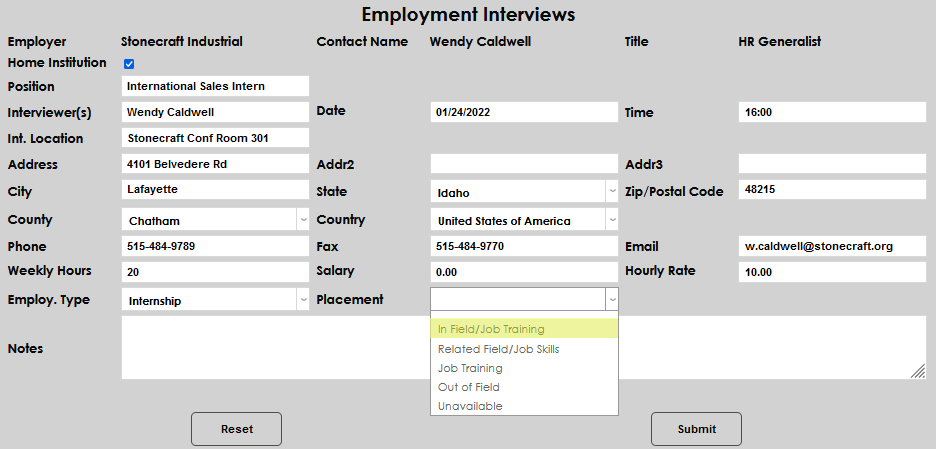
Select the type of employment from the Employ. Type dropdown and the Placement type, if applicable.
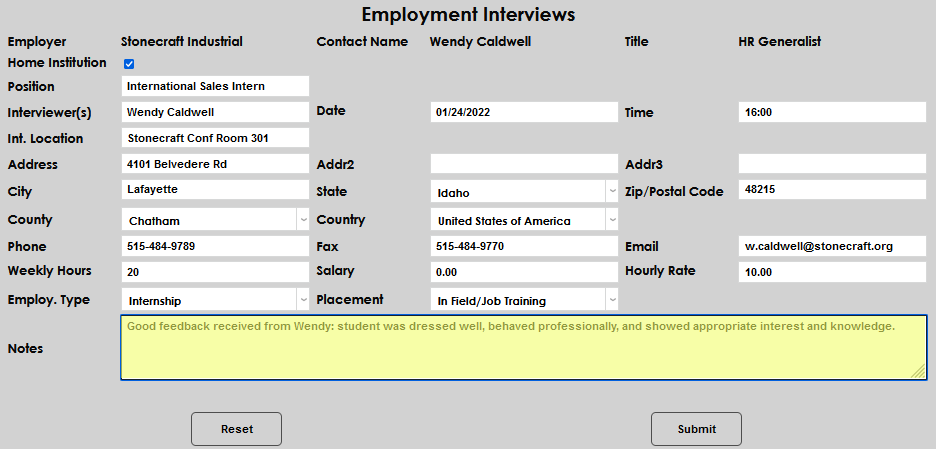
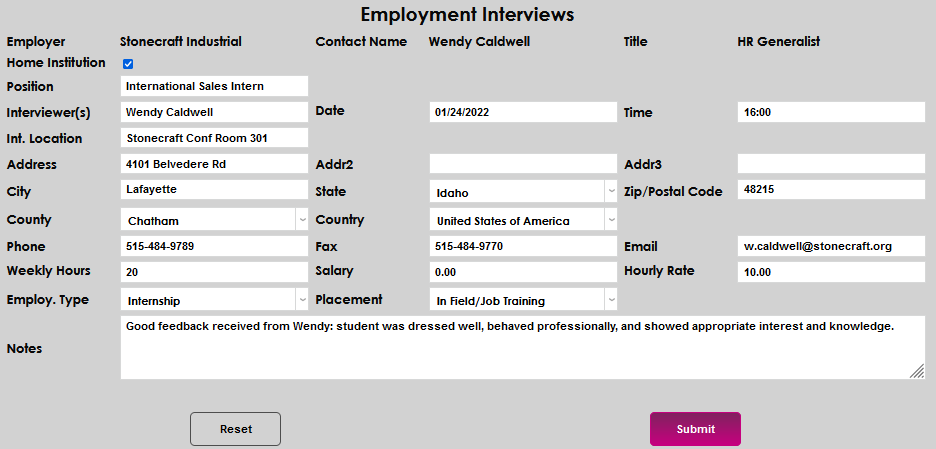
Enter any other relevant information in the Notes field and click Submit to save the entered information.
Viewing Existing Entries
To view an existing entry, simply click on the Employer name.
