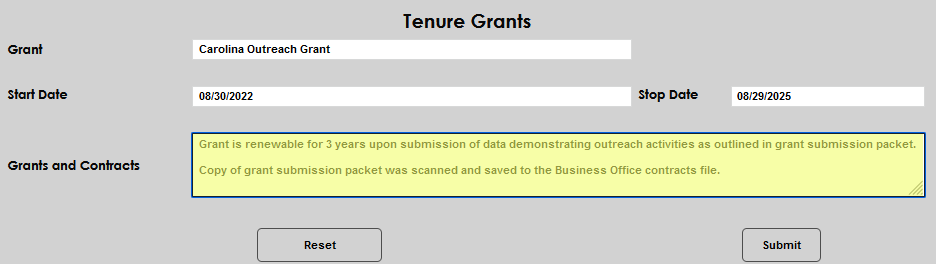
Tenure Grants
Overview
If the Jenzabar SONIS member institution tracks or administers grants earned by or awarded to tenured faculty, the Users hub page Tenure Grants can be used to record and maintain this information.
Click here for an overview of tenure pages.
Adding a Grant Record
To associate a grant with a faculty member, enter the Tenure Grants page and click Add.

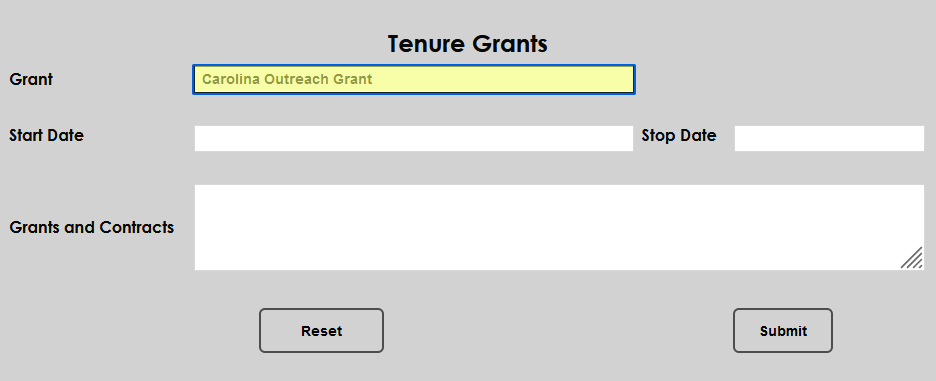
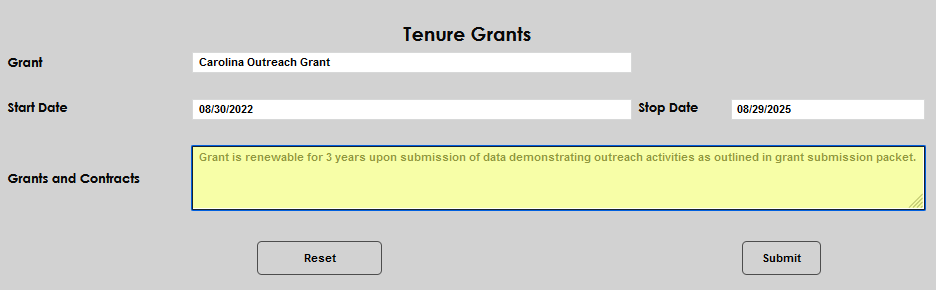
Enter the name of the grant in the Grant field.
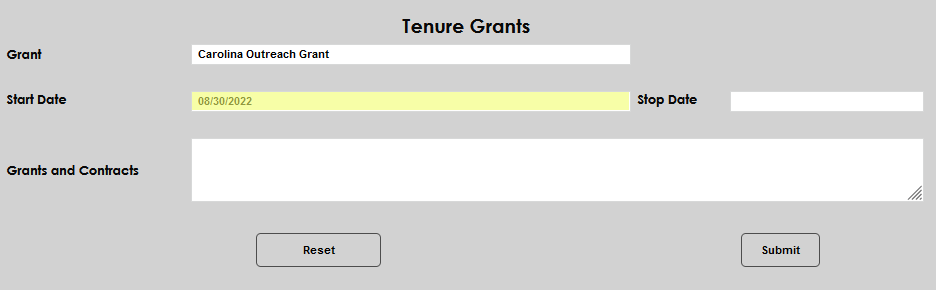
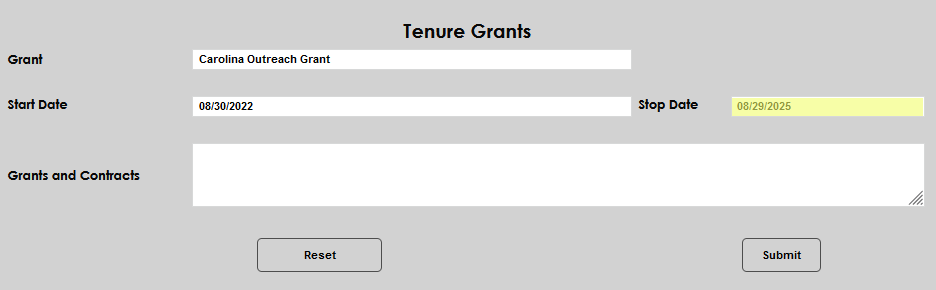
Enter the date the grant was received by the institution or faculty member in the Start Date field and the date the grant will end, if applicable, in the Stop Date.
Enter the details of the grant in the Grants and Contracts field. Click Submit to save the entered information.
Maintaining a Grant Record
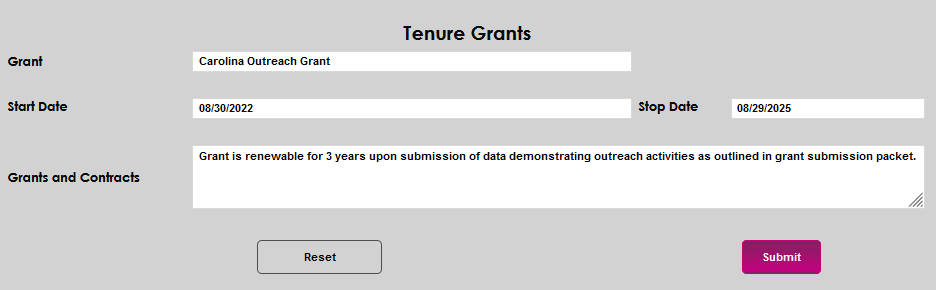
To maintain an existing grant record, click the Grant name or Start Date.

The details page will display and all fields can be edited or updated. In this example, an edit is made in the Grants and Contracts field.